Section 4 Control Denitions HP7A Manual
www.rottlermfg.com
4-1
CONTROL DEFINITIONS
The purpose of this chapter is to dene the function of the buttons throughout the various screens.
Certain button functions may not make sense right away in this chapter. As the operator reads through
the Operating Instructions chapter of this manual, the function of these buttons will become clear.
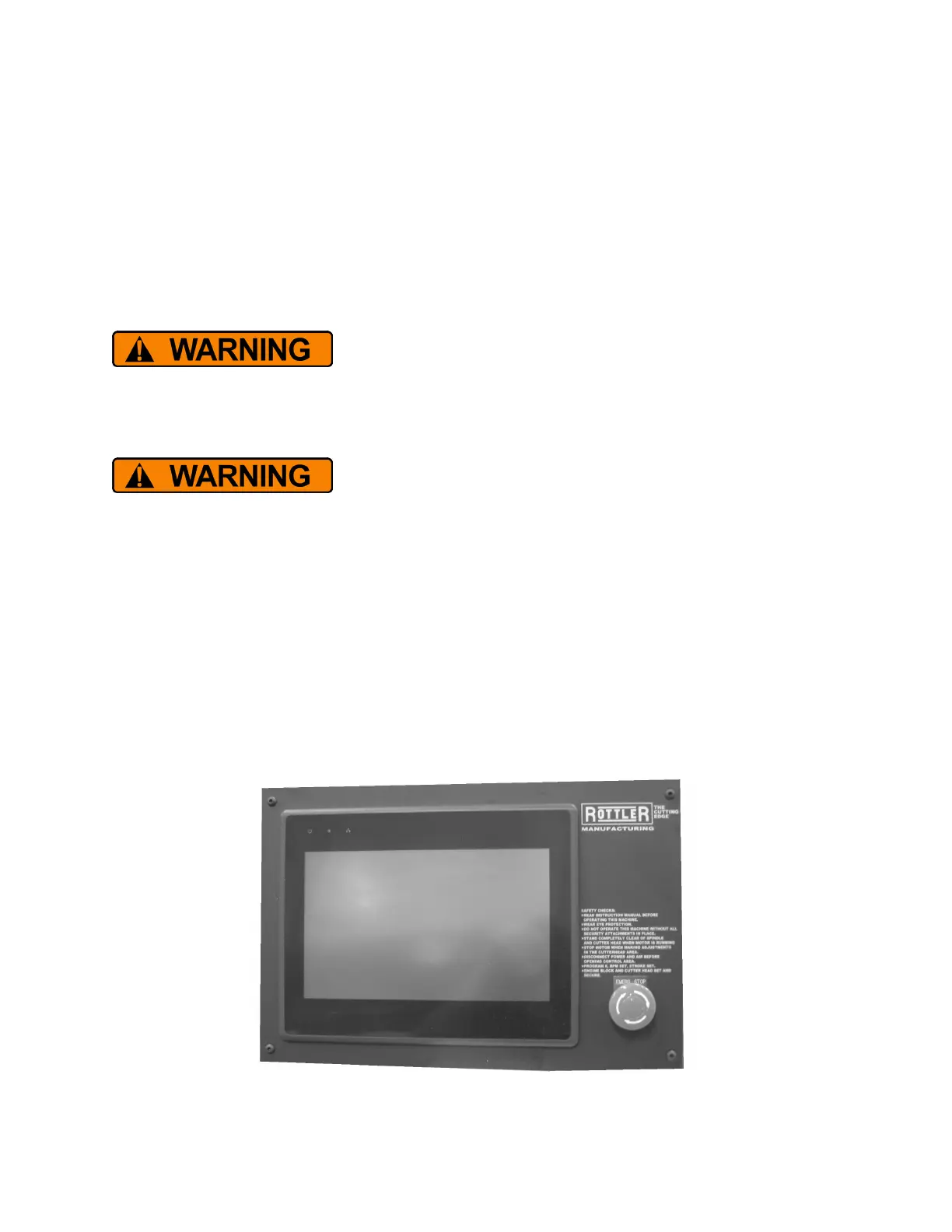
The Rottler HP7A is controlled by using a touch screen display that is based on the Windows CE
operating system. All functions with the exception of stroke speed are controlled from the touch screen.
Downloading any program or changing any Rottler or Computer
settings may cause the machine and/or software to become unstable.
DO NOT install ANY screen saver, Anti-Virus, Spyware or any type of Security software on the computer.
This could create a hazardous environment for the operator and personnel around the machine.
Performing any of the above will also result in the machine warranty being NULL and VOID.
DO NOT connect any type of external hardware to the computer via
USB or any other means. Do not install any type of Device Driver. This
could create a hazardous environment for the operator and personnel around the machine. Performing
any of the above will also result in the machine warranty being NULL and VOID.
MASTER POWER ON/OFF SWITCH
This switch is located on the main electrical control enclosure located on the back of the machine. The
switch must be in the off position before removing the rear enclosure cover.
E-STOP
This switch is used in the event of any emergency situation that requires the machine to be quickly shut
down. Push on the button to activate it. Twist it to release it and return machine to normal.



 To Next Page