Section 5 Operating Instructions HP7A Manual
www.rottlermfg.com
5-19
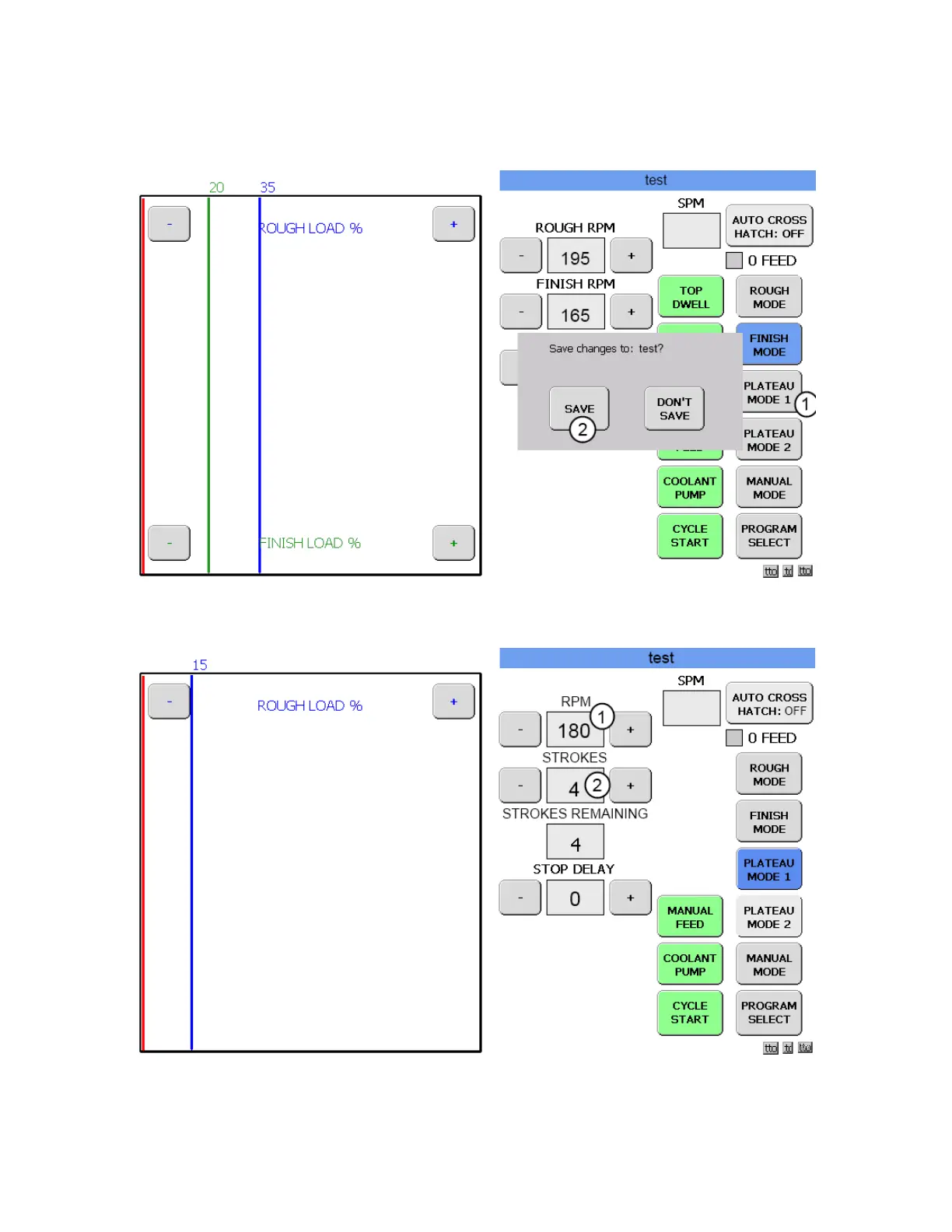
Go through the same process as in ROUGH MODE to set the LOAD and RPM values. Then touch the
PLATEAU MODE 1 button.(1) The Save changes to: box will appear. Touch SAVE (2) and the PLATEAU
MODE 1 screen will appear.
PLATEAU MODE 1 SCREEN
Enter the values that are desired for PRM (1) and STROKES.(2) The STROKES box displays the number
of strokes the hone will stroke once the preset load is obtained. In this instance the default settings will be
used.



 To Next Page