5
Introducing the ZoneFlex Wireless Bridge
Before You Begin
Before You Begin
Prepare the Required Hardware and Tools
You must supply the following tools and equipment:
■ A notebook or desktop computer running Windows (2000/XP/Vista/7) with one
Ethernet card installed
■ 6mm flathead screwdriver
■ 6mm Phillips screwdriver
■ 10mm ratchet wrench
■ 3mm Phillips screwdriver (if you will be using DC power)
■ Electric drill with 8mm drill bit (if mounting on a flat surface)
NOTE: At the beginning of each procedure, this guide lists the specific tools, accessories,
and equipment that you will need to complete the procedure.
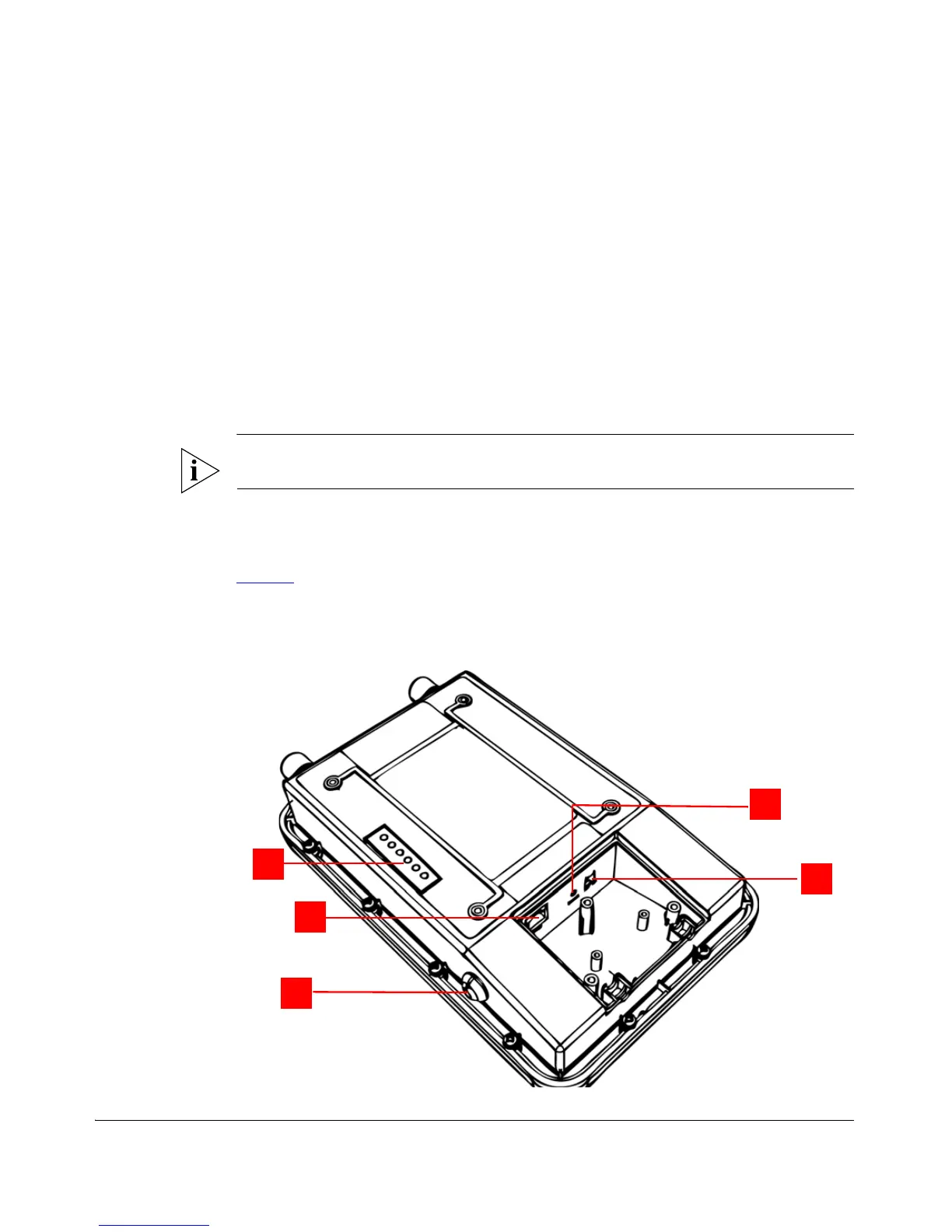
Get to Know the Hardware Features
Figure 3 identifies the Wireless Bridge features that are relevant to the installation and
mounting instructions that this guide provides. Before you begin the installation process,
Ruckus Wireless recommends that you become familiar with these features.
Figure 3. Wireless Bridge LEDs and bottom connectors



 To Next Page