22
Installing the Wireless Bridge
Preparing for Installation
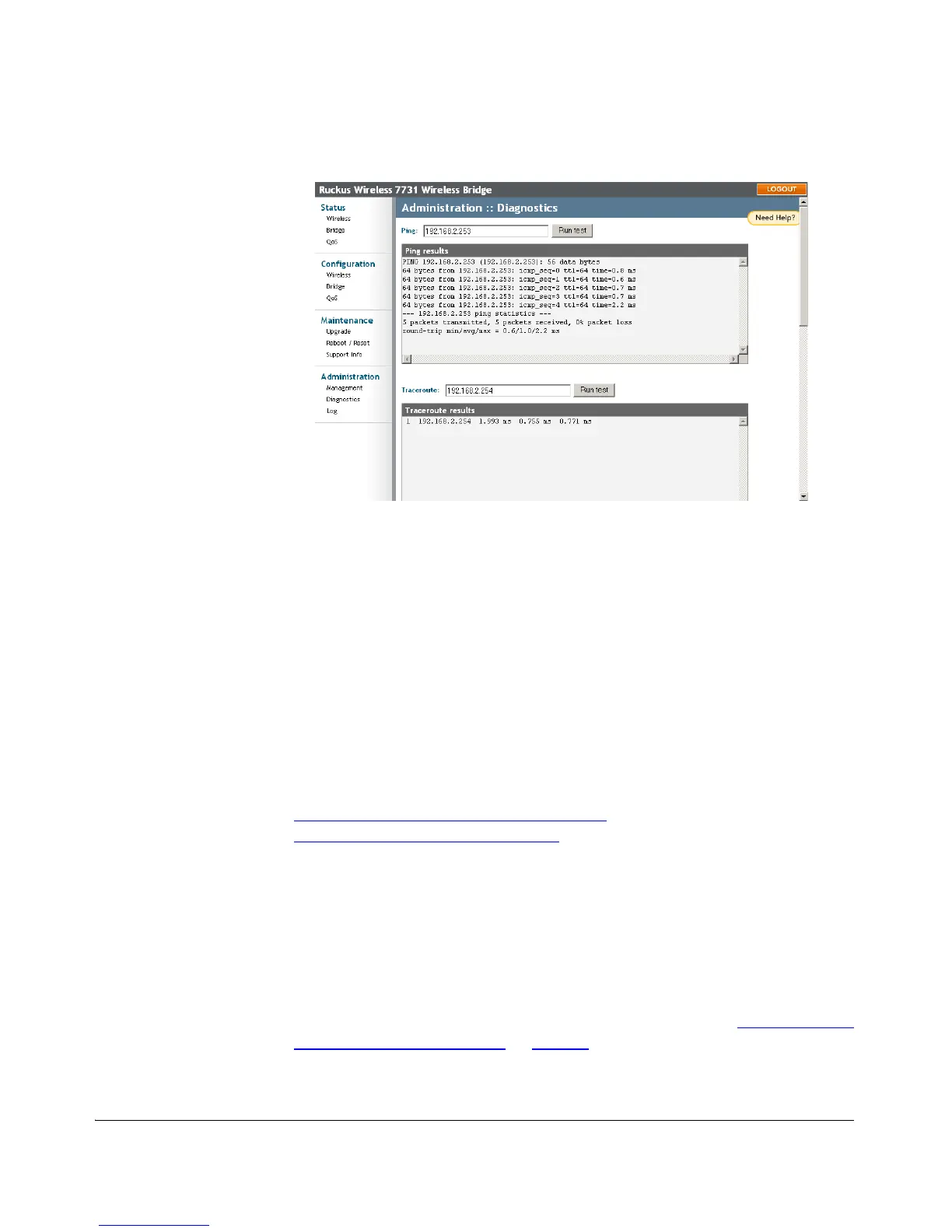
Figure 15. Administration :: Diagnostics page
You are now ready to begin the physical installation.
Point to Multipoint Configuration
For point to multipoint configuration, you will need to manually provision any addi-
tional Non-Root Bridges, as the Auto Provisioning procedure will only provision one
Root and one Non-Root Bridge.
Additionally, you will also need to assign a static IP address to the second Non-Root
Bridge (unless IP addresses are assigned by DHCP), to prevent multiple Non-Root
Bridges from using the same address (192.168.2.254).
Manual Provisioning
In addition to Auto Provisioning, there are two methods of manual provisioning:
■ Manual Provisioning using the Web Interface
■ Manual Provisioning using a Local File
Manual Provisioning using the Web Interface
The ZoneFlex 7731 Wireless Bridge can be manually provisioned using the Web
interface. This method may be preferable if you are installing more than one Non-
Root Bridge, or if you want to have more control over which unit is designated Root
and Non-Root.
To manually provision a ZoneFlex 7731 as a Root or Non-Root Bridge
1. Connect the Admin computer directly to the ZoneFlex 7731 (see “Step 3: Prepare
the Administrative Computer” on page 16).



 To Next Page