88
Managing the Wireless Bridge
Scanning for Interference
Scanning for Interference
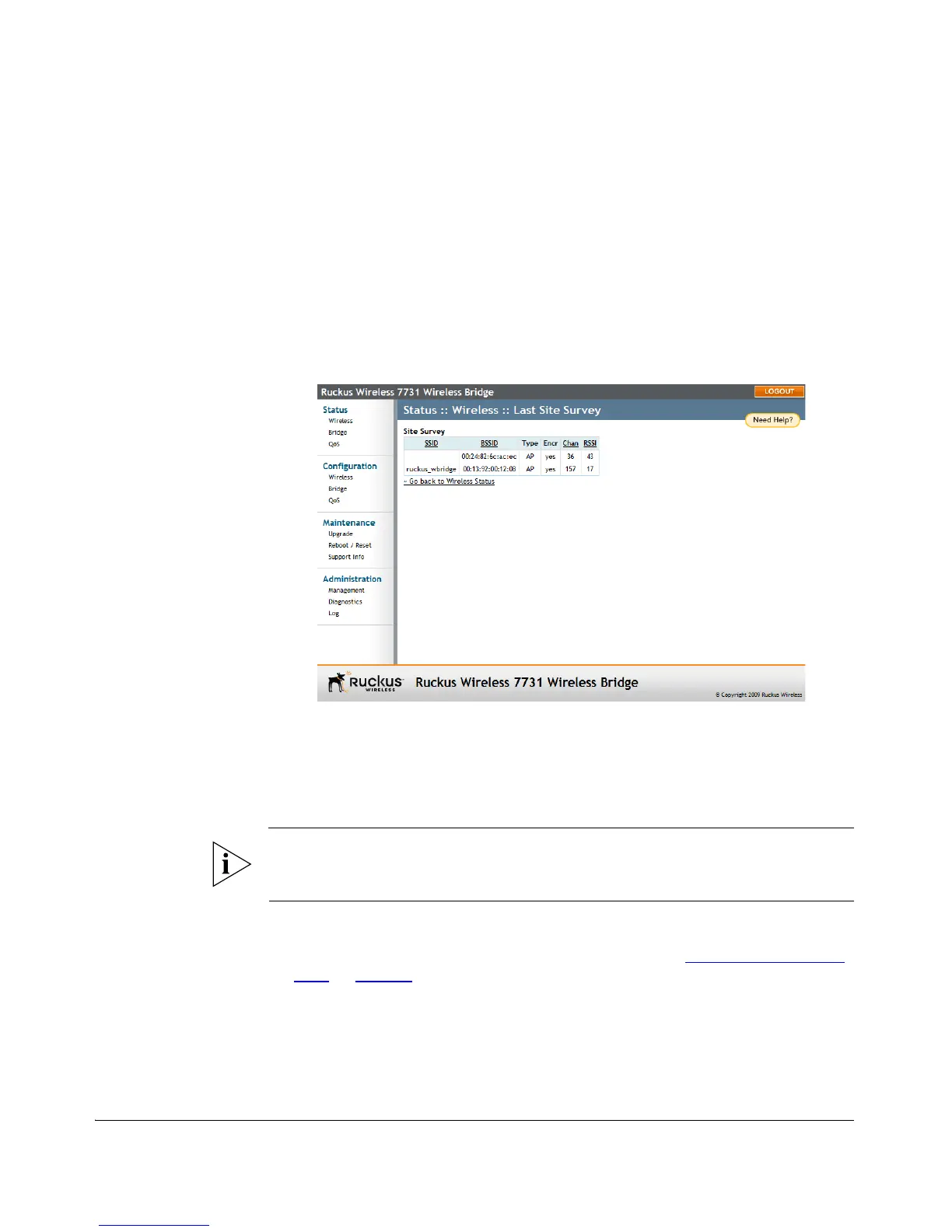
The ZoneFlex 7731 includes a Site Survey tool that allows you to scan for other wireless
networks nearby which may impact bridge to bridge performance.
To scan for nearby wireless devices
1. Go to Status > Wireless. The Status :: Wireless page appears.
2. Locate the Site Survey line, and click the Last Survey or ReScan button.
3. A list of nearby wireless devices is displayed.
Figure 71. Site Survey
4. If a large number of nearby devices is detected using the same channel as the
Wireless Bridge, you may want to move bridge traffic to another channel.
5. Go to Configuration > Wireless, and choose a less crowded channel from the
Channel pull-down menu.
NOTE: The SmartSelect feature will always attempt to use the best channel available.
If you manually select a channel, SmartSelect will be unable to automatically switch
channels to adjust to changes in the environment.
6. Click Update Settings to confirm changes.
7. Run the SpeedFlex utility to test link performance. (See “
Verifying the Connec-
tion” on page 51.)



 To Next Page