59
Navigating the Web Interface
Monitoring the Wireless Bridge Status
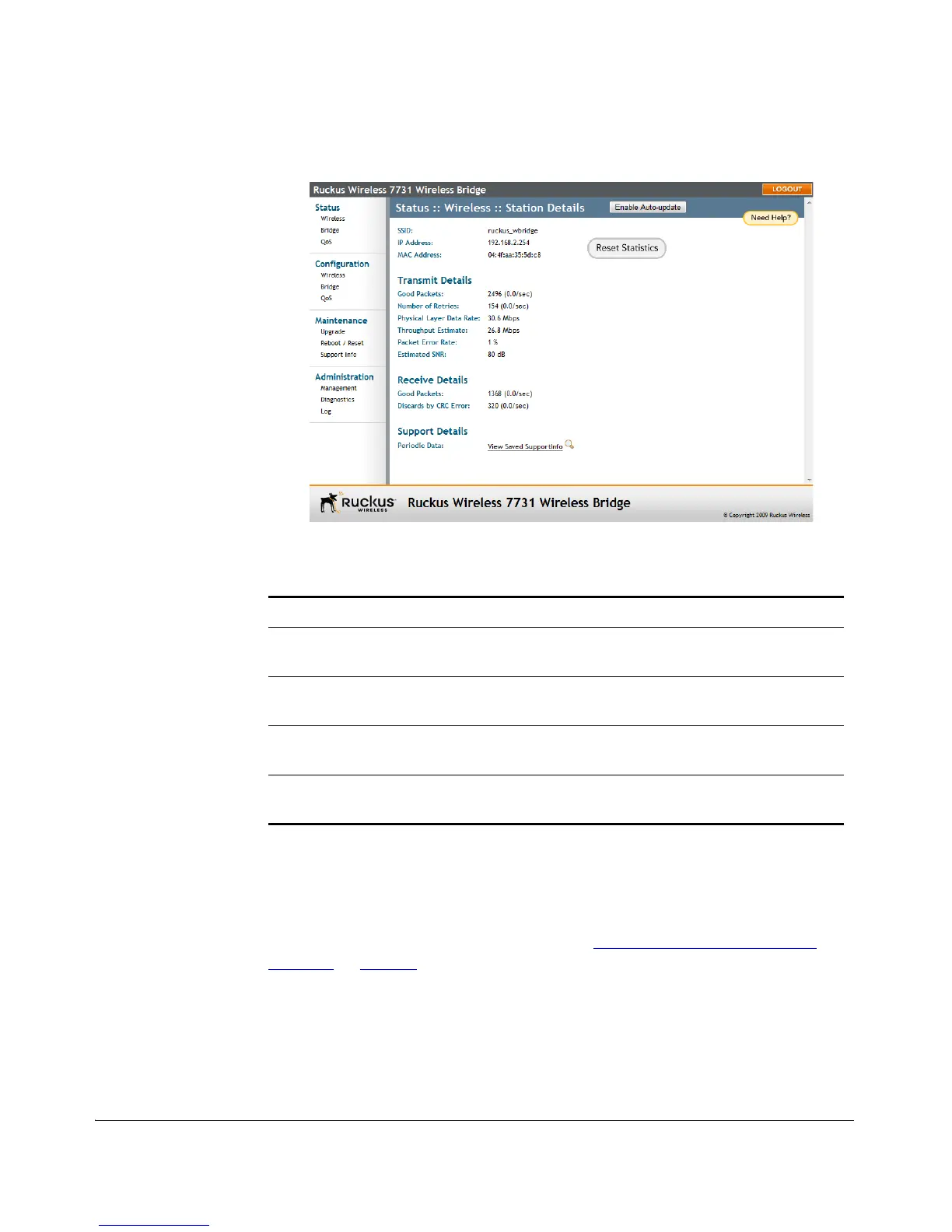
Figure 52. Monitoring the peer device
The peer device station details page includes the following information.
Monitoring Quality of Service Settings
The Status > QoS pages in the Web interface present tables of QoS priorities and
summary statistics for ingress packets on both the wired and wireless interface. For
information on configuring QoS priorities, see “Configuring Quality of Service
Settings” on page 78.
To review the current QoS configuration
1. Go to Status > QoS. The Status :: QoS :: Global page appears. This page provides
an overview of global QoS settings. Click the Ethernet or Wireless tab at the top
to view QoS status for the specific interface.
Table 9. Wireless Station Details
Item Description
SSID, IP Address, MAC
Address
The peer device’s IP address, MAC address and the SSID
used to connect with the local device.
Transmit Details This section summarizes packet throughput and error rates
on data transmitted to the remote station.
Receive Details This section lists the number of good packets and
discarded packets received from the remote station.
Support Details Provides a link to the Support.txt file generated by the
remote unit that can be used for troubleshooting.



 To Next Page