51
Installing the Wireless Bridge
Verifying the Connection
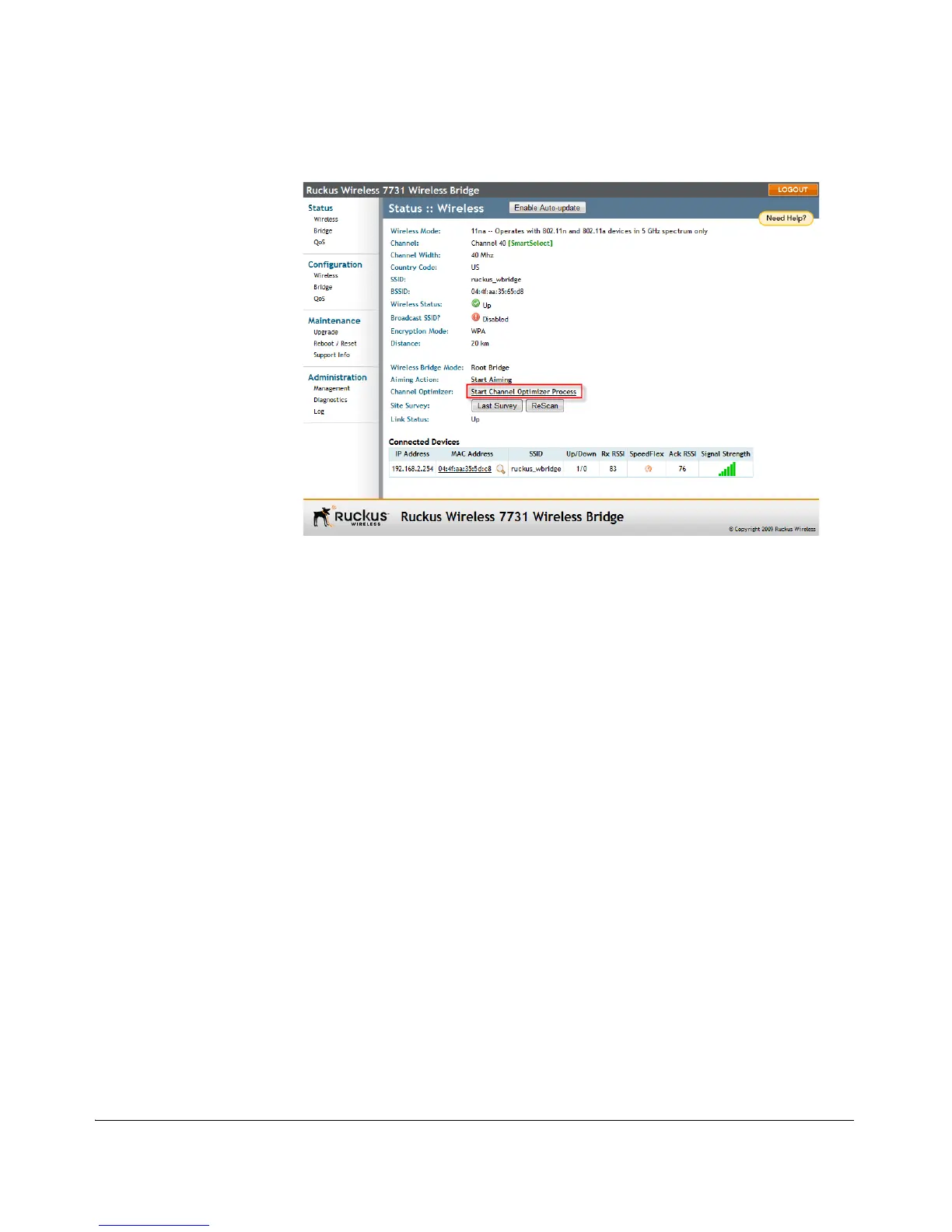
Figure 46. Running the Channel Optimizer
Verifying the Connection
Once you have completed the hardware installation and aiming procedure for all
Wireless Bridges, verify the connection and signal integrity between a Root and Non-
Root bridge pair using the following procedure:
1. Access the Root Bridge Web interface by entering its IP address into a Web
browser on a computer connected to the same switch that the Root Bridge is
connected to.
2. On the Status > Wireless page, check to make sure the Non-Root Bridge is listed
under the Connected Devices section.



 To Next Page