52
Installing the Wireless Bridge
Verifying the Connection
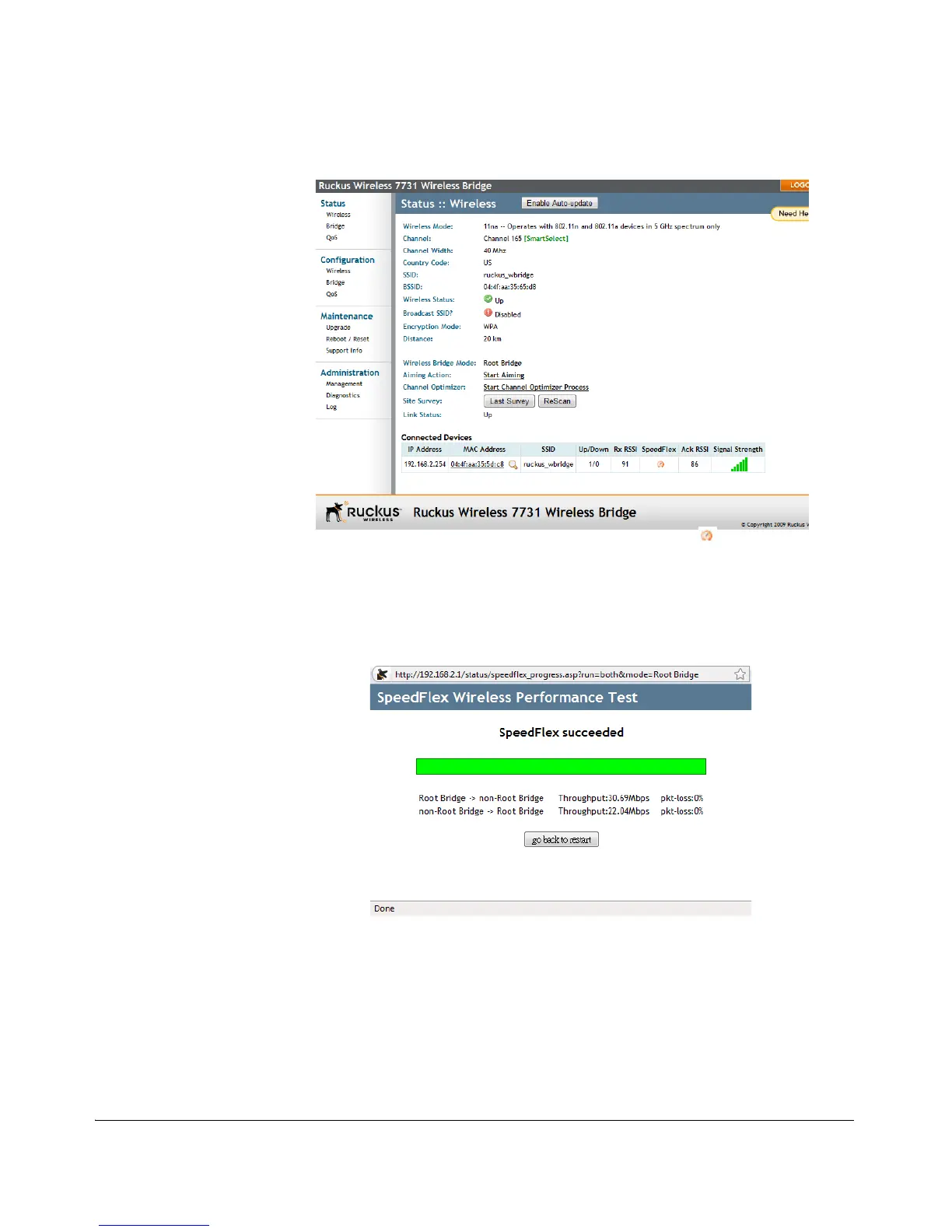
Figure 47. Viewing connected device from the Web interface
3. On the Status > Wireless page, click the SpeedFlex icon to launch the
SpeedFlex Wireless Performance Test.
4. Click Start to begin testing.
5. Once the test is completed, the following result page is displayed.
Figure 48. SpeedFlex Performance Test succeeded



 To Next Page