90
Managing the Wireless Bridge
Enabling Other Management Access Options
Enabling Other Management Access Options
In addition to managing the bridge via a Web browser, several other management
access options are available on the bridge. These options include management
access via Telnet, SSH and HTTPS.
In addition to these management access options, you can also view and set up the
connection to the Ruckus Wireless FlexMaster under the TR-069/SNMP Manage-
ment Choice options. If your ZoneFlex device is to be managed by FlexMaster, then
the FlexMaster information (server URL and contact interval) is preconfigured before
you receive your ZoneFlex device.
NOTE: If you are configuring the bridge to be managed by FlexMaster, remember
to point it to the FlexMaster server after you configure the management access
options. For more information, refer to “Pointing the bridge to FlexMaster”
on
page 92.
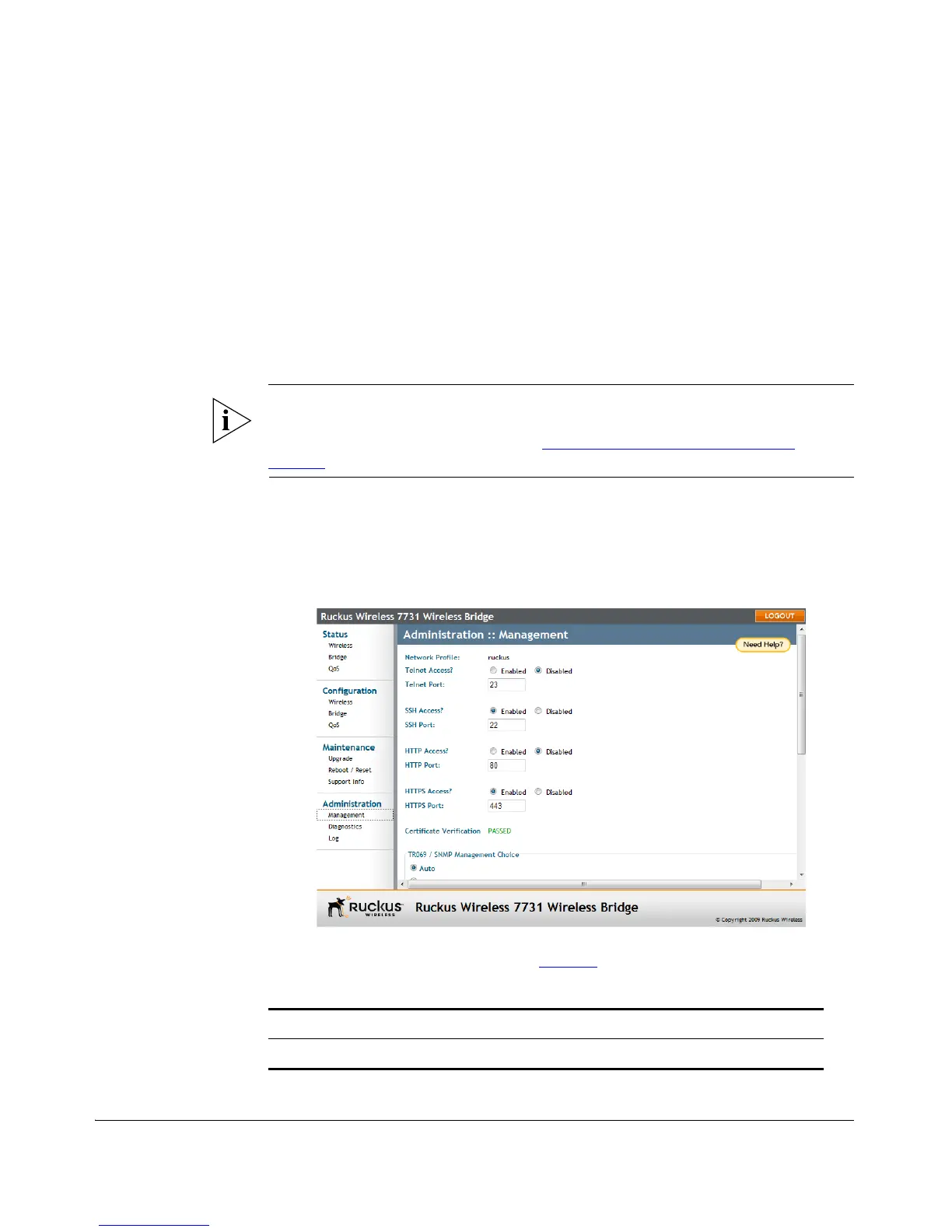
To enable other management access options
1. Go to Administration > Management. The Administration :: Management page
appears.
Figure 73. The Administration > Management page
2. Review the access options listed in Tabl e 17 , and then make changes as needed.
Table 17. Management Access Options
Option Description
Telnet access By default, this option is enabled.



 To Next Page