79
Configuring the Wireless Bridge
Configuring Quality of Service Settings
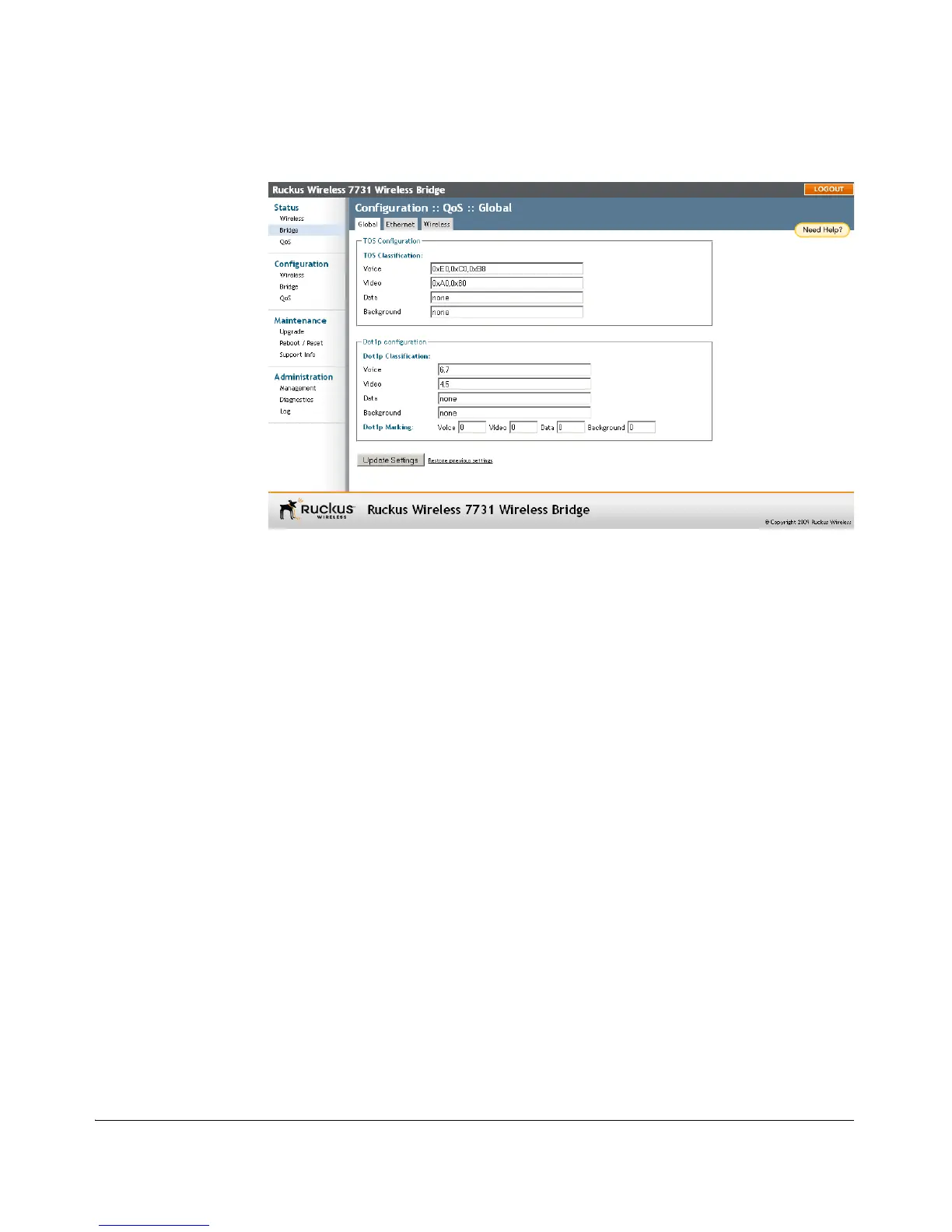
Figure 63. Configuring global QoS settings
ToS Classification
ToS (Type of Service) values are entries in a field in the IP header of an incoming or
outgoing packet used to classify IP packets into different WMM priority queues. WMM
priority queues consist of four traffic types called Access Categories. The four Access
Categories are as follows:
■ Voice: voice traffic gets the highest priority
■ Video: video traffic is given a higher priority than data or background traffic
■ Data: low priority traffic
■ Background: traffic that is less sensitive to latency and delays
To enable ToS classification on either the Ethernet or Wireless interface
1. Go to Configuration > QoS, and select either the Ethernet or Wireless tab.
2. Click the Enabled button next to TOS Classification.
3. Click Update Settings to save your changes.



 To Next Page