81
Configuring the Wireless Bridge
Configuring Quality of Service Settings
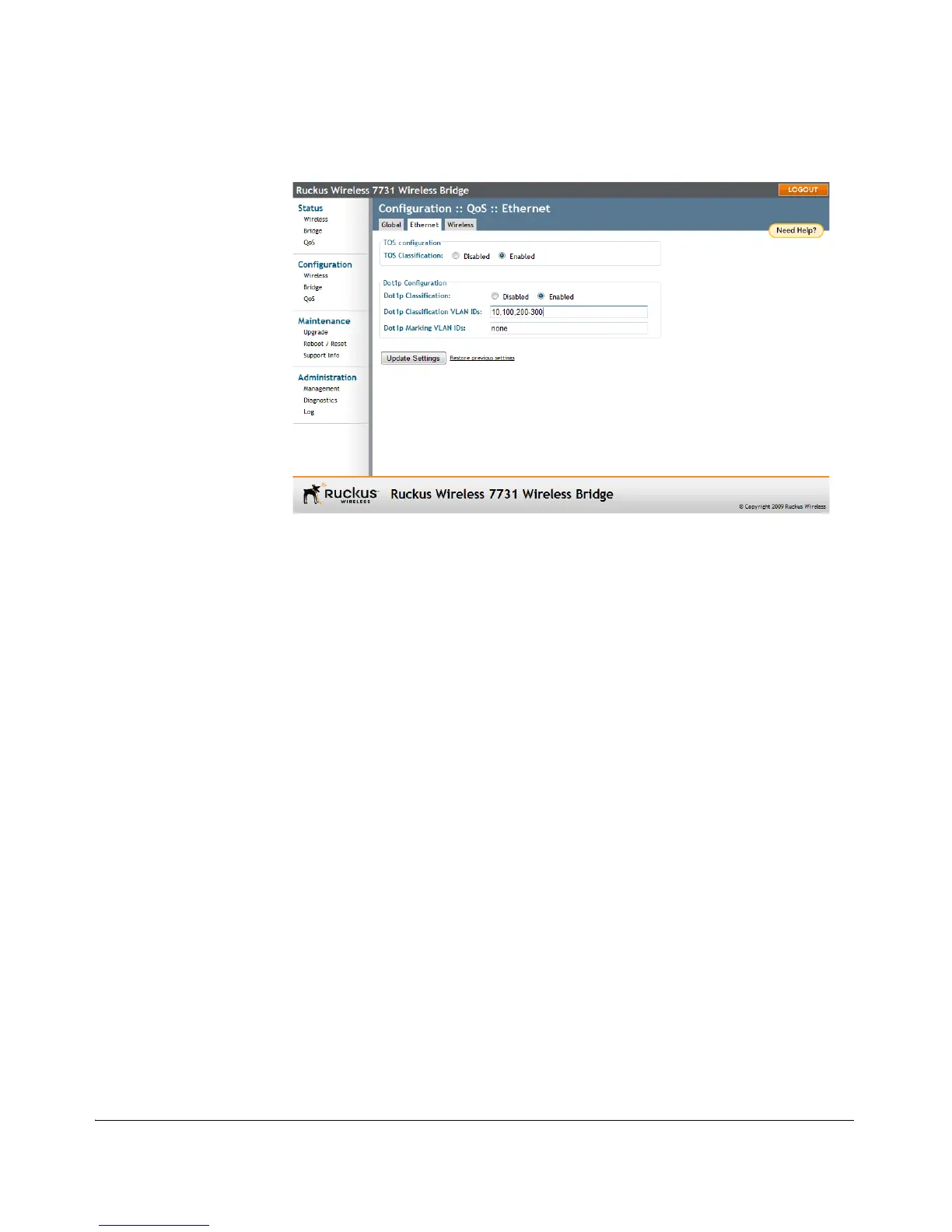
Figure 65. Enabling Dot1p Classification
Dot1p Marking
Dot1p Marking is the reverse operation of Dot1p Classification. Marking involves
setting the value of certain bits in the packet header to indicate what the priority of
this packet is.
To enable Dot1p Marking
1. On the Configuration > QoS > Ethernet or Configuration > QoS > Wireless
page, enter VLAN IDs for which you want to enable Dot1p Marking.
2. Click Update Settings to save your changes.
For example, if the Dot1p marking value is 10, the bridge will only perform Dot1p
marking on packets whose VLAN ID is 10.



 To Next Page