84
Managing the Wireless Bridge
Managing Firmware Upgrades
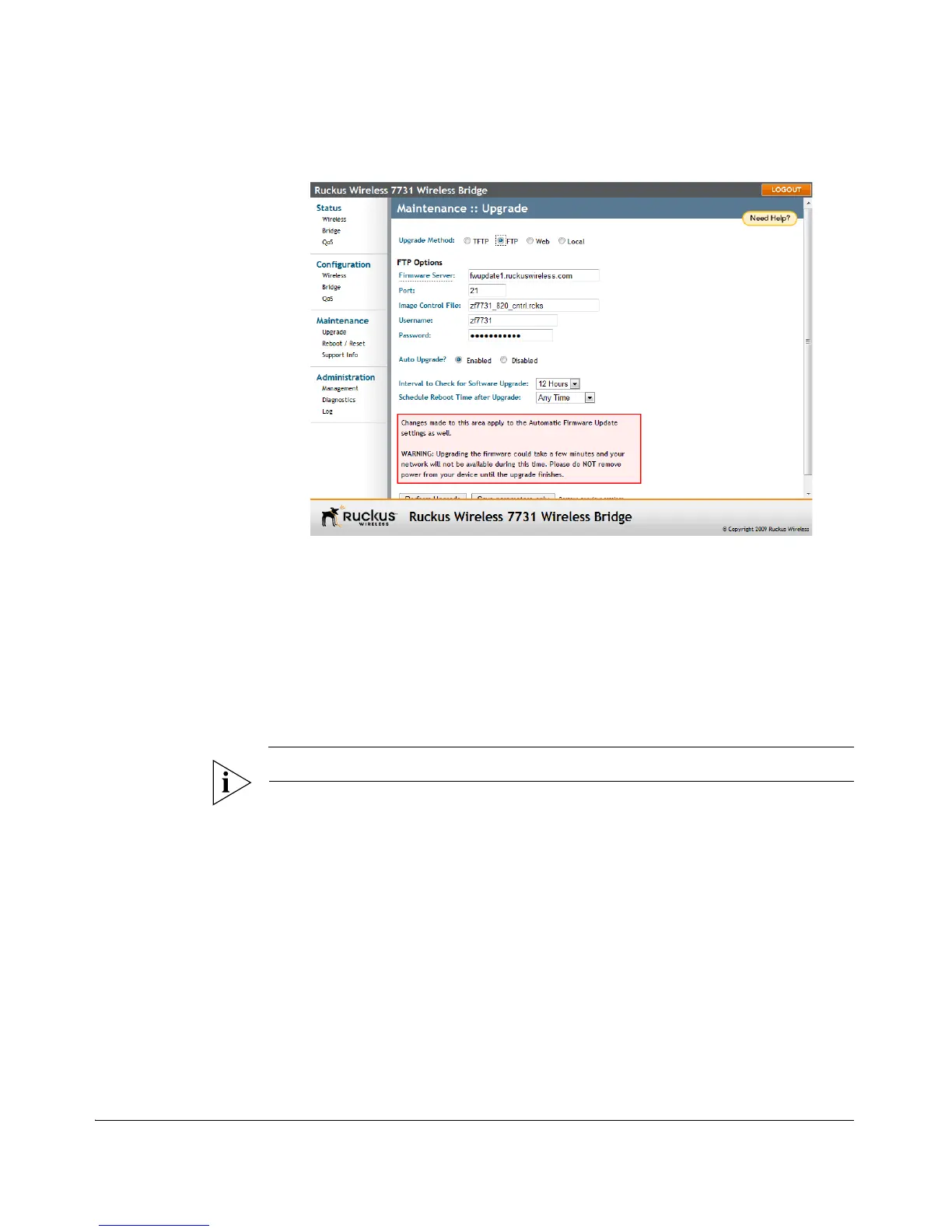
Figure 67. The Maintenance :: Upgrade page
Upgrading Manually via the Web
1. In the Upgrade Method options, click Web.
2. Click the Web Options URL field, and then type the URL of the download Web
site. Remember to start the URL with “http://”.
3. Default upgrade URL:
• http://fwupdate1.ruckuswireless.com/zf7731_820_cntrl.rcks
CAUTION: Do not change the URL unless instructed to do so by Ruckus Support.
4. Click Perform Upgrade. A status bar appears during the upgrade process.



 To Next Page