85
Managing the Wireless Bridge
Managing Firmware Upgrades
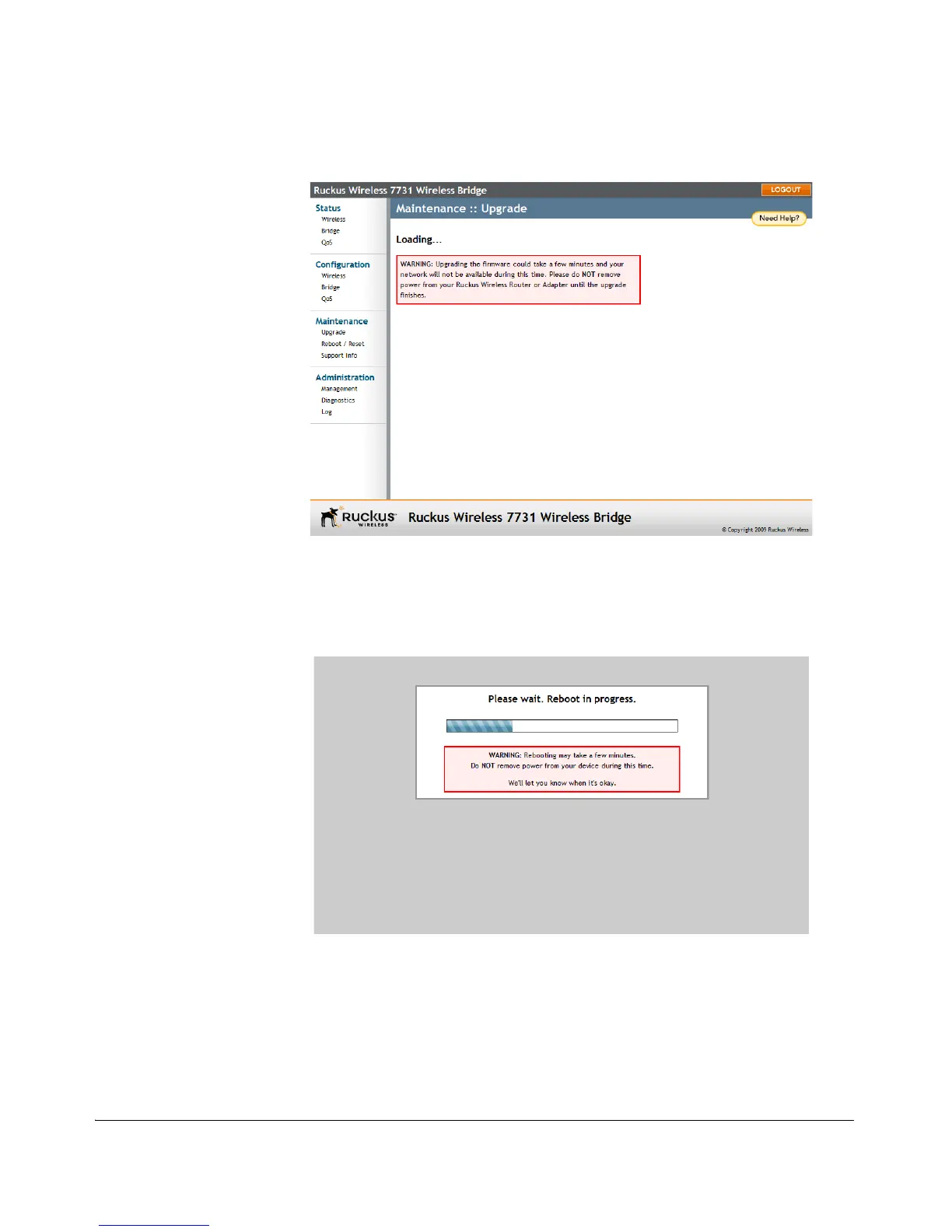
Figure 68. Firmware upgrade in progress
5. After the upgrade is completed, the bridge will reboot automatically. The “Reboot
in Progress” page will be shown. Do not disconnect power from the bridge during
reboot.
Figure 69. Reboot in progress
6. Once the reboot is successfully completed, you can verify the current firmware
version from the Status :: Bridge page (you will need to log in again first).



 To Next Page