89
Managing the Wireless Bridge
Changing the Administrative Login Settings
Changing the Administrative Login Settings
The default user name is super and the default password is sp-admin. To prevent
unauthorized users from logging in to the Web interface using these default admin-
istrator login settings, Ruckus Wireless recommends that you change the default Web
interface password immediately after installation.
To change the default administrator login settings
1. Log into the Web interface.
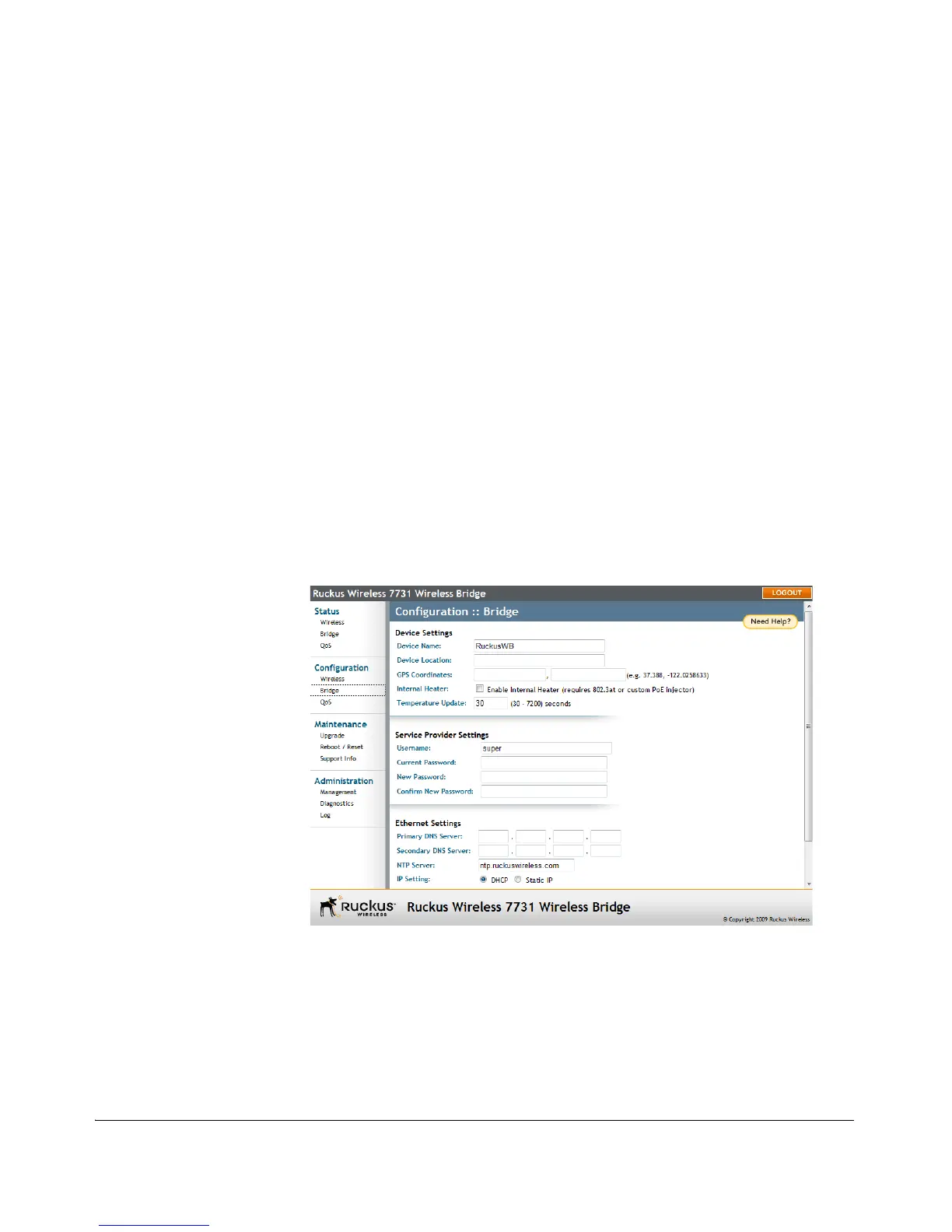
2. Go to Configuration > Bridge. The Configuration :: Bridge page appears.
3. Under Service Provider Settings, change the default administrator login settings.
• (Optional) In Username, type a new user name that you will use to log in to
the Web interface. The default user name is super.
•In Password, type a new password to replace the default password sp-admin.
•In Password Confirmation, retype the new password.
4. Click Update Settings. The message Your parameters were saved appears.
You have completed changing the default login settings. The next time you log in to
the Web interface, make sure you use these updated login settings.
Figure 72. Changing Username and Password



 To Next Page