27
Installing the Wireless Bridge
Physical Installation
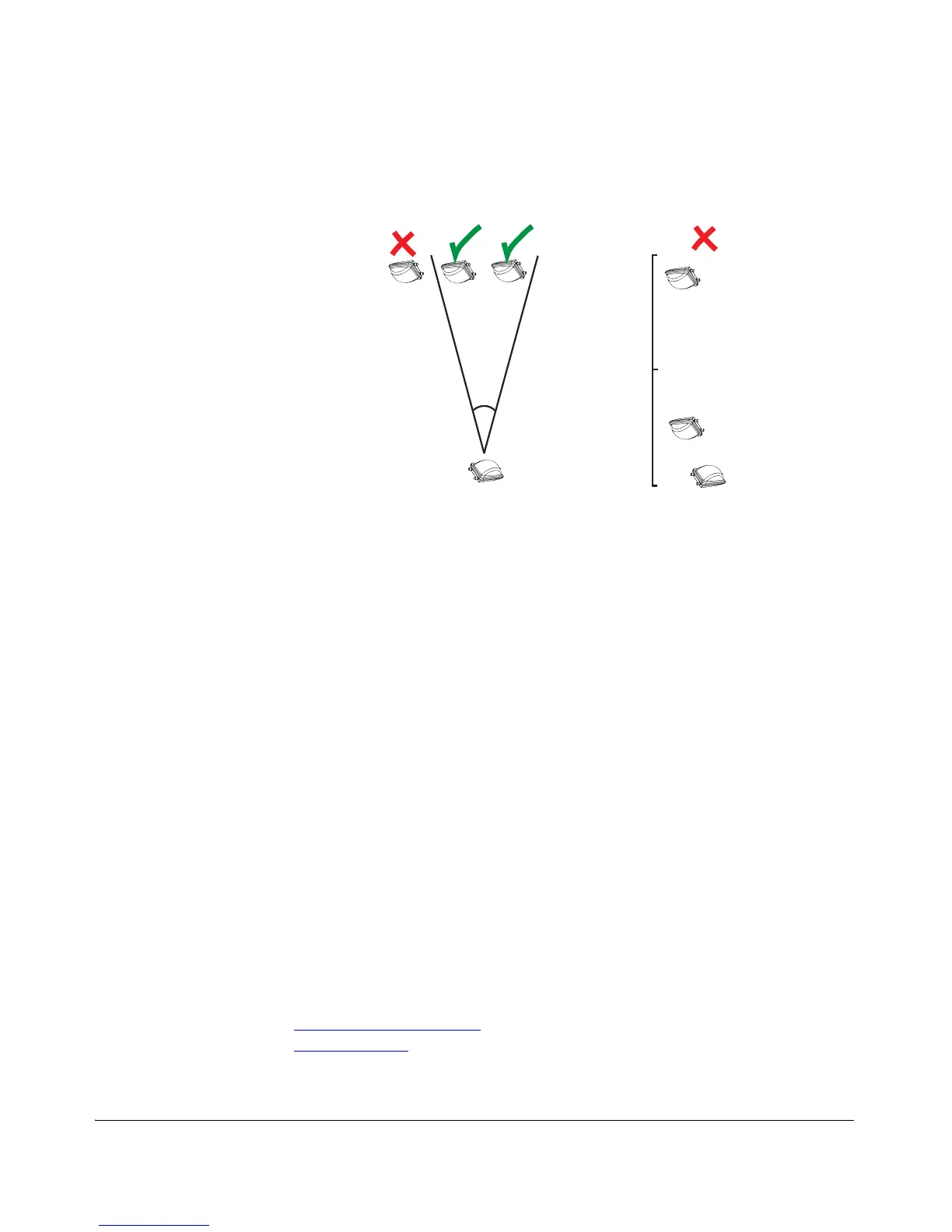
Figure 21. Recommended and non-recommended orientations
Become Familiar with the Installation Components
The ZoneFlex 7731 Wireless Bridge is designed for installation in an outdoor environ-
ment, such as an exterior wall, or the roof overhang of a building, or a streetlight pole.
Take note of the components that must be installed indoors and outdoors. The PoE
injector and power adapter that are shipped with the Wireless Bridge are for indoor
use only. Surge protectors should be installed near the Wireless Bridge and near any
connections where cables enter the building. Ruckus Wireless also strongly recom-
mends that you form a drip loop on any cable that is connected to devices that are
installed outdoors (for example, the Wireless Bridge and the Ethernet surge
protector), to prevent water from running along the cable and entering electrical
components.
Decide How You Will Supply Power to the Wireless
Bridge
The Wireless Bridge supports Power over Ethernet (PoE) and 12 VC DC power and
can be connected to both power sources at the same time. If you connect the Wireless
Bridge to both PoE and DC power sources at the same time, it will use PoE as the
primary power source and DC power as the backup power source. Refer to the
following sections depending on which power supply method you will use:
■ Using Power over Ethernet
■ Using DC Power



 To Next Page