46
Installing the Wireless Bridge
Physical Installation
Mounting and Connecting the External Antenna
(Optional)
If you want to extend the range of your Wireless Bridge connection, you can connect
an external patch antenna to the standard N-type female connectors on the Wireless
Bridge.
WARNING: Only trained and qualified personnel should be allowed to install,
replace, or service this equipment.
WARNING: Before connecting the antenna to the Wireless Bridge, make sure that
you disconnect the Wireless Bridge from the power source.
1. Disconnect the Wireless Bridge from the power source.
2. Unscrew the metal caps that protect the antenna connectors. Place the metal caps
in a safe place, in case you need them later.
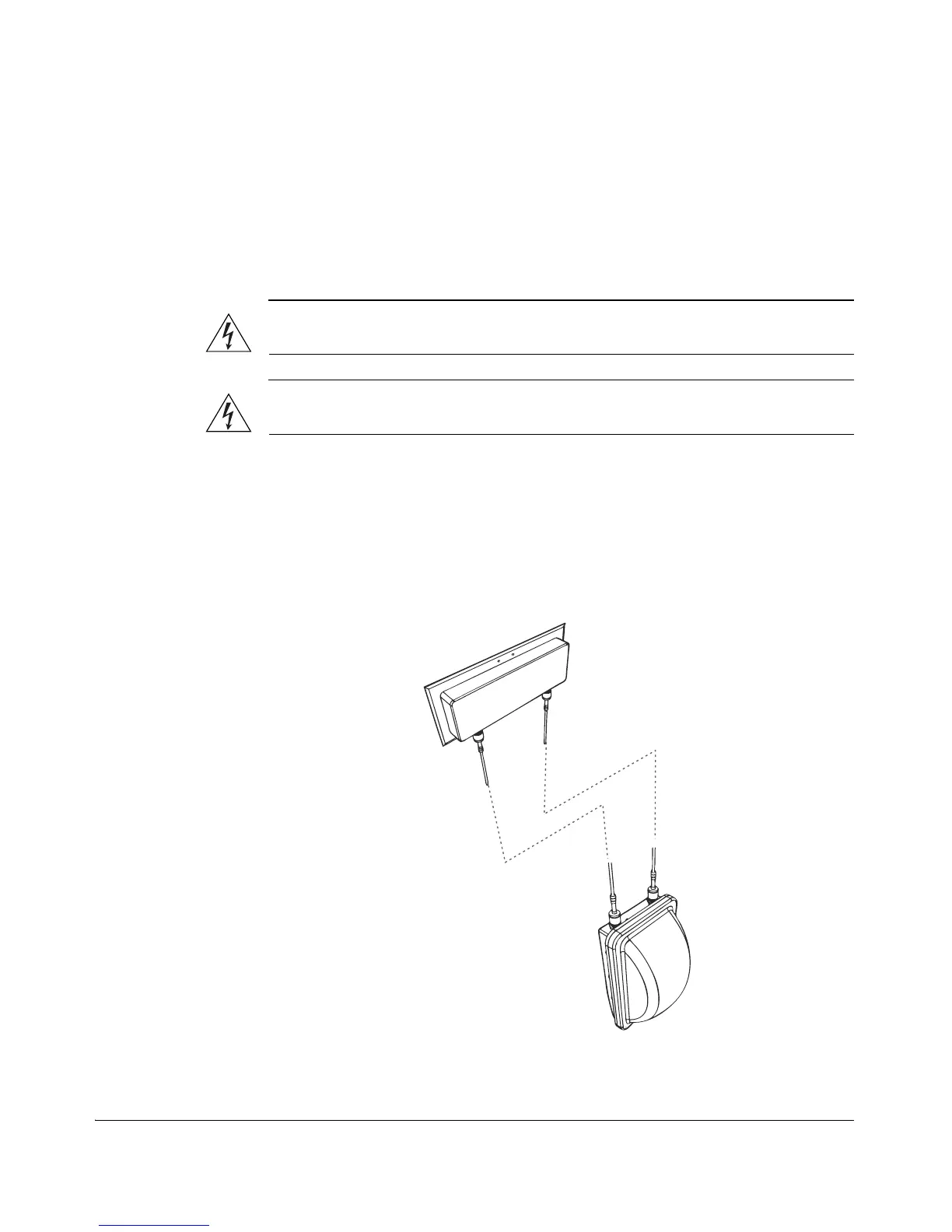
3. Connect the antenna to the standard N-type female antenna connectors.
Figure 43. Connect the external antenna to the standard N-type female
connectors on the Wireless Bridge.



 To Next Page