57
Navigating the Web Interface
Monitoring the Wireless Bridge Status
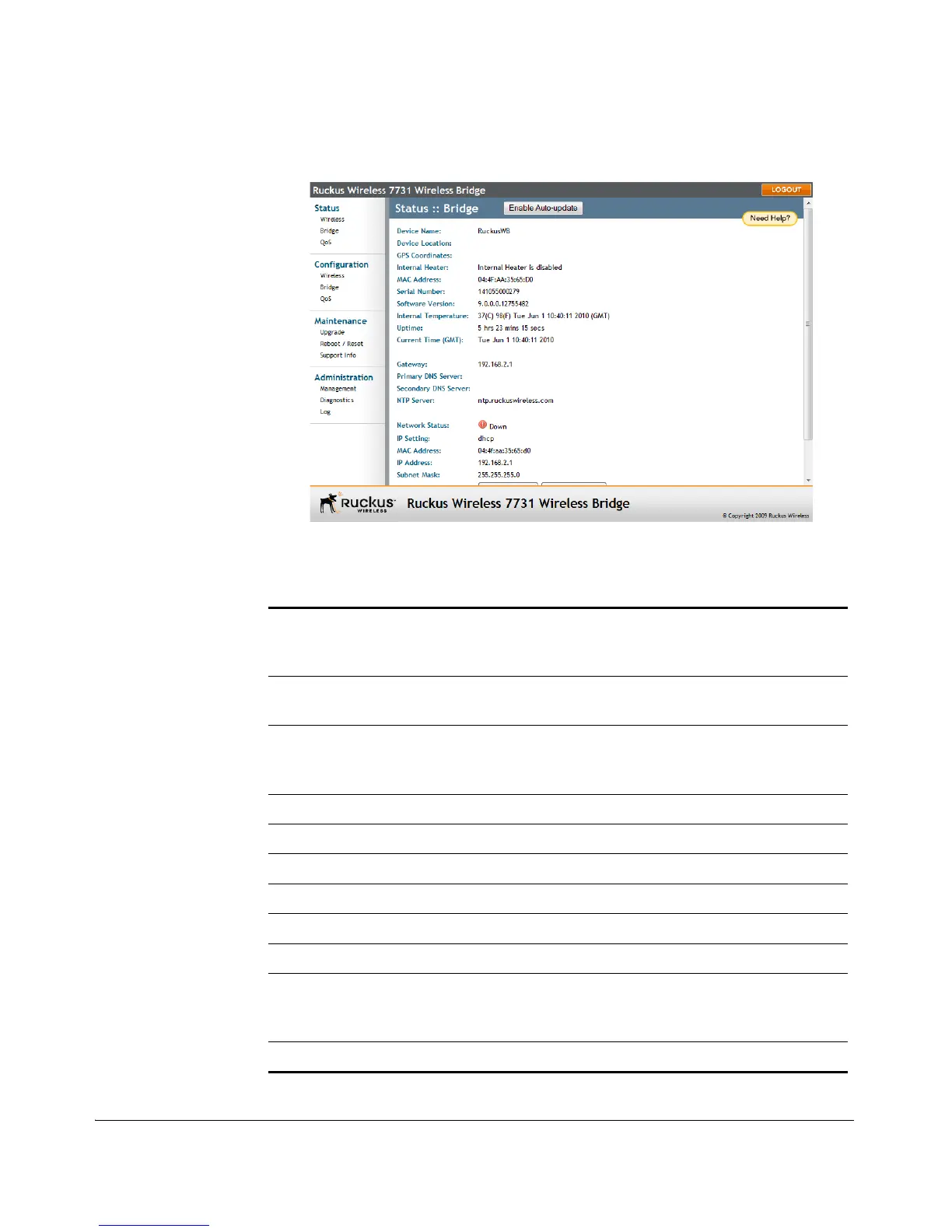
Figure 51. The Status > Bridge page
Table 8. Status > Bridge information
Device Name The name of the device. The default device name
is RuckusWB. To edit the device name, go to
Configuration > Bridge.
Device Location The location of the device. To set the device
location, go to Configuration > Bridge.
GPS Coordinates The latitudinal and longitudinal coordinates of the
device location. To set these coordinates, go to
Configuration > Bridge.
Internal Heater The status of the internal heater.
MAC Address The MAC address of the physical interface.
Serial Number The serial number of the device.
Software Version The current software version.
Internal Temperature The most recent internal temperature reading.
Uptime The elapsed time since the last reboot.
Current Time (GMT) The best guess of the current GMT time. Access to
an Internet time server allows the device to learn the
correct time.
Gateway The gateway IP address.



 To Next Page