75
Configuring the Wireless Bridge
Configuring Wireless Security
Using WPA
CAUTION: Do not customize these options unless you are an experienced network
administrator or are under the guidance of an IT/support professional.
Use of WPA PSK allows automatic key generation based on a single passphrase. WPA-
PSK provides very strong security.
To configure WPA encryption settings
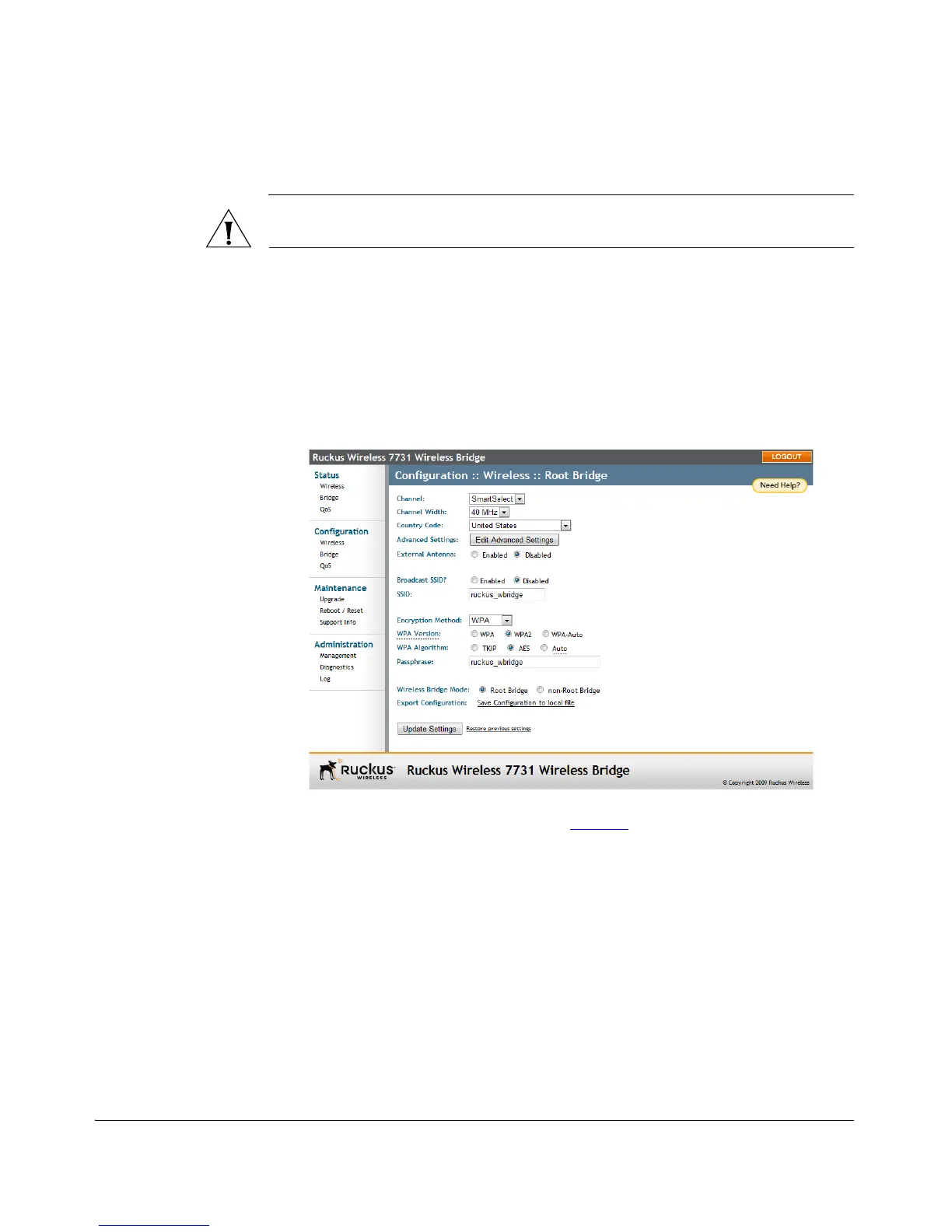
1. Go to Configuration > Wireless. The Configuration :: Wireless page appears.
2. Click the Encryption Method menu, and then click WPA. An additional set of
WPA-specific encryption options appears on this page.
Figure 61. WPA settings
3. Review the encryption settings listed in Table 15
and make changes as preferred



 To Next Page