CAUTION! Using WEP encryption limits the performance of the WLAN to 802.11g
rates. If you select WEP encryption for a WLAN, wireless devices that are capable of
faster 802.11n/ac transfer rates are limited to 802.11g rates. Other WLANs are unaffected.
1. Go to Configuration > Wireless or Configuration > Radio 2.4G or Configuration
> Radio 5G. The Configuration > Wireless > Common page appears.
2. Click the Wireless # (WLAN number) tab that you want to configure. The
Configuration > Wireless > Wireless[#] page appears.
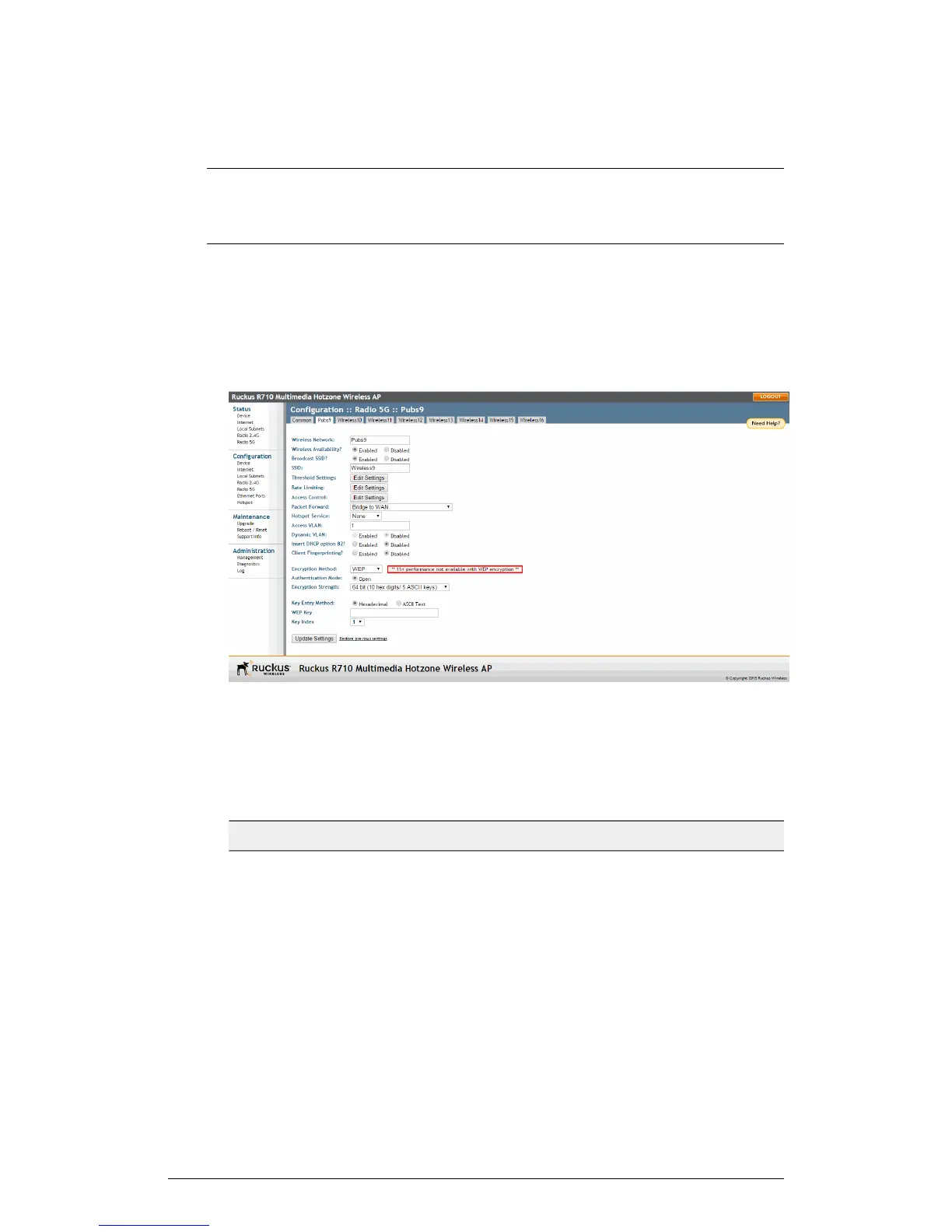
3. Select WEP from the Encryption Method menu. An additional set of WEP-specific
encryption options appear on this page.
Figure 55: WEP settings
4. Review the encryption settings listed in the following table, and then make changes
as required.
Table 45: WEP Options
DescriptionEncryption Setting
Open is the only authentication mode
available with WEP encryption.
Authentication Mode
ZoneFlex Indoor Access Point Release 104.0 User Guide
107
Configuration
Configuring the AP











 To Next Page