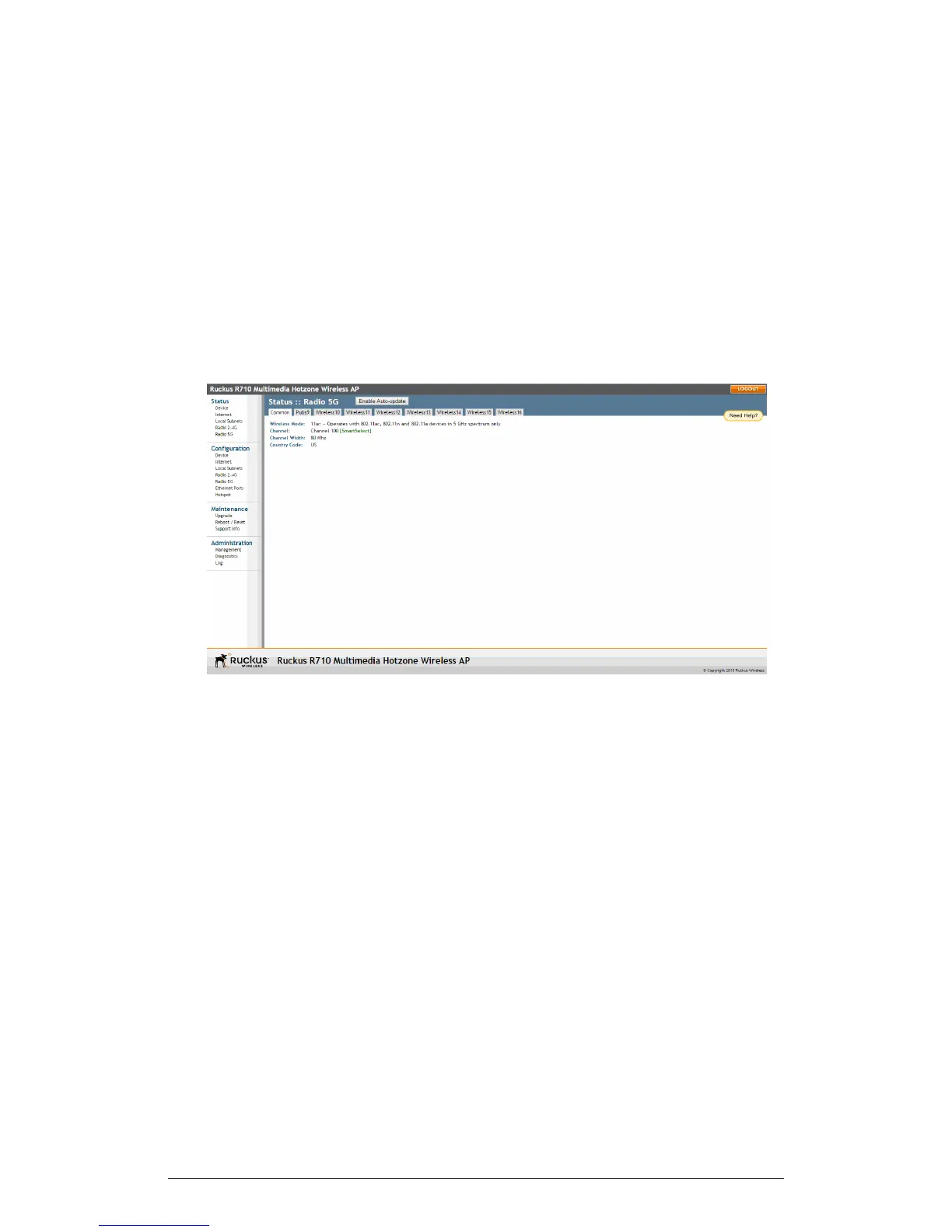
Figure 68: The Status > Local Subnet page
Viewing Common Wireless Settings
The common wireless settings page provides an overview of current global wireless
settings.
If you want to view the current common wireless settings that the AP is using, go to the
Status > Wireless page (on dual-band APs, go to Status > 2.4G or Status > 5G). The
following table lists the descriptions of each common wireless setting.
130
ZoneFlex Indoor Access Point Release 104.0 User Guide
Administration
Viewing Common Wireless Settings











 To Next Page