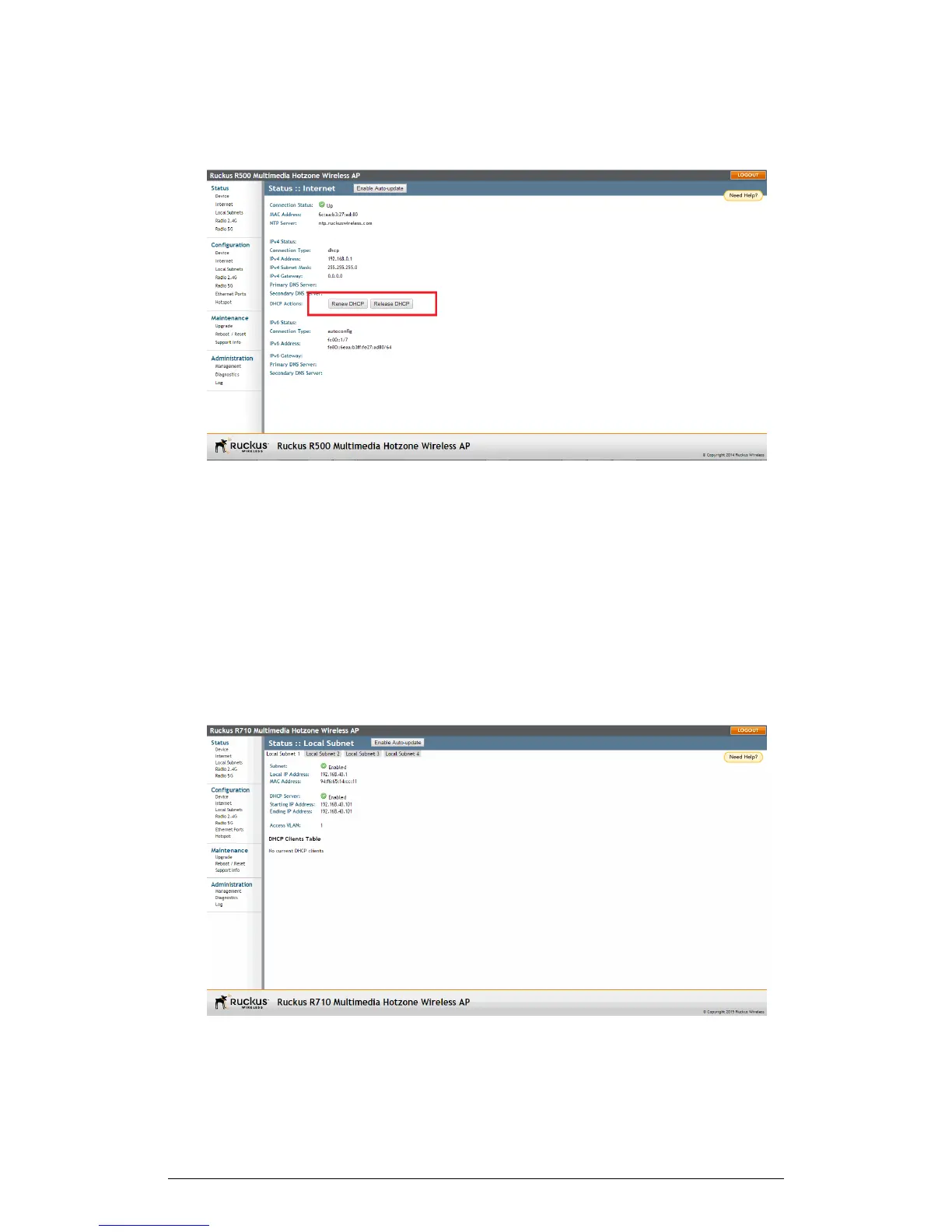
Figure 67: The Status > Internet page
Viewing Current Local Subnet Settings
The Status > Local Subnet page provides an overview of the current device local subnet
settings.
The Status > Local Subnets page can be used to view the router (local subnet)
configurations and list of any clients connected to those subnets.
If you want to make changes to any of these settings, go to Configuration > Local
Subnet. Refer to Configuring Local Subnets on page 98 for more information.
ZoneFlex Indoor Access Point Release 104.0 User Guide
129
Administration
Viewing Current Local Subnet Settings











 To Next Page