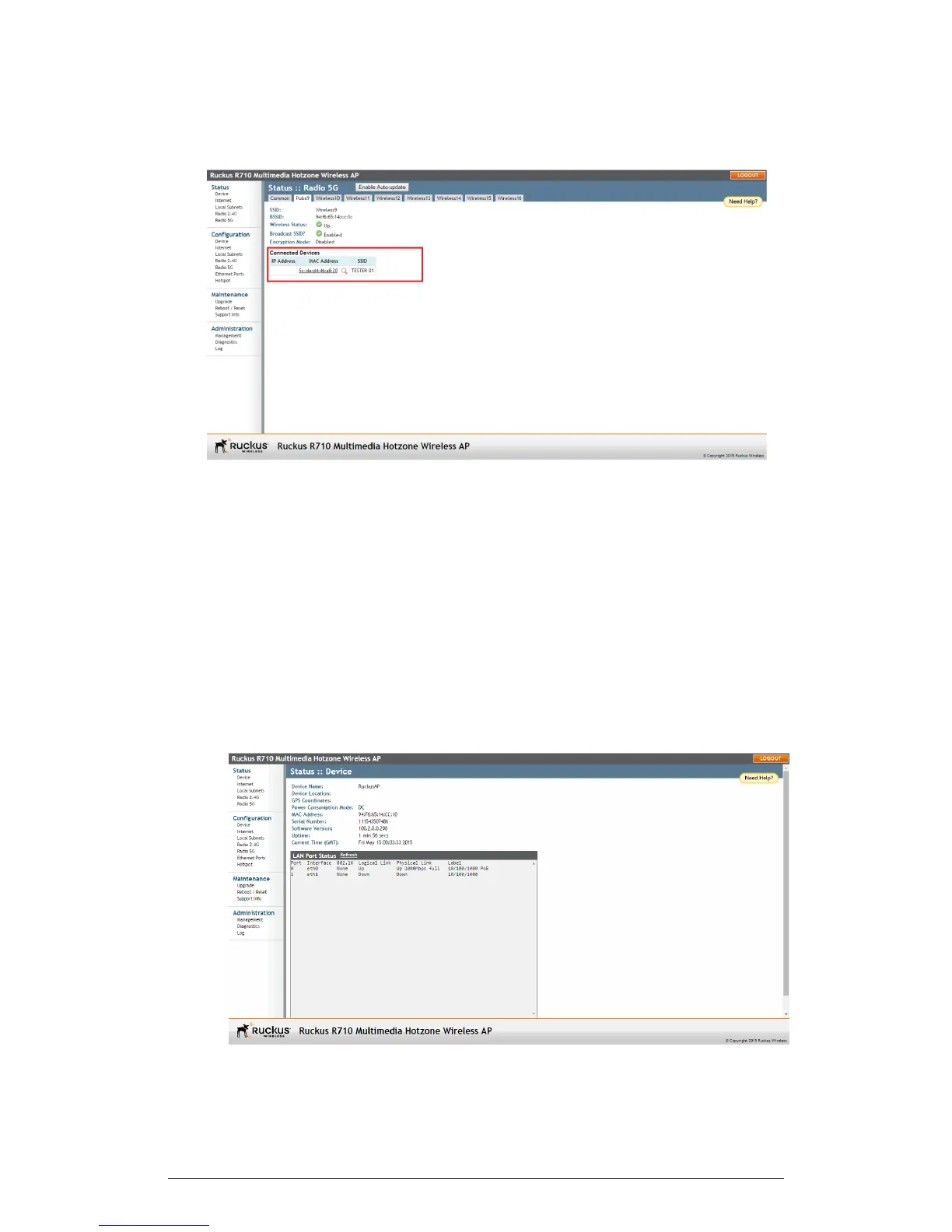
Figure 70: Viewing connected devices
Changing the Administrative Login Settings
Use the Configuration > Device page to configure the admin user name and password.
The default user name is super and the default password is sp-admin. To prevent
unauthorized users from logging in to the web interface using these default administrator
login settings, Ruckus Wireless recommends that you change the default web interface
password immediately after your first login.
1. Log into the web interface.
2. Go to Configuration > Device.
ZoneFlex Indoor Access Point Release 104.0 User Guide
133
Administration
Changing the Administrative Login Settings











 To Next Page