4. Click Update Settings to save your changes. A confirmation message appears at
the top of the page.
You have completed configuring the management access options.
NOTE Remember to open any relevant firewall ports between the AP and the firmware
upgrade/management server. For example, if HTTPS is used for firmware upgrades,
open TCP port 443 on the firewall to allow connections through port 443. If FlexMaster
server is used, open TCP ports 80 and 443 for HTTP/HTTPS communications, and TCP
port 8082 for AP wake-up commands.
Viewing FlexMaster Management Status
Use the Administration > Management page to view FlexMaster management status.
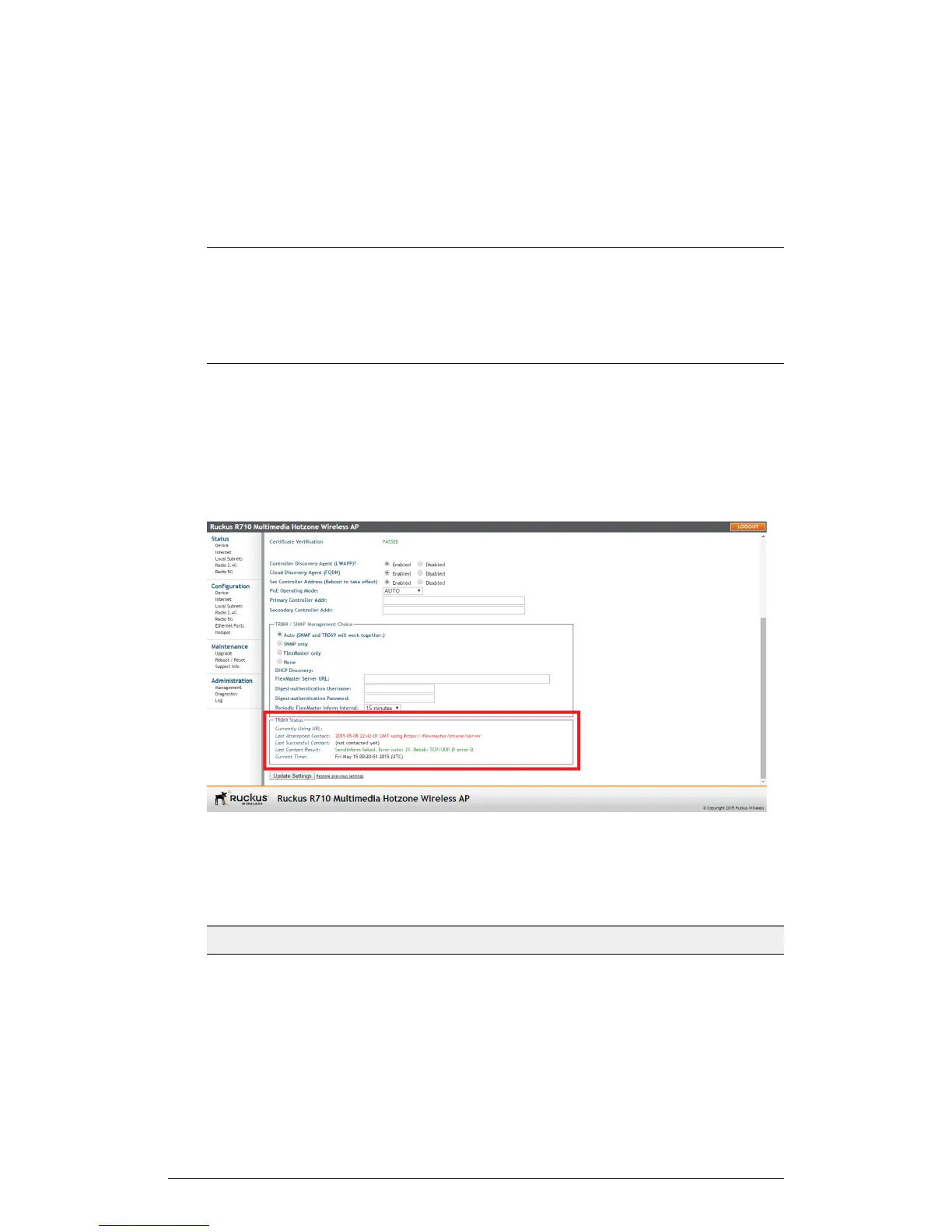
If you configure the AP to be managed by FlexMaster, you can view the TR-069 Status
section on the Administration > Management page.
Figure 73: TR-069 status information
The following table lists the TR-069 status information that the AP provides.
Table 56: TR-069 status information
DescriptionStatus Information
Shows the FlexMaster server IP address
or URL with which the AP is currently
registered.
Currently Using URL
138
ZoneFlex Indoor Access Point Release 104.0 User Guide
Administration
Viewing FlexMaster Management Status











 To Next Page