DescriptionLED
• Off: The AP is operating in standalone
mode or operating as a root AP (RAP)
or a non-mesh AP.
• Green: The AP is functioning as a RAP
or MAP and the uplink signal is good.
• Slow flashing green (one flash every two
seconds): Mesh networking is enabled,
but the AP is still searching for a mesh
uplink.
• Fast flashing green (two flashes every
second): The AP is functioning as a
MAP and the wireless signal to its uplink
AP is fair.
AIR LED
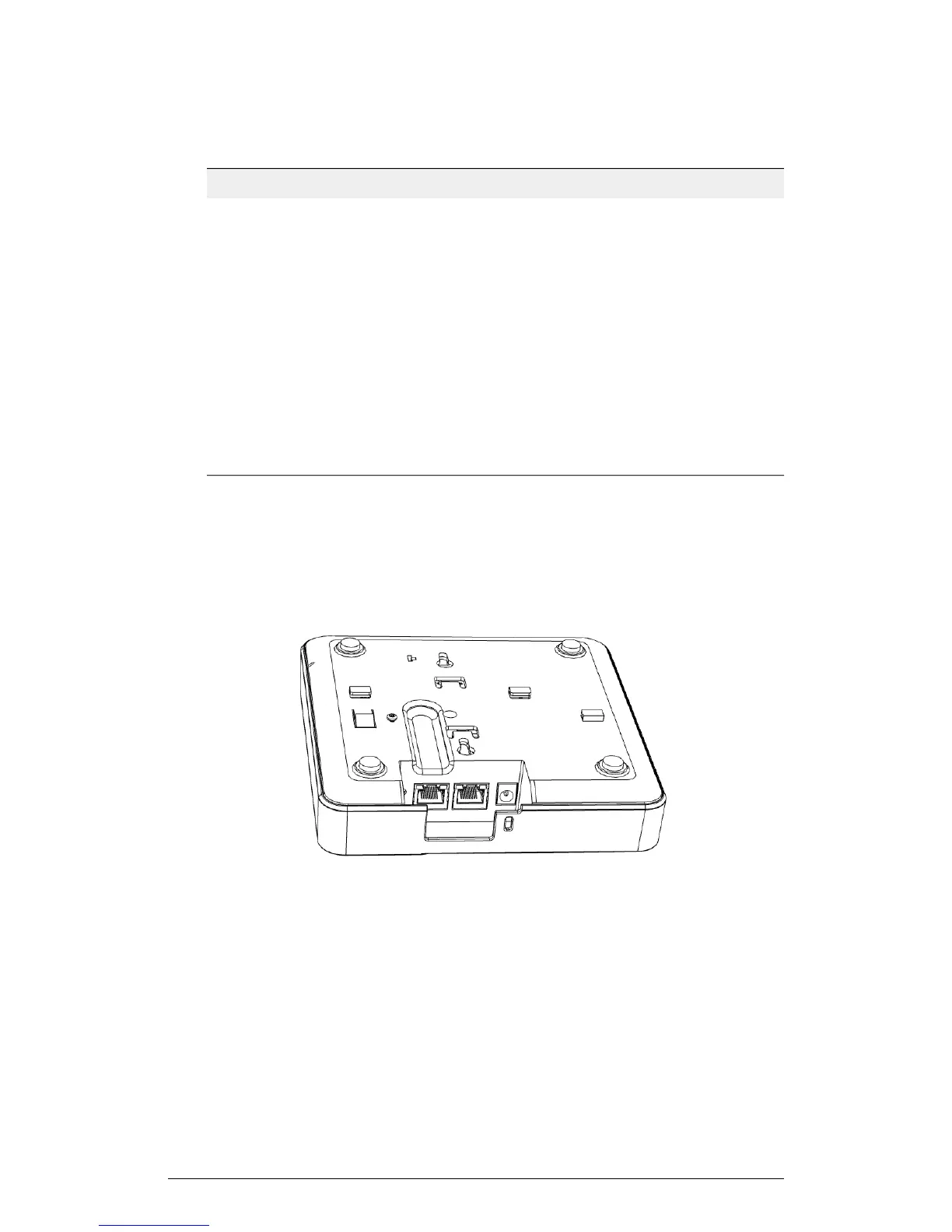
Rear Panel
The following figure shows the rear panel of the 7352 (and 7372). For a description of
each rear panel part, refer to the table below.
20
ZoneFlex Indoor Access Point Release 104.0 User Guide
Introduction
Getting to Know the AP Features











 To Next Page