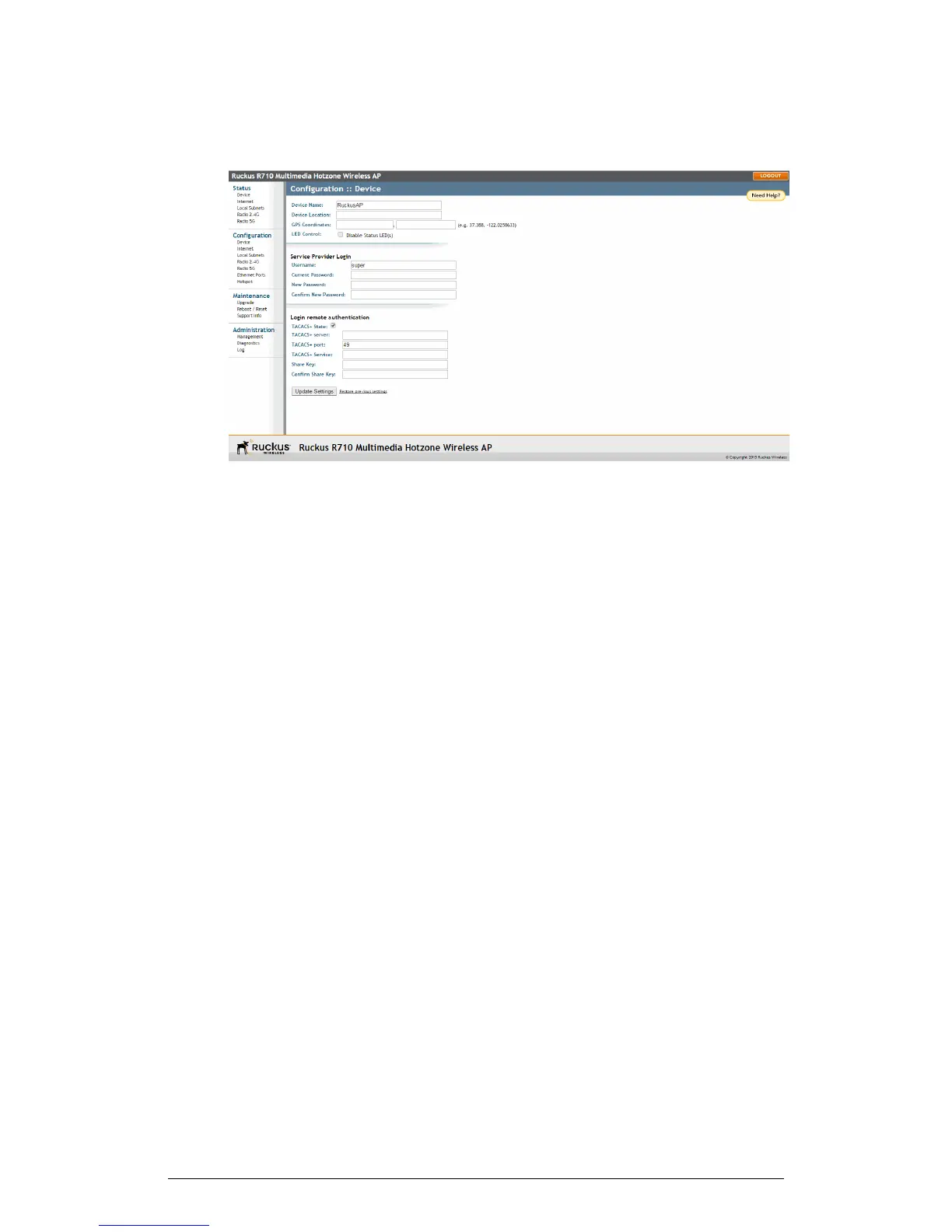
Figure 47: The Configuration > Device page
2. In Device Name, type a new name for the device or leave as is to accept the default
device name (RuckusAP). The device name identifies the AP among other devices
on the network.
3. Optionally, enter Device Location and GPS Coordinates to keep track of the physical
location of the AP.
4. In Temperature Update (specific models only), enter the interval (in seconds) to
record the internal temperature of the device.
5. Under LED Control (specific models only), check the Disable Status LED(s) box to
turn off the status LEDs. This can be useful when the AP is installed in a public
location, to avoid drawing attention to the AP.
6. Under Service Provider Login, change the login information as required:
• Username: Type the name that you want to use for logging into the web interface.
The default user name is super.
• Current Password: When you are changing the password, enter the existing
password here.
• New Password: When you are changing the password, type the new password
that you want to use. The default password is sp-admin. The password must
consist of six to 32 alphanumeric characters only.
• Confirm New Password: Retype the new password to confirm.
7. Under Login remote authentication, click the TACACS+ State box to enable
TACACS+ authentication, if required. Terminal Access Controller Access-Control
System Plus (TACACS+) is an AAA protocol used to authenticate administrator login
to this device. Users can be authenticated/authorized to monitor, operate or configure
this device. Default is disabled. Administrators can be assigned any of the following
three administration privilege levels:
ZoneFlex Indoor Access Point Release 104.0 User Guide
91
Configuration
Configuring the AP











 To Next Page