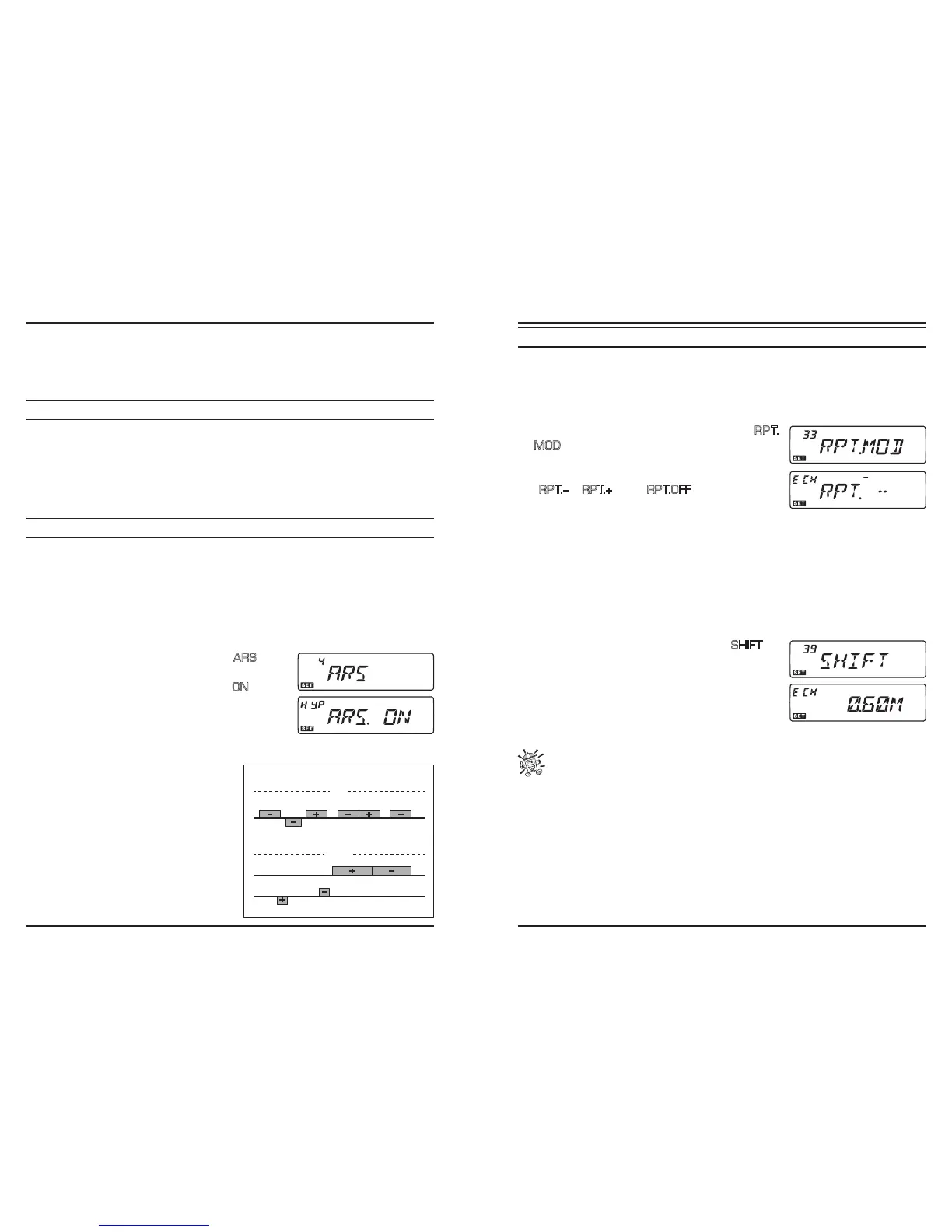
Repeater stations, usually located on mountaintops or other high locations, provide a dra-
matic extension of the communication range for low-powered hand-held or mobile trans-
ceivers. The transceiver includes a number of features which make repeater operation
simple and enjoyable.
R
EPEATER
S
HIFTS
Your transceiver has been congured, at the factory, for the repeater shifts customary in
your country.
Depending on the part of the band in which you are operating, the repeater shift may be
either downward (–) or upward (+), and one of these icons will appear at the top of the
LCD when repeater shifts have been enabled.
A
UTOMATIC
R
EPEATER
S
HIFT(ARS)
The transceiver provides a convenient Automatic Repeater Shift feature, which causes the
appropriate repeater shift to be automatically applied whenever you tune into the desig-
nated repeater sub-bands in your country. These sub-bands are shown below.
If the ARS feature does not appear to be working, you may have accidentally disabled it.
To re-enable ARS:
1. Press and hold in the [
BAND
(
SET
)] key for 1/2 second to enter the Set mode.
2. Rotate the
DIAL
knob to select Menu #4 (
ARS
).
3. Press the [
BAND
(
SET
)] key momentarily, then rotate
the
DIAL
knob to change the setting to “
ON
” (to en-
able Automatic Repeater Shift).
4. Press the [
BAND
(
SET
)] key momentarily to save the
new setting, then press and hold in the [
BAND
(
SET
)]
key for 1/2 second to exit to normal operation.
With repeater shift activated, you can tem-
porarily reverse the transmit and receive
frequencies by pressing and holding in the
[
TONE
(
HM/RV
)] key for 1/2 second. Use
this feature to display the transmit frequen-
cy without transmitting, and to check the
strength of signals on a repeater uplink fre-
quency (so as to determine whether of not a
particular station is within “Simplex” range,
for example).
European Version
Version A
2-m
145.1 145.5
145.6 145.8
146.0 146.4 147.0 147.6 148.0
146.6 147.4
Euro Version 1
Euro Version 2
Version A
70-cm
440.0 445.0 450.0
439.45438.20
433.00 433.40
ARS-Repeater Subbands
M
ANUAL
R
EPEATER
S
HIFT
A
CTIVATION
If the ARS feature has been disabled, or if you need to set a repeater shift direction other
than that established by the ARS, you may set the direction of the repeater shift manually.
To do this:
1. Press and hold in the [
BAND
(
SET
)] key for 1/2 second to enter the Set mode.
2. Rotate the
DIAL
knob to select Menu #33 (
R P T.
MOD
).
3. Press the [
BAND
(
SET
)] key momentarily, then ro-
tate the
DIAL
knob to select the desired shift among
“
R P T. –
”,“
R P T.+
”, and “
R P T.O F F
.”
4. Press the [
BAND
(
SET
)] key momentarily to save the
new setting, then press and hold in the [
BAND
(
SET
)] key for 1/2 second to exit to
normal operation.
Changing the Default Repeater Shifts
If you travel to a different region, you may need to change the default repeater shift so as
to ensure compatibility with local operating requirements.
To do this, follow the procedure below:
1. Press and hold in the [
BAND
(
SET
)] key for 1/2 second to enter the Set mode.
2. Rotate the
DIAL
knob to select Menu #39 (
SHIFT
).
3. Press the [
BAND
(
SET
)] key momentarily, then rotate
the
DIAL
knob to select the new repeater shift magni-
tude. The shift must be a multiple of 50 kHz.
4. Press the [
BAND
(
SET
)] key momentarily to save the
new setting, then press and hold in the [
BAND
(
SET
)]
key for 1/2 second to exit to normal operation.
If you just have one “odd” split that you need to program, don’t change the “de-
fault” repeated shifts using this Menu Item! Enter the transmit and receive fre-
quencies separately.













 To Next Page