T
ONE
S
EARCH
S
CANNING
In operating situations where you don’t know the CTCSS or DCS tone being used by an-
other station or stations, you can command the radio to listen to the incoming signal and
scan in search of the tone being used. Two things must be remembered in this regard:
You must be sure that your repeater uses the same tone type (CTCSS vs. DCS).
Some repeaters do not pass the CTCSS tone; you may have to listen to the station(s)
transmitting on the repeater uplink (input) frequency in order to allow Tone Search
Scanning to work.
To scan for the tone in use:
1. Set the radio up for either CTCSS or DCS Decoder operation (see the previous discus-
sion). In the case of CTCSS, “
ENC DEC
” will appear on the display; in the case of
DCS, “
DCS
” will appear on the display.
2. Press and hold in the [
BAND
(
SET
)] key for 1/2 second to enter the Set mode.
3. Rotate the
DIAL
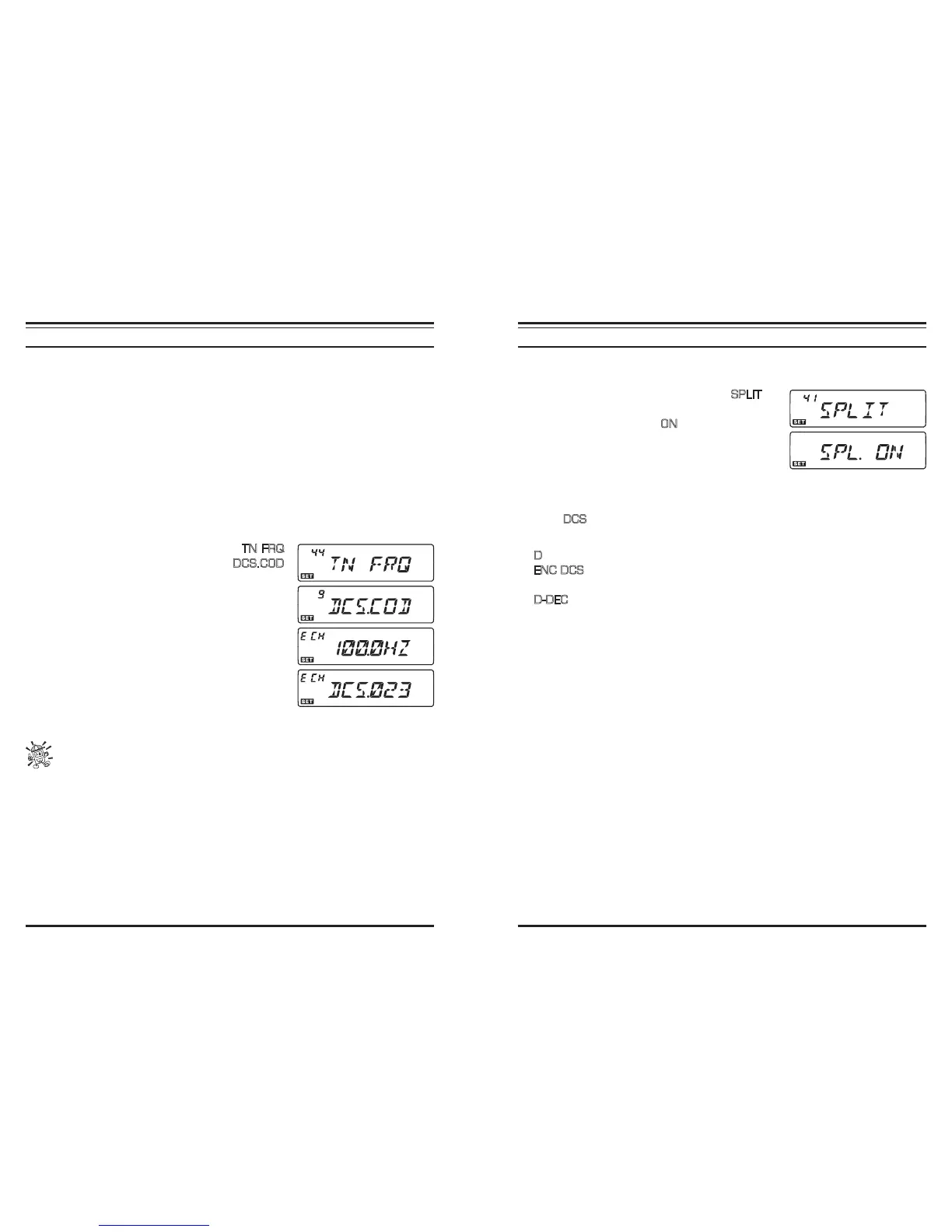
knob to select Menu #44 (
TN FRQ
)
when CTCSS is selected, or Menu #9 (
DCS.COD
)
during DCS operation.
4. Press the [
BAND
(
SET
)] key to enable adjustment of
the selected Menu Item.
5. Press the [
SCAN
(
SEL
)] key momentarily to start
scanning for the incoming CTCSS or DCS tone/code.
6. When the radio detects the correct tone or code, it
will halt on that tone/code, and audio will be allowed
to pass. Press the [
BAND
(
SET
)] key momentarily
to lock in that tone/code, then press and hold in the
[
BAND
(
SET
)] key for 1/2 second to save the new
setting and exit to normal operation.
If the Tone Scan feature does not detect a tone or code, it will continue to scan
indenitely. When this happens, it may be that the other station is not sending
any tone. You can press the [SCAN(SEL)] key to halt the scan at any time.
Tone Scanning works either in the VFO or Memory modes.
S
PLIT
T
ONE
O
PERATION
The transceiver can be operated in a Split Tone conguration via the Set mode.
1. Press and hold in the [
BAND
(
SET
)] key for 1/2 second to enter the Set mode.
2. Rotate the
DIAL
knob to select Menu #41 (
SPLIT
).
3. Press the [
BAND
(
SET
)] key momentarily, then rotate
the
DIAL
knob to select “
ON
” (to enable the Split
Tone feature).
4. Press the [
BAND
(
SET
)] key momentarily to save the
new setting, then press and hold in the [
BAND
(
SET
)]
key for 1/2 second to exit to normal operation.
When the Split Tone feature is activated, you can see the following additional parameters
after the “
DCS
” parameter while selecting the Tone Mode by pressing the [
TONE
(
REV
)]
key:
D
: DCS Encode only (the “
DCS
” icon will blink during operation)
ENC DCS
: Encodes a CTCSS Tone and Decodes a DCS code (the “
DCS
” and
“
ENC
” icons will appear during operation)
D-DEC
: Encodes a DCS code and Decodes a CTCSS Tone (the “
DCS
” icon will
blink and the “
DEC
” icon will appear during operation)
Select the desired operating mode, from the selections shown above.













 To Next Page