M
EMORY
S
CANNING
Memory Bank Scan
When the Memory Bank feature is engaged, the scanner sweeps only memory channels in
the current Memory Bank. However, if the Memory Bank Link Scan feature is enabled,
you may sweep the memory channels in several Memory Banks which you have selected.
To enable the Memory Bank Link Scan feature:
1. Set the radio to the Memory mode by pressing the [
V/M
(
MW
)] key, if necessary.
2. Press and hold in the [
SCAN
(
SEL
)] key for 1/2
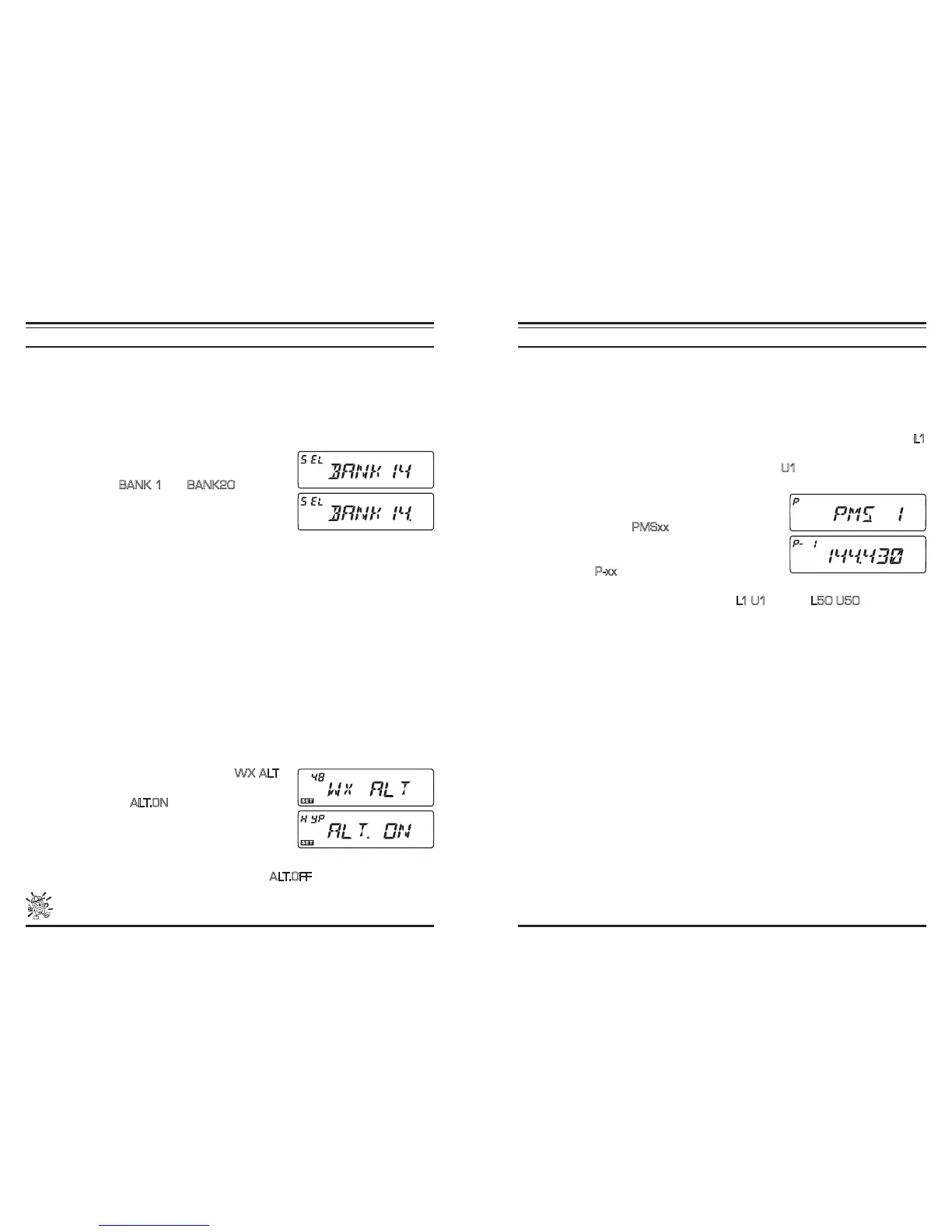
second, then rotate the DIAL knob to select the rst
Memory Bank (“
BANK 1
” ~ “
BANK20
”) you wish
to sweep using Memory Bank Link Scan.
3. Press the [
SCAN
(
SEL
) key momentarily. The current
Memory Bank will now be swept during Memory Bank
Scan. A “decimal point” will be appended on the Memory Bank number indication.
4. Repeat steps 2 and 3 above, to append the “decimal point” to any other Memory
Banks you wish to sweep.
5. Now, press and hold in the [
SCAN
(
SEL
) key for 1/2 second to initiate scanning.
6. To remove a Memory Bank from the Memory Bank Link Scan, repeat step 2 and 3
above, to delete the “decimal point” from the Memory Bank number indication.
Weather Alert Scan
This feature allows you to check a Weather Broadcast Memory Channel while operating
on a VFO scan or Memory channel scan.
When the Weather Alert Scan feature is engaged, the transceiver will check the Weather
Broadcast Memory Channels for activity every ve seconds while operating on a VFO
scan or Memory channel scan.
To enable the Weather Alert Scan feature:
1. Press and hold in the [
BAND
(
SET
)] key for 1/2 second to enter the Set mode.
2. Rotate the
DIAL
knob to select Menu #48 (
W X ALT
).
3. Press the [
BAND
(
SET
)] key momentarily, then rotate
the
DIAL
knob to “
A LT.O N
” (to enabling the Weather
Alert Scan feature).
4. Press the [
BAND
(
SET
)] key momentarily to save the
new setting, then press and hold in the [
BAND
(
SET
)]
key for 1/2 second to exit to normal operation.
5. To disable the Weather Alert Scan feature, select “
A LT.O F F
” in step 3 above.
When the Weather Alert Scan feature is engaged, the Scan-Resume mode is
xed to “TIME.”
P
ROGRAMMABLE
(B
AND
L
IMIT
)
M
EMORY
S
CAN
(PMS)
This feature allows you to set sub-band limits for either scanning or manual VFO opera-
tion. For example, you might with to set up a limit (in North America) of 144.300 MHz to
148.000 MHz so as to prevent encroachment into the SSB/CW “Weak Signal” portion of
the band below 144.300 MHz. Here’s how to do this:
1. Set the radio to the VFO mode by pressing the [
V/M
(
MW
)] key, if necessary.
2. Using the techniques learned earlier, store 144.300 MHz into Memory Channel #
L1
(the “L” designates the Lower sub-band limit).
3. Likewise, store 146.000 MHz into Memory Channel #
U1
(the “U” designates the Up-
per sub-band limit).
4. Press and hold in the [
SCAN
(
SEL
)] key for 1/2 sec-
ond, then rotate the
DIAL
knob to select the desired
PMS frequency pair (
PMSxx
).
5. Press the [
SCAN
(
SEL
)] key to start scanning within
the just-programmed range. The “VFO” label will be
replaced by “
P-xx
”. Tuning and scanning will now be
limited within the just-programmed range.
6. 50 pairs of Band Limit memories, labeled
L1
/
U1
through
L50
/
U50
are available.
You therefore can set upper and lower operation limits on a number of bands, if you
like.
7. To exit to normal operation, press and hold in the [
SCAN
(
SEL
)] key for 1/2 second.













 To Next Page