“P
RIORITY
C
HANNEL
”
S
CANNING
(D
UAL
W
ATCH
)
The transceiver’s scanning features include a two-channel scanning capability which al-
lows you to operate on a VFO, Memory channel, Home channel, or Weather Broadcast
Channel, while periodically checking a user-dened “Priority” Memory Channel for ac-
tivity. If a station is received on the “Priority” Channel which is strong enough to open
the Squelch, the scanner will pause on that station in accordance with the Scan-Resume
mode set via Menu #37 (
SCAN
).
Here is the procedure for activating Priority Channel Dual Watch operation:
VFO Priority
1. Recall the memory channel you wish to use as the “Priority” frequency.
2. Now set the transceiver for operation on a VFO frequency.
3. Press and hold in the [
MHz
(
PRI
)] key for 1/2 second to activate the VFO Priority
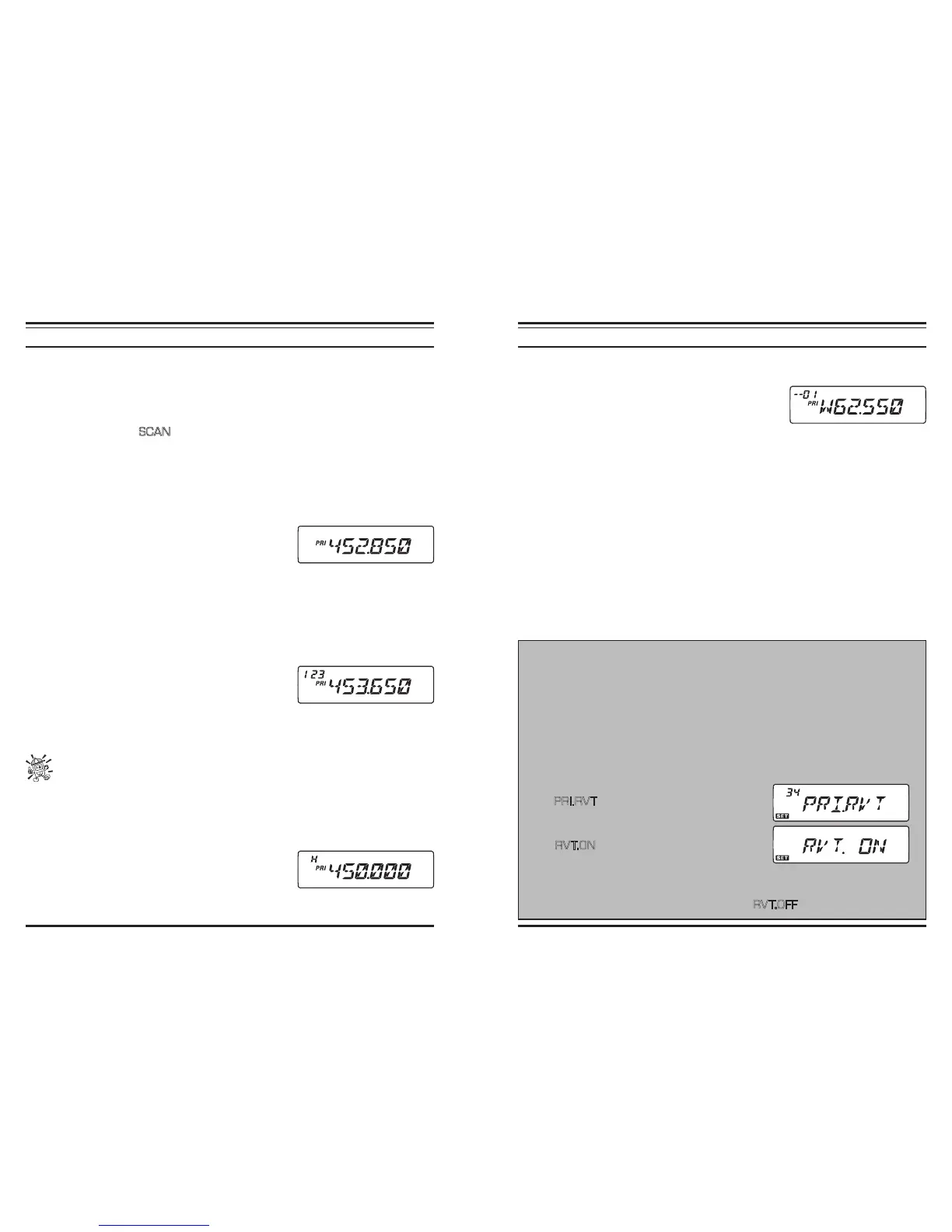
mode. The display will remain on the VFO frequency,
but every ve seconds the transceiver will check the
Priority Channel (memory channel) for activity.
4. Press and hold in the [
MHz
(
PRI
)] key for 1/2 second to disable the VFO Priority
mode and exit to regular VFO operation.
Memory Priority
1. Store the frequency you wish to be the “Priority” Channel into memory channel “1.”
2. Now set the transceiver for operation on another memory channel.
3. Press and hold in the [
MHz
(
PRI
)] key for 1/2 second to activate the Memory Priority
mode. The display will remain on the current memory
channel frequency, but every five seconds the trans-
ceiver will check the Priority Channel (memory chan-
nel “1” for activity.
4. Press and hold in the [
MHz
(
PRI
)] key for one second to disable the Memory Priority
mode and exit to regular memory operation.
When the Memory Bank feature is activated, the transceiver will check the low-
est memory channel in the Memory Bank as the priority channel.
HOME Priority
1. Recall the memory channel you wish to use as the “Priority” frequency.
2. Now set the transceiver for operation on a HOME channel.
3. Press and hold in the [
MHz
(
PRI
)] key for 1/2 second to activate the HOME Priority mode.
The display will remain on the HOME channel frequen-
cy, but every ve seconds the transceiver will check the
Priority Channel (memory channel) for activity.
4. Press and hold in the [
MHz
(
PRI
)] key for 1/2 second to disable the HOME Priority
mode and exit to regular Home channel operation.
“P
RIORITY
C
HANNEL
”
S
CANNING
(D
UAL
W
ATCH
)
WX Priority
1. Recall the memory channel you wish to use as the “Priority” frequency.
2. Now set the transceiver for operation on a WX chan-
nel by pressing and holding in the [
LOW
(
ACC
)] key
for 1/2 second.
3. Press and hold in the [
MHz
(
PRI
)] key for 1/2 second to activate the WX Priority
mode. The display will remain on the WX channel frequency, but every ve seconds
the transceiver will check the Priority Channel (memory channel) for activity.
4. Press and hold in the [
MHz
(
PRI
)] key for 1/2 second to disable the WX Priority mode
and exit to regular WX channel operation.
Priority Revert Mode
During Priority channel operation (Dual Watch), a special feature is available which
will allow you to move to the Priority channel instantly, without waiting for activity
to appear on the Priority channel.
When this feature is enabled, and Priority monitoring is engaged, just press the
microphone’s PTT switch; operation will instantly revert to the Priority channel.
To enable the Priority Revert operation:
1. Press and hold in the
[
BAND
(
SET
)]
key for 1/2 second to enter the Set mode.
2. Rotate the DIAL knob to select Menu #34
(PRI.RV T
).
3. Press the
[
BAND
(
SET
)]
key momentarily, then
rotate the DIAL knob to change the setting to
“R V T.O N .”
4. Press the
[
BAND
(
SET
)]
key momentarily to save
the new setting, then press and hold in the
[
BAND
(
SET
)]
key for 1/2 second to
exit to normal operation.
5. To disable Priority Revert operation, select “R V T.O F F
” in step 3 above.













 To Next Page