The Smart Search feature allows you to load frequencies automatically according to
where activity is encountered by your radio. When Smart Search is engaged, the trans-
ceiver will search above and below your current frequency, storing active frequencies as
it goes (without stopping on them even momentarily); these frequencies are stored into a
special Smart Search memory band, consisting of 31 memories (15 above the current fre-
quency, 15 below the current frequency, plus the current frequency itself).
The Smart Search feature is especially useful when visiting a city for the rst time, where
you may be unfamiliar with the repeater frequencies; Smart Search discovers where the
local activity is to be found, and automatically loads those frequencies for you.
Two basic operating modes for Smart Search are available:
SINGLE
: In this mode, the transceiver will sweep the current band once in each direction
starting on the current frequency. All channels where activity is present will be
loaded into the Smart Search memories; whether or not all 31 memories are
lled,the search will stop after one sweep in each direction.
CONT
: In this mode, the transceiver will make one pass in each direction as with One-
Shot searching;if all 31 channels are not lled after the rst sweep, however,
the radio will continue sweeping until they are all lled.
Setting the Smart Search Mode
1. Press and hold in the [
BAND
(
SET
)] key for 1/2 second to enter the Set mode.
2. Rotate the
DIAL
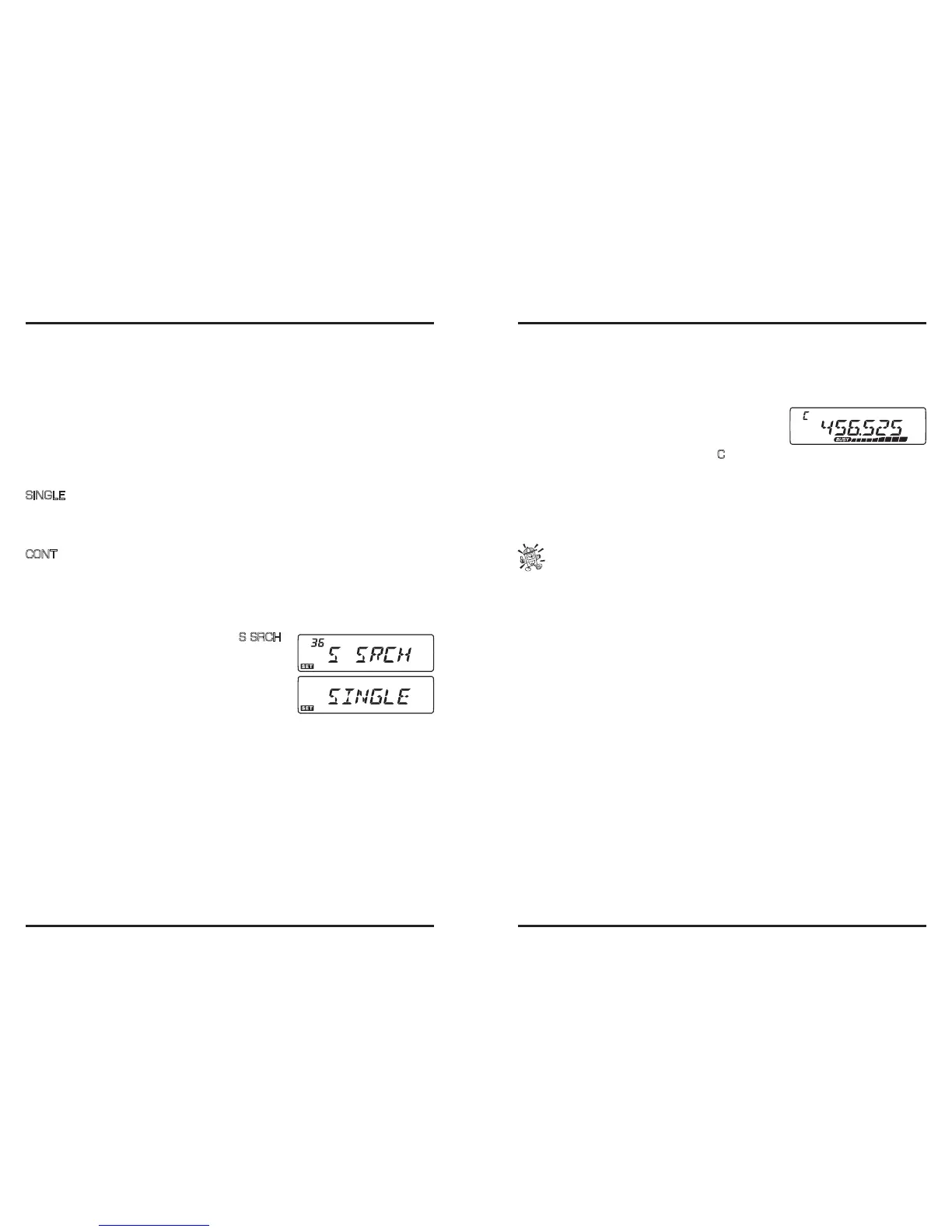
knob to select Menu #36 (
S SRCH
).
3. Press the [
BAND
(
SET
)] key momentarily, then ro-
tate the
DIAL
knob to select the desired Smart Search
mode (see above).
4. Press the [
BAND
(
SET
)] key momentarily to save the
new setting, then press and hold in the [
BAND
(
SET
)]
key for 1/2 second to exit to normal operation.
Activating the Smart Search
1. Set the radio to the VFO mode by pressing the [
V/M
(
MW
)] key, if necessary.
2. Press the [
S.SCH
(
ARTS
)] key momentarily to begin the Smart Search scanning.
3. As active channels are detected, you will observe the number of “loaded” channels in-
creasing in the regular memory channel window.
4. Depending on the mode you set for Smart Search op-
eration (“SINGLE” or “CONT”), the Smart Search
scan will eventually terminate, and the LCD will re-
vert to Smart Search Memory Channel “
C
”.
5. To recall the Smart Search memories just stored, rotate the
DIAL
knob or press the
microphone’s [
UP
]/[
DWN
] keys.
6. If you nd particular channels which you wish to store into “regular” memory chan-
nels, follow the memory storage procedures described on previous page.
7. To return to normal operation, just press the [
V/M
(
MW
)] key.
The Smart Search memories are so-called “soft” memories; they will lost if you
exit the Smart Search mode or initiate a new Smart Search sweep.













 To Next Page