VDR-100G2/G2S Operation User Manual 29
RUT-UM-02-002_Rev. 2.0
4.2.1 Starting the Download Process
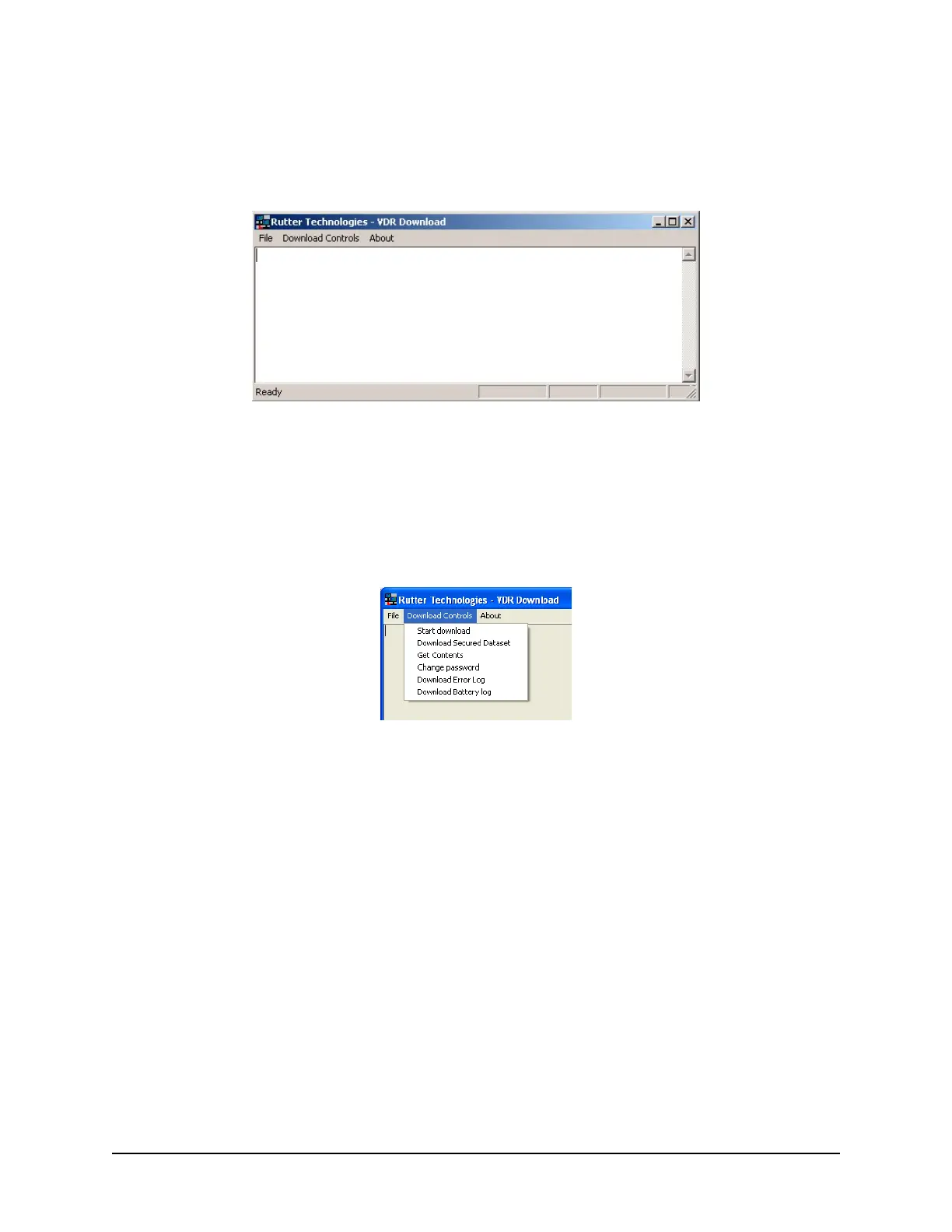
Start the download utility by double-clicking the download.exe icon located on the Windows desktop. See
Figure 4-2 - Download Software Main Screen for a
n example of the download utility.
Figure 4-2 - Download Software Main Screen
4.2.2 Begin the Download
Complete the following steps to begin the download of the current data set:
1. Select ‘Start download’ from the ‘Download Controls’ menu.
Figure 4-3 - Download Controls Menu
2. Enter a password when prompted.
3. Once prompted with the ‘Download Settings’ window (see Figure 4-4 - Download Settings
Wind
ow), choose from the following available settings:
‘Download complete data set’.
‘Download partial data set’ – once this option has been chosen, ‘Start’ and ‘Stop’ times
become available. Using the appropriate slide-bar, set the time frame that will begin and
end the downloaded data set.
‘Normal data set’.
‘Extended NMEA data set’ – this option allows for the download of the extended NMEA
data set only.



 To Next Page