VDR-100G2/G2S Operation User Manual 32
RUT-UM-02-002_Rev. 2.0
9. Enter a password and press ‘OK’.
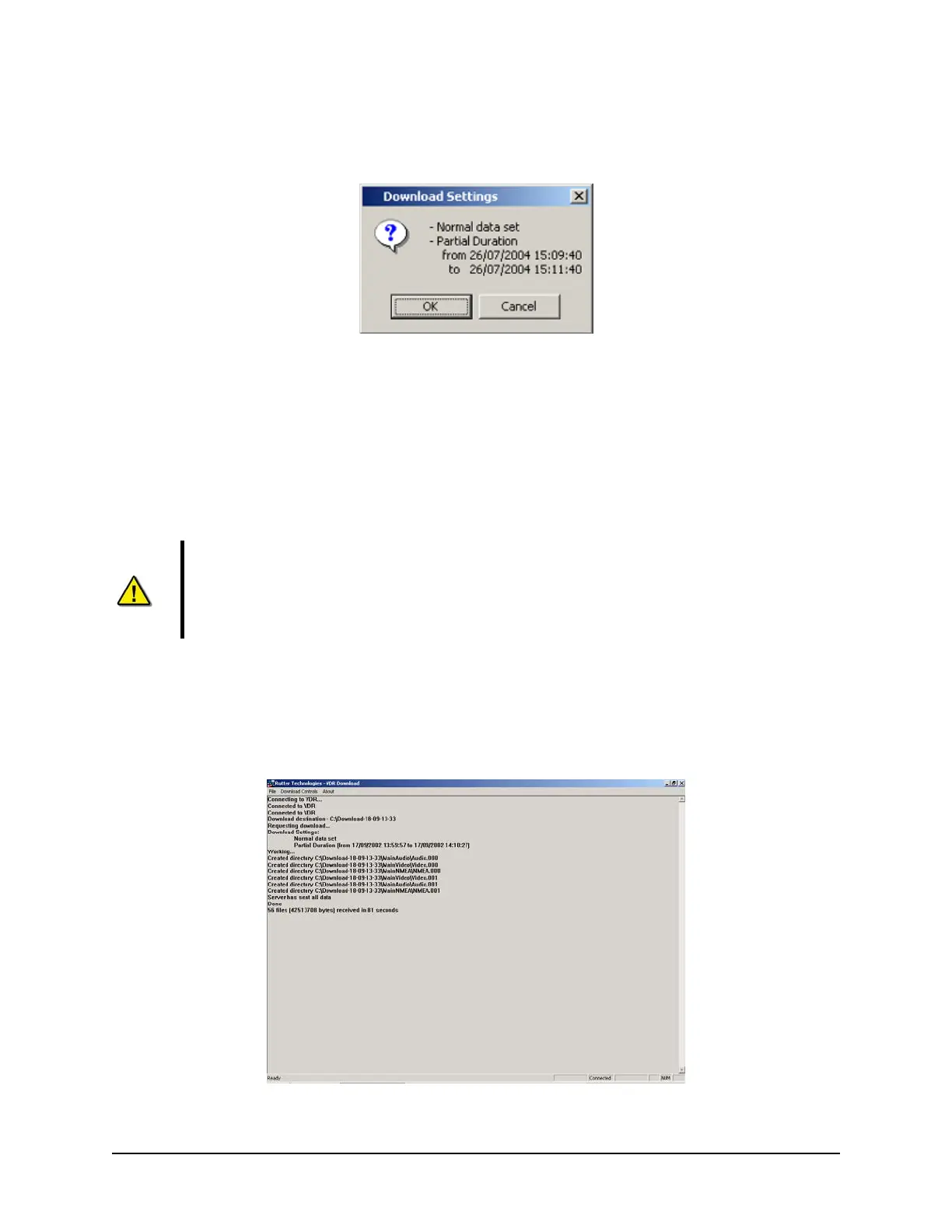
10. A “Download Settings” dialog will appear providing confirmation information for the dataset to be
downloaded. If all information is correct, press ‘OK’ to begin the download.
Figure 4-8 - Confirm Download Settings
4.2.4 Extended NMEA Download
The Extended NMEA data set is a VDR-100G2 option, which supports the recording of up to 185 days of
NMEA data to the DMM. When an extended NMEA download occurs, no video or audio data is included
in the download. To select the extended NMEA download, check the ‘Extended NMEA Download’ located
in the ‘Download Settings’ window (see Figure 4-4 - Download Settings Window).
Importan
t! The extended NMEA data set must be purchased as an option and configured
on the VDR-100G2 during installation. If the VDR-100G2 is not configured for the extended
NMEA data set, this option will not function in the download software.
4.2.5 Complete vs. Partial Download
A ‘complete’ download is the process of downloading a full 24-hour data set from the DMM. As a user
may want only a ‘partial’ download, a ‘Download partial data set’ option is available. Select either
‘Download complete data set’ or ‘Download partial data set’ in the ‘Download Settings’ window (see
Figure 4-4 - Download Settings Window) to do
wnload the desired data set.
Figure 4-9 - Completed Download



 To Next Page