VDR-100G2/G2S Operation User Manual 42
RUT-UM-02-002_Rev. 2.0
Figure 6-3 - Installing Message Window
4. The install process will place a shortcut to the playback software on the desktop.
6.2 Starting the Playback Application
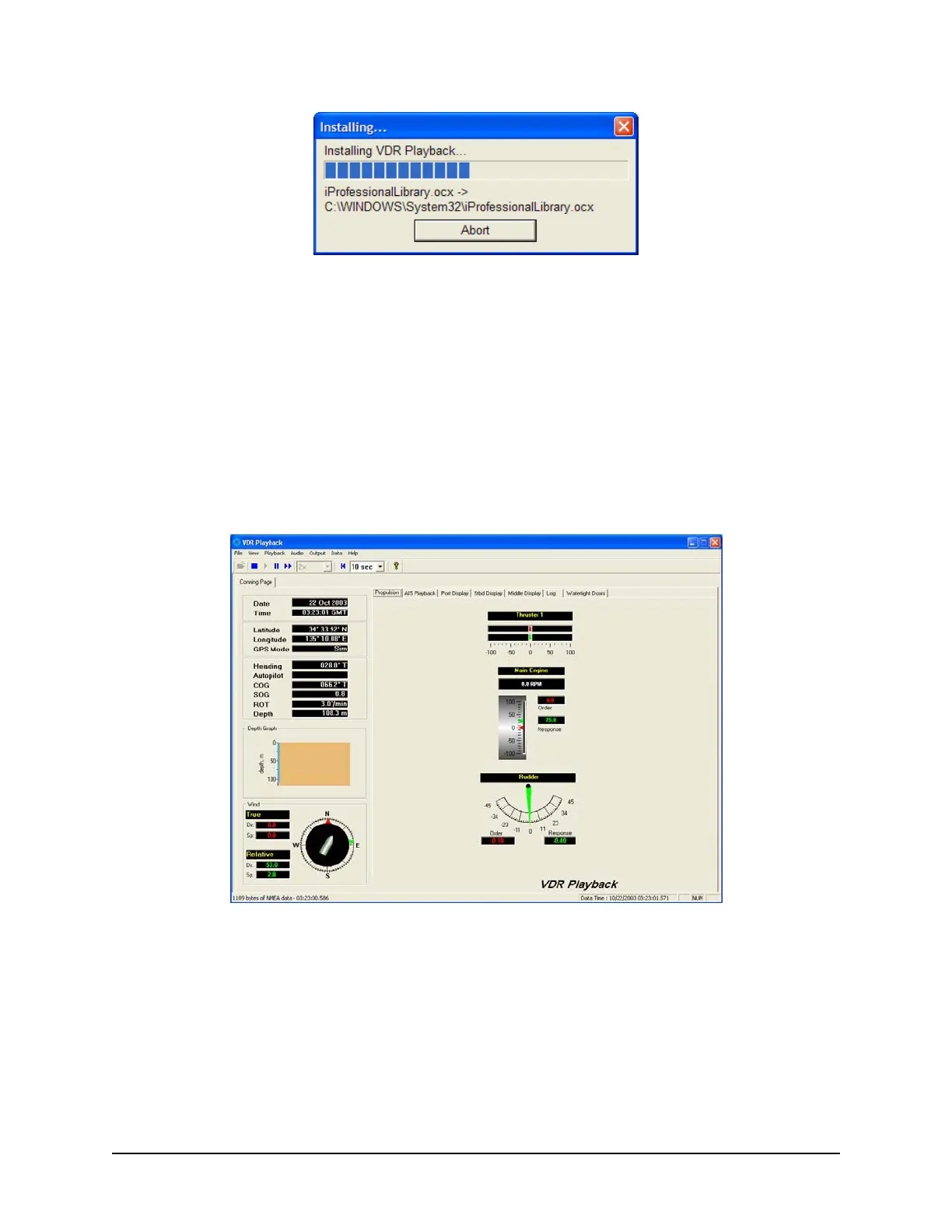
To start the playback application, double click the playback icon located on the desktop (as mentioned in
step 4 of the installation process above). The application will look similar to Figure 6-4 - Playback
Software
shown below.
Note that the playback application interprets information provided in the ship’s VDRPlayback.ini file
therefore the playback interface may contain elements and controls different from what is shown below.
Figure 6-4 - Playback Software
6.2.1 Configuration File
The vessel displayed in the Playback application is automatically configured via the ship’s configuration
file, which is created by the installation technician during the installation of the VDR. The configuration file
pertaining to the ship whose data will be used by the Playback application must be located in an easily
accessed location on the local hard drive of the playback PC.



 To Next Page