VDR-100G2/G2S Operation User Manual 44
RUT-UM-02-002_Rev. 2.0
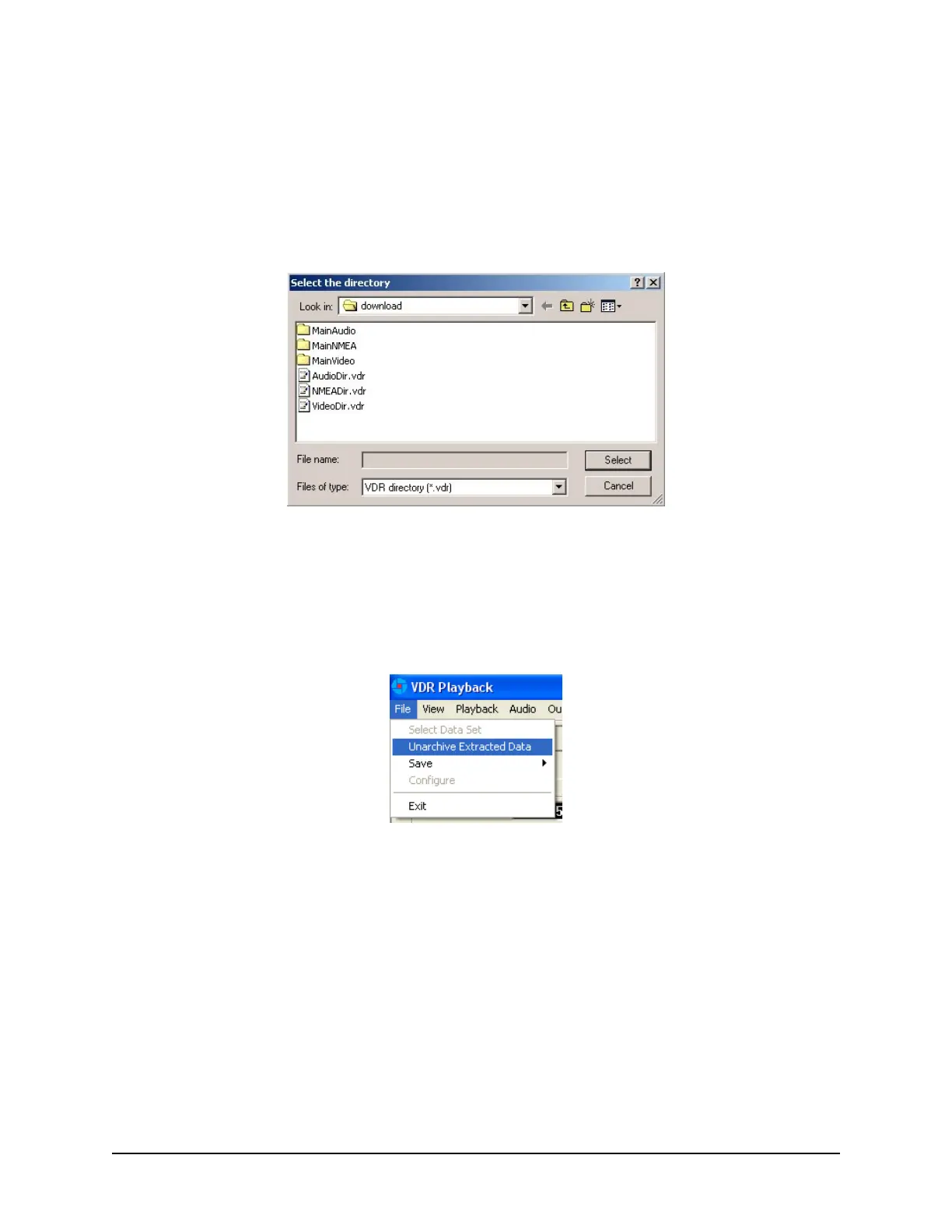
To ensure that the .vdr files are being displayed (and not hidden by the operating system), follow these
steps:
1. Open Windows Explorer
2. Select ‘Folder Options’ from the ‘Tools’ menu
3. Select the ‘View’ tab
4. Ensure that ‘Show Hidden Files and Folders’ is selected
5. Press the ‘OK’ button.
Figure 6-7 - Choose a .vdr File
6.3.1 Unarchive Extracted Data
Data for playback can also be chosen from a previously extracted data archive. If a portion of data has
been previously extracted and archived it can be opened for playback via the File > Unarchive Extracted
Data file menu option.
Figure 6-8 - Unarchive Extracted Data
To playback the archived data after selecting the “Unarchive Extracted Data” file menu option, a user will
have to locate the .rfa (archive) file and select a folder to which the data can be extracted. Once
extracted, an applicable configuration file will need to be selected in order to continue playback.



 To Next Page