VDR-100G2/G2S Operation User Manual 61
RUT-UM-02-002_Rev. 2.0
7.2.4.1 Video Data Verification
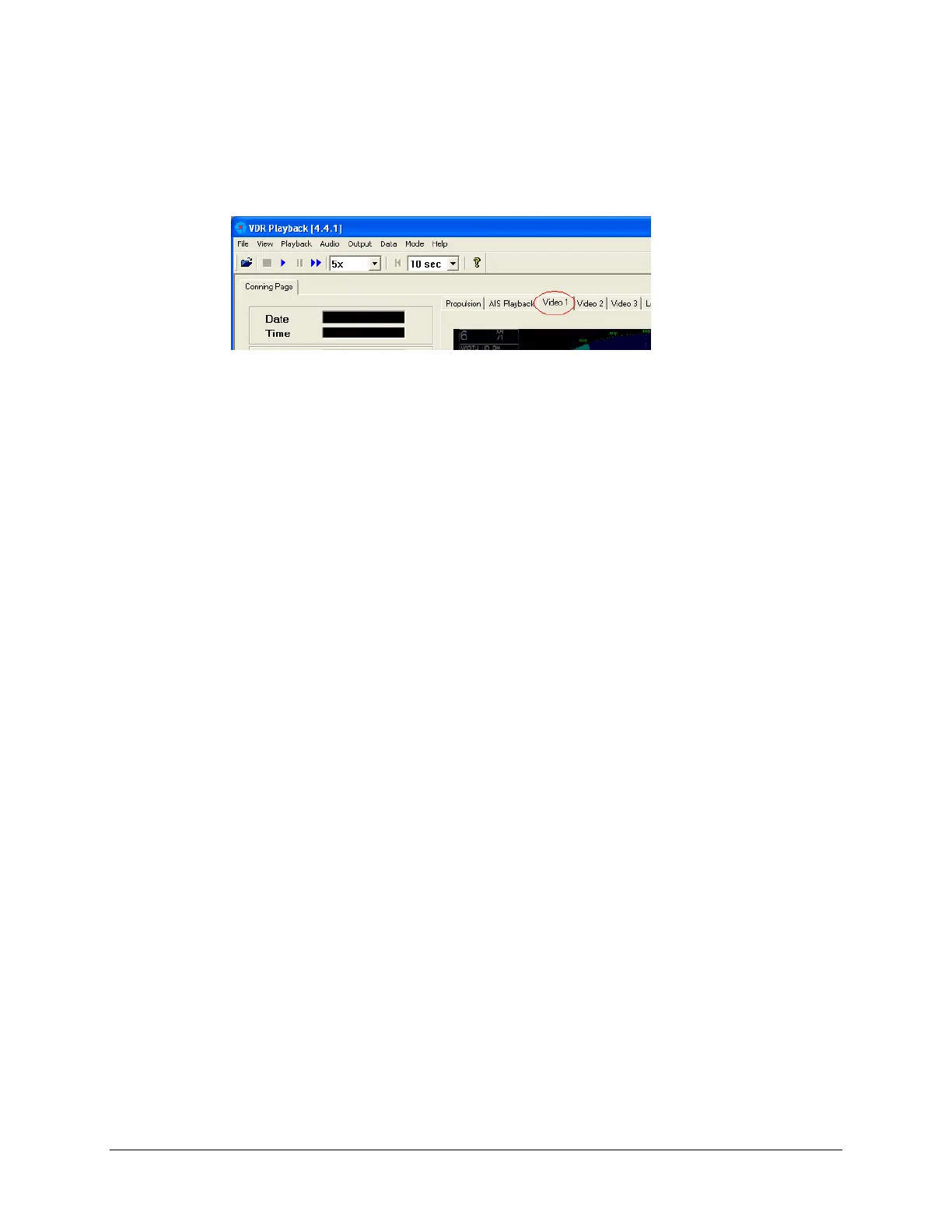
a. Verify that the video is recorded correctly and it is displayed in the appropriate video tabs of
the VDR Playback application.
Figure 7–2: Detail of user interface for VDR playback application.
NOTE: Video images are updated once every 15 seconds for each video tab of the VDR
Playback application. Therefore, the information displayed in a tab may not appear to be
updating. Observe each video tab to ensure that the source screen displays an update of
such items as UTC time, GPS position, etc.
7.2.4.2 Audio Data Verification
a. Enable each audio channel (one at a time) by putting a check next to the one of interest
from the Audio menu. Refer to Playback Software chapter in this manual for instructions
on unlocking Audio and enabling audio channels.
b. With each audio channel enabled, play back the test data set.
c. During playback verify that each voice test pattern from Step 4 is audible and clear.
7.2.4.3 NMEA Data Verification
a. Review the list of sensors that are connected to the VDR/SVDR in the Data Items section
of the ship’s Installation Commissioning Form. This form is delivered to the ship’s
Captain at the time of VDR/SVDR Commissioning.
b. Verify that each NMEA input as listed in the VDR/SVDR’s Commissioning Document is
displayed in the VDR Playback application.



 To Next Page