VDR-100G2/G2S Operation User Manual 53
RUT-UM-02-002_Rev. 2.0
6.10.2.1 Settings
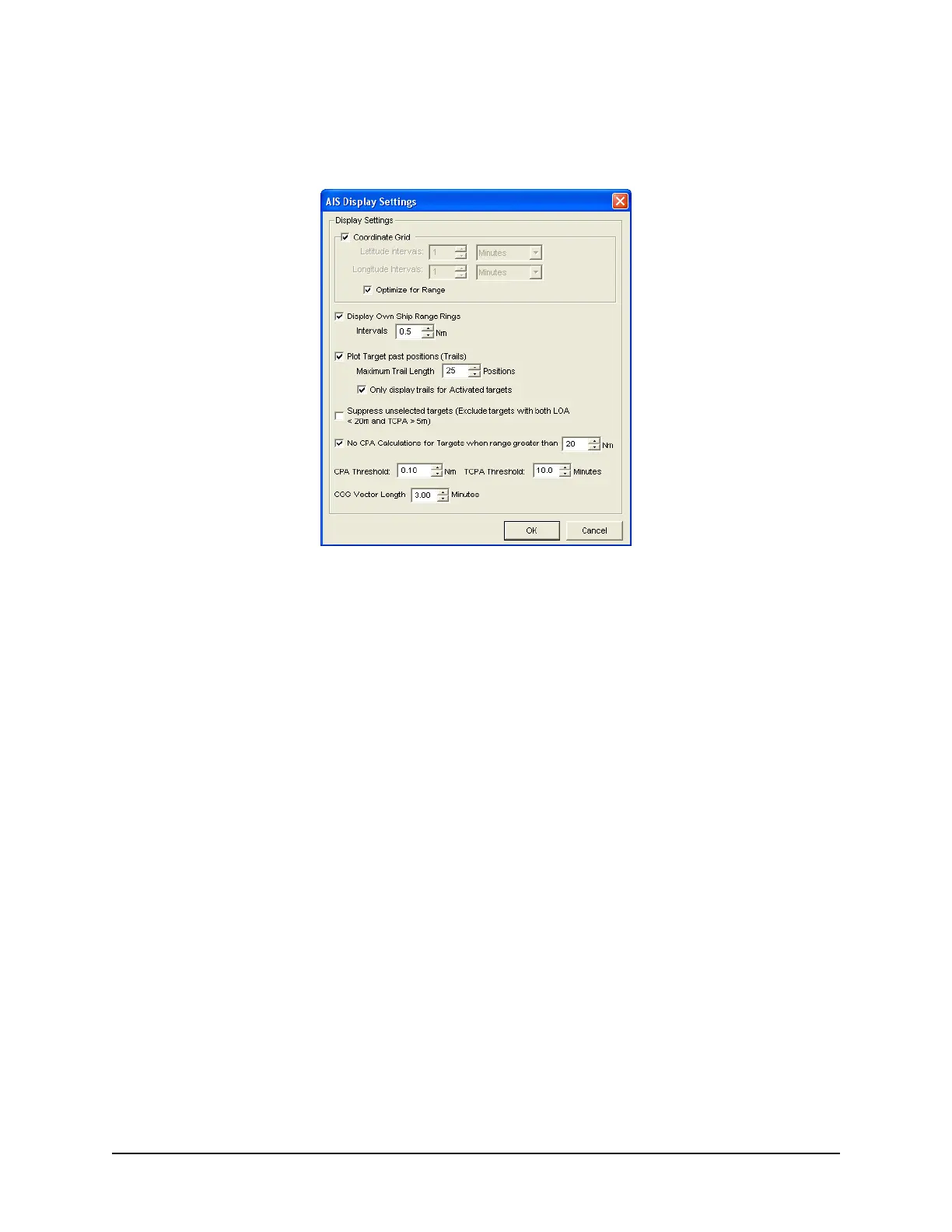
The “Settings” button located in the View Settings section opens an “AIS Display Settings” window. The
settings in this window allow the user to adjust the AIS Playback display.
Figure 6-23 - AIS Display Settings Window
CPA (Closest Point of Approach)
TCPA (Time to Closest Point of Approach)
COG (Course Over Ground)
LOA (Length Over All)
6.10.3 GuardZone
The GuardZone section allows a user to create a guard zone in the view screen. To create a guard zone
press the “Create” button, place the mouse cursor in the view screen area and left-click in the locations
required to create a guard zone shape. Double-click to complete the guard zone formation.
The guard zone can be enabled or disabled by checking or unchecking the “Enabled” checkbox.



 To Next Page