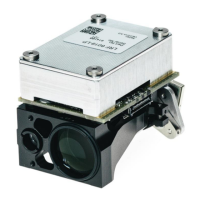
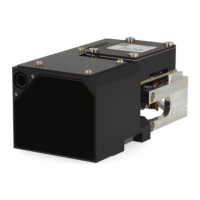
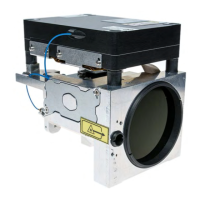
LRF 6019 Integrator Manual
914928_TML_LRF6019_en_Version C
Confidential & Proprietary Safran Vectronix AG – All rights reserved
4) After making sure that you have connected and powered up the interface, selected the right
module, press “Start Search”
5) If the module is found, press OK and the correct interface values are saved. If it is not found,
try once more. If the module is still not found, enter the interface values manually.
6) Press OK to return to the main screen.
(Please note: values above are for illustration only and may differ to your modules requirements)
7) Press “Connect” to establish connection between the LRF Module and the Terminal Program.
The button will change colour.
8) Use the commands as required. Note that the commands change depending on the model
chosen. Make sure you have selected the right module in stage 1.


 To Next Page
 Loading...