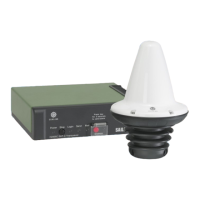
TT-3042D Remote Alarm / Printer Unit
TT-3042D Remote Alarm / Printer UnitTT-3042D Remote Alarm / Printer Unit
TT-3042D Remote Alarm / Printer Unit System Installation
System InstallationSystem Installation
System Installation
25-Jul-00
25-Jul-0025-Jul-00
25-Jul-00 Page
PagePage
Page 3-51
3-513-51
3-51
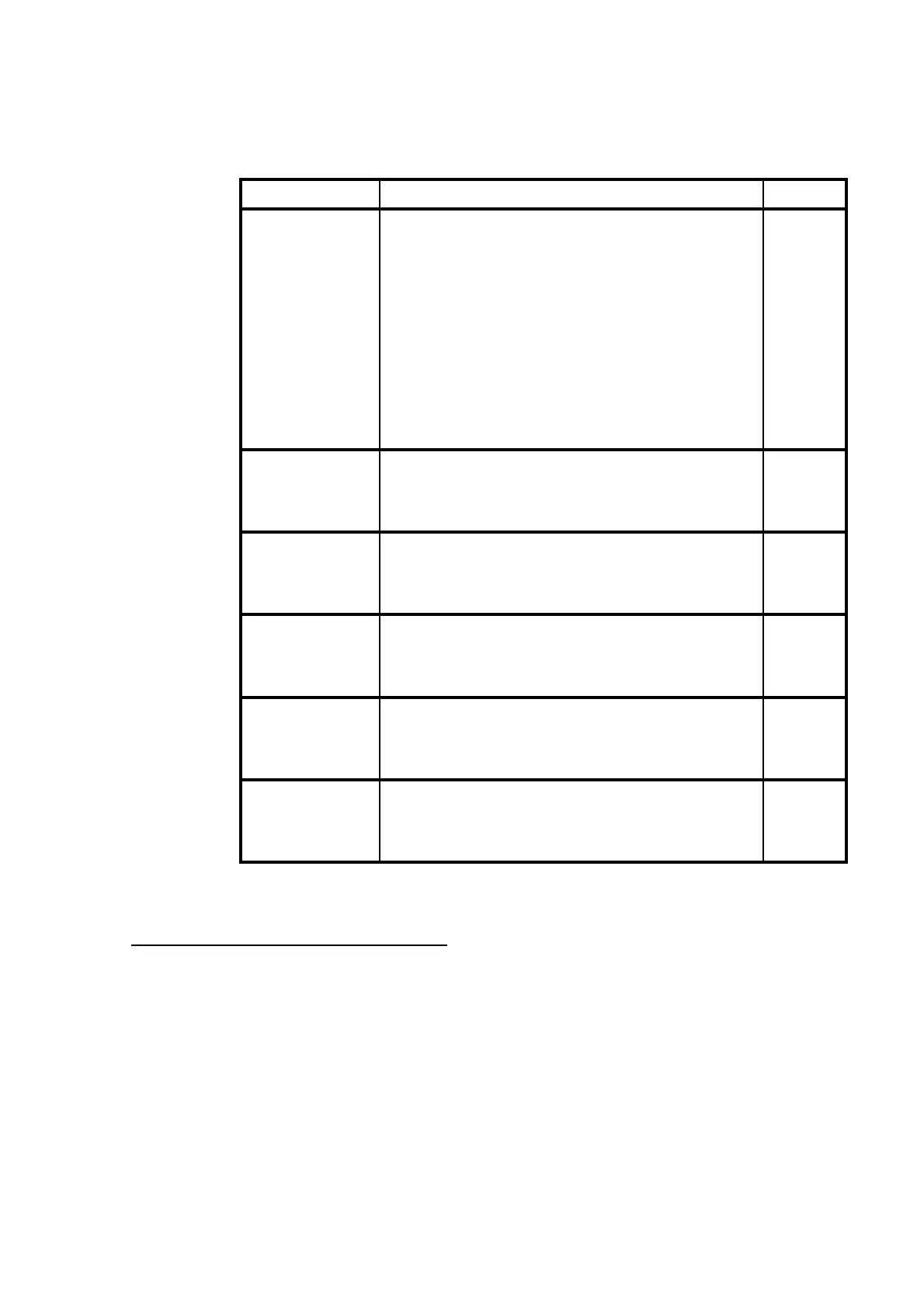
Position Setting Fact.
Address
1-3 off,off,off: 1 1
off,off,on: 2
off,on,off: 3
off,on,on: 4
on,off,off: 5
on,off,on: 6
on,on,off: 7
on,on,on:
8
1
Printing Direction
4 on: Reverse off
off: Normal
Sounder Timeout
5 on 10 sec. Timeout
off no timeout off
NMEA/Aux.Port
6 on:
NMEA 0183
2
NMEA
off:
Serial data
3
Dot Energy
7 on: High High
off: Normal
Printing Width
8 on: 40 Chars per line 80
off: 80 Chars per line
Table 29 TT-3042D DIP switch settings.
1
When this address is selected the TT-3042D is configured as local
printer. This address should not be used if a TT-3608A Hard Copy Printer
is connected to the TT-3020C transceiver.
2
Jumper W2 and W9 should be in position 1-2 (low) in Rx mode to
achieve optical isolation, else position 2-3 (high).
3
Jumper W2 and W9 must be in position 2-3 (high).
Document Nr: I-MA-3010.68-5510-762-IVT-312


 To Next Page