Functional description
Functional descriptionFunctional description
Functional description Installation - TT-3020C
Installation - TT-3020CInstallation - TT-3020C
Installation - TT-3020C
25-Jul-00
25-Jul-0025-Jul-00
25-Jul-00 Page
PagePage
Page 2-5
2-52-5
2-5
on the rear panel of the TT-3020C Transceiver, and the remote
on/off wire (white) in the DC input cable. Please see Table 5 for
more information about remote on/off. The priority of the differ-
ent functions are defined in Table 4.
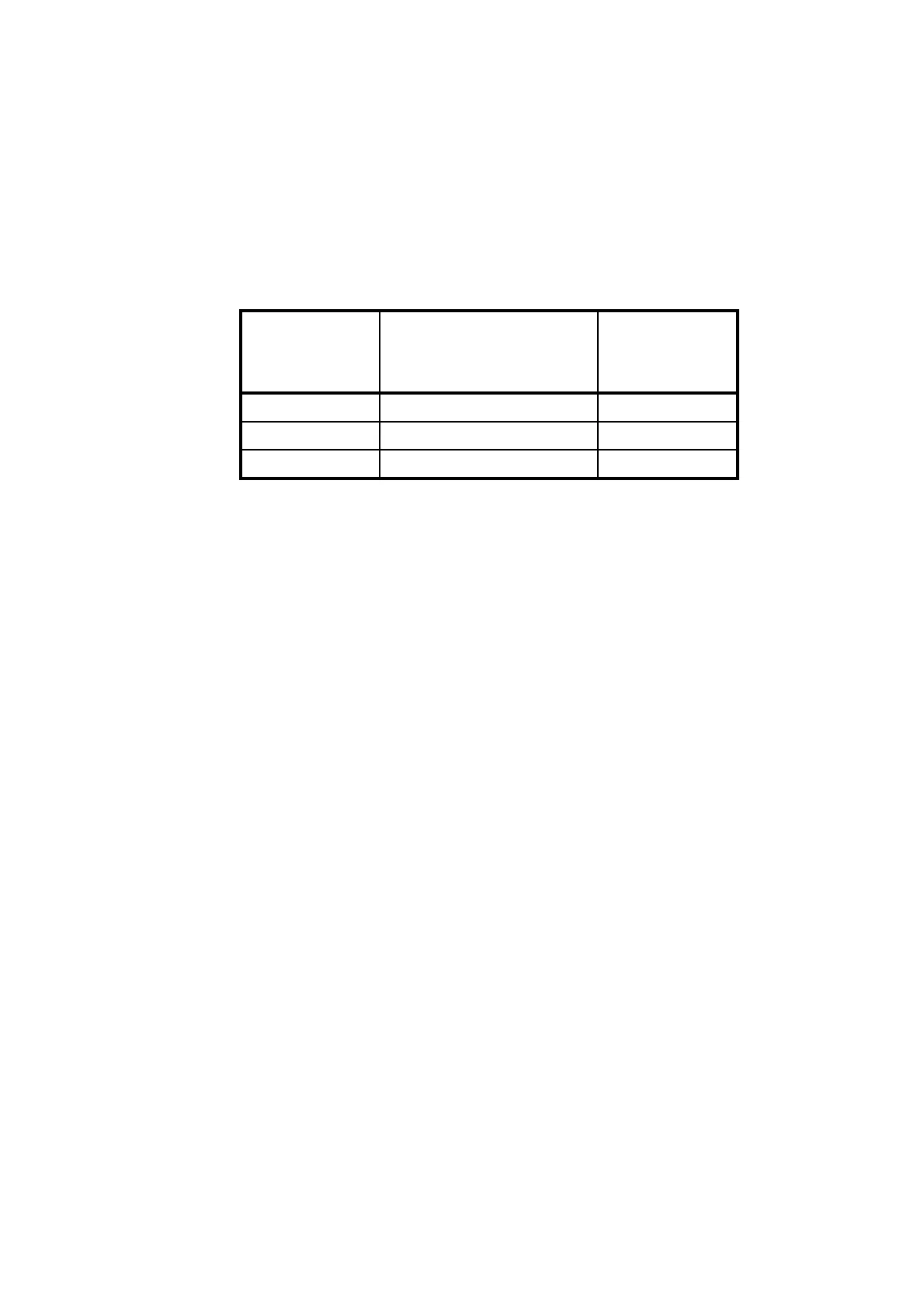
Master on/off
switch S1
Remote on/off by the
input DC cable (pin 6,
white)
TT-3020C
Transceiver
on/off
0x Off
10 Off
11 On
Table 4 TT-3020C Capsat Transceiver ON/OFF overview
‘’1’’ - feature active
‘’0’’ - feature disable
‘’x’’ - don’t care
2.4.2 Front indicators and buttons
The functions of the five indicators, the Stop and Alarm buttons
are as follows.
The Power indicator will always be on when there is DC-power
on the Transceiver.
The Stop button is used to set the serial port to the default values.
If this button is pressed at power-on the serial port is set to 4800
baud, 8 databits, no parity, 1 stopbit. If the button is pressed after
the Transceiver is turned on, nothing will happen. The Stop but-
ton can also be used for switching off the Distress indicator
when the distress acknowledge has been received. Finally the
Stop button can be used for initiating a manual positioning report
if the transceiver is configured for this operation.
Document Nr: I-MA-3010.68-5510-762-IVT-312


 To Next Page