Sam4S 230, 3xx, 4xx, 52xx Electronic Cash Register AU Getting Started • 33
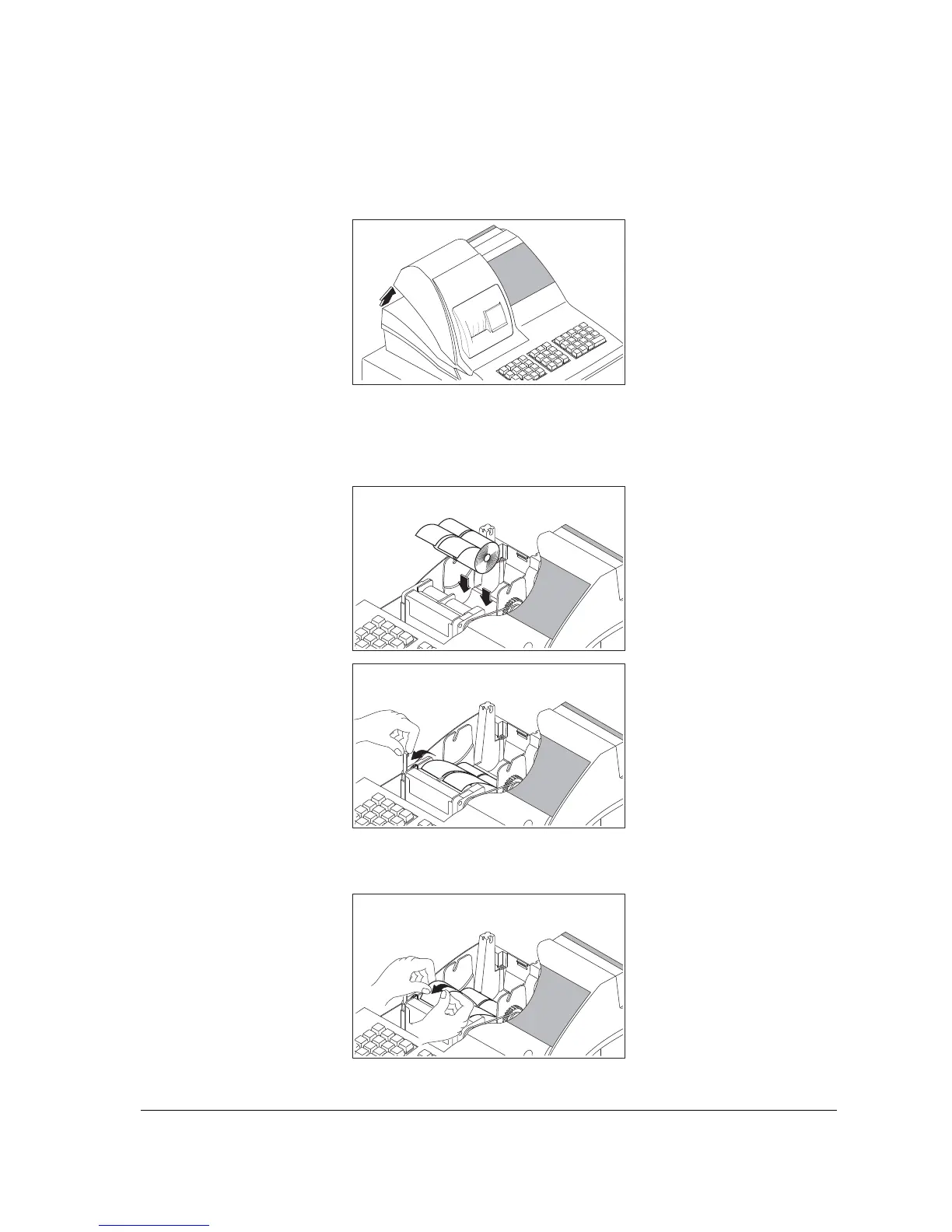
For ER-4xx series (ER-420M shown in the picture):
1. Remove the printer cover.
2. For proper feeding through the print head, cut or tear a straight even edge on the end of the
paper roll. (Be sure to remove any paper with glue residue.) Place the paper roll in the paper
holder so that the paper will feed from the bottom of the roll.
3. Insert the end of the paper into the paper slot.



 To Next Page