108 • Service Mode Reference Guide SAM4s ER-285M Operator's and Program Manual v1.4
Clear All Totals
1. Turn the control lock to the S position.
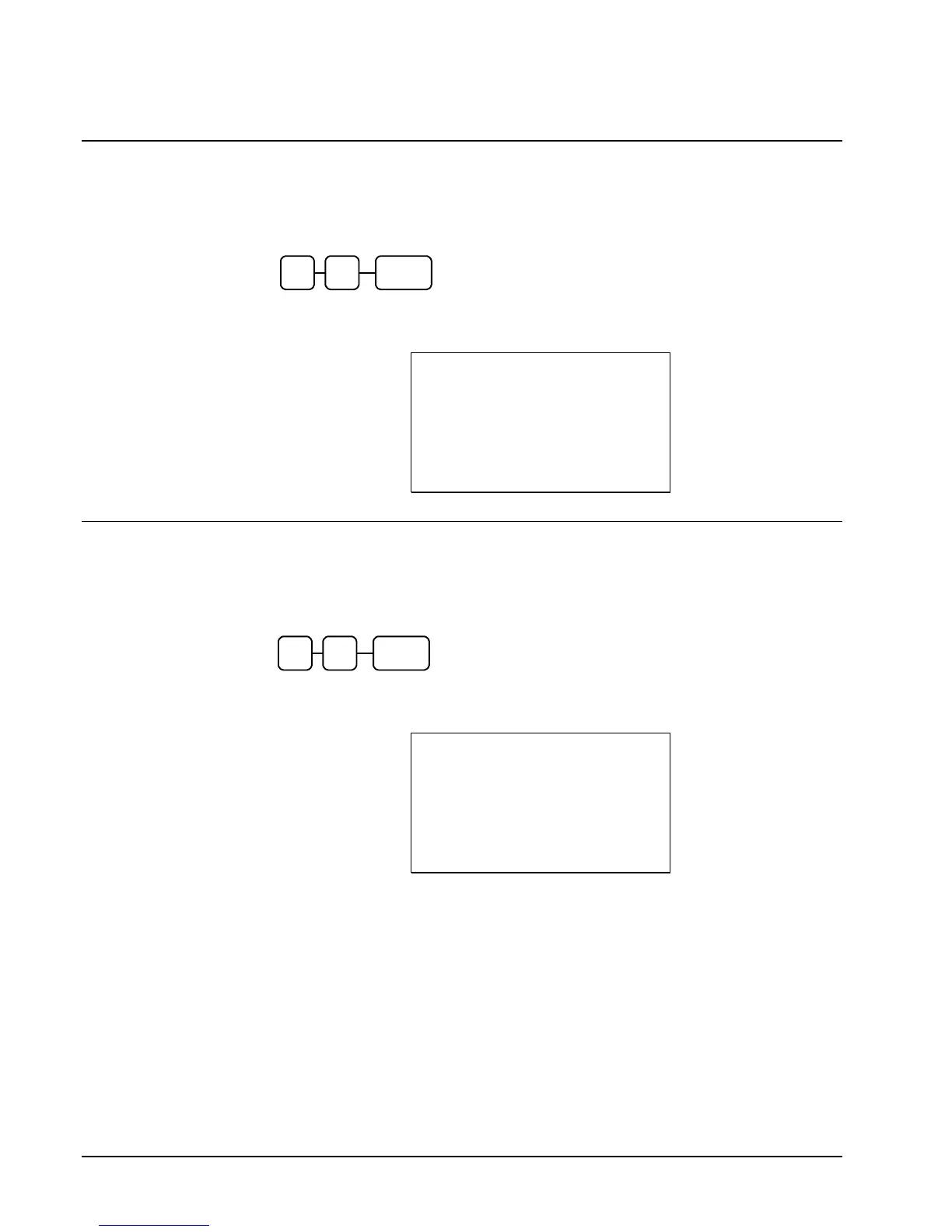
2. To reset all register totals and counters, enter 20, and then press the SUBTOTAL key.
0
SUB
TOTAL
2
3. The display reads “CLEAR TOTALS” and register prints a receipt.
DATE 03/09/2007 FRI TIME 01:32
********************************
ALL TOTAL CLEAR
********************************
CLERK 1 000046 00000
Clear Grand Total
1. Turn the control lock to the S position.
2. To reset only the Grand Total, enter 30, and then press the SUBTOTAL key.
0
SUB
TOTAL
3
3. The display reads “CLEAR GRAND TOT.” and register prints a receipt.
DATE 03/09/2007 FRI TIME 01:32
********************************
GRAND TOTAL CLEAR
********************************
CLERK 1 000046 00000



 To Next Page