SAM4s ER-285M Operator's and Program Manual v1.4 Quick Start Guide • 31
Quick Start Step #5: Basic Operations
Clerk Sign-On
You must sign on a clerk to operate the register. The default ER-285M will allow 15 different
clerks to sign on and operate the register, using the clerk code numbers 1 through 15.
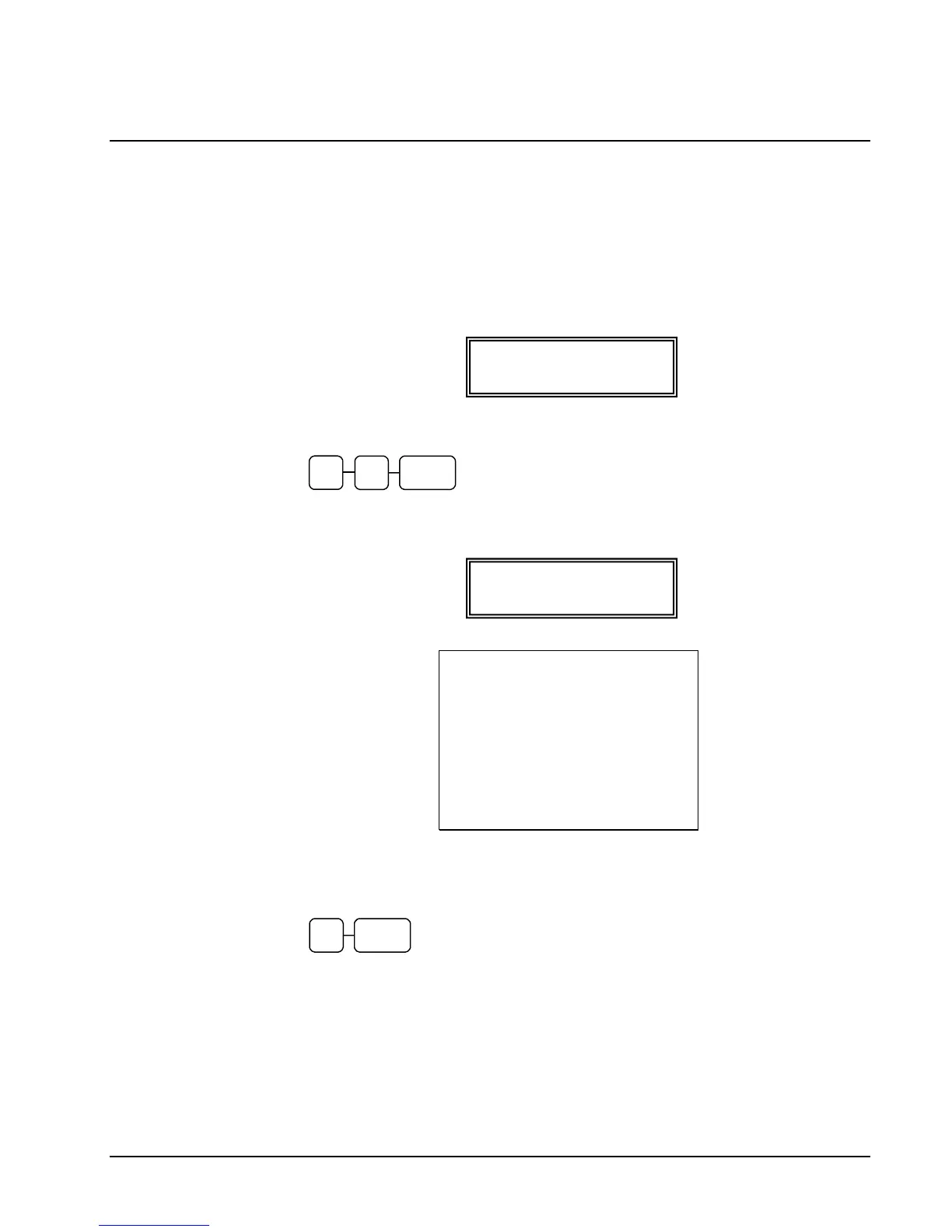
1. Turn the control lock to the REG position. When no clerk is signed on, the display
reads “CLOSED”:
2. To sign on a clerk, enter the clerk number (1 to 15) and press the clerk key.
CLERK
3. The “CLOSED” message no longer displays and the register prints a clerk log in
chit:
DATE 01/10/2007 WED TIME 15:36
X 1 REPORT 00001
********************************
CLERK LOG IN
********************************
CLERK 1 $01
CLERK LOG IN TIME 22:42
CLERK 1 000218 00000
4. To sign the clerk off, enter 0 (Zero) and press the clerk key. The “CLOSED”
message displays and the register prints a clerk log out chit.
0 CLERK
REGISTER MODE
CLOSED
REGISTER MODE



 To Next Page