SAM4s ER-285M Operator's and Program Manual v1.4 Operator Reference Guide • 77
Return Merchandise Registrations
If you wish to return or refund an item press RETURN, then re-enter any item. You can
return merchandise as part of a sale, or you can return merchandise as a separate transaction
and return cash to the customer.
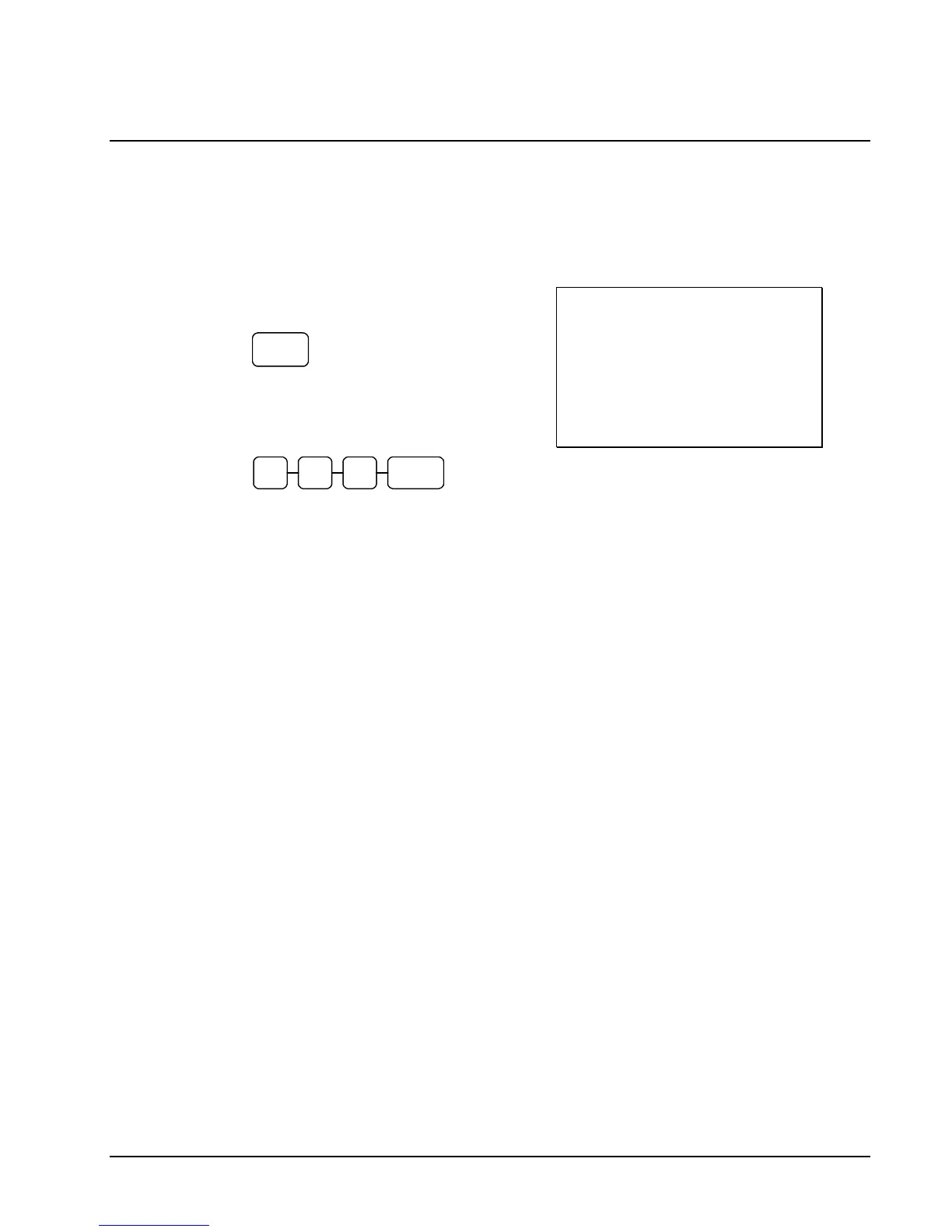
1. Press RETURN:
RETURN
2. Enter the price of the item you wish to
return, and then press the PLU key where
it was registered originally.
2
9 9 2
3. Total the sale with CASH, CHECK, or a
CHARGE function.
DATE 01/10/2007 WED TIME 08:33
RETURN *************************
PLU2 T1 -2.99
TAX1 AMT -0.18
TOTAL -3.17
CASH -3.17
CLERK 1 NO.000011 00001



 To Next Page