62 • Operator Reference Guide SAM4s ER-285M Operator's and Program Manual v1.4
Keyboard PLU Multiplication
When several of the same items are to be entered into the same PLU, you can use
multiplication. You can enter a quantity (1 to 999.999) using the X/TIME key. You can
multiply open or preset PLUs.
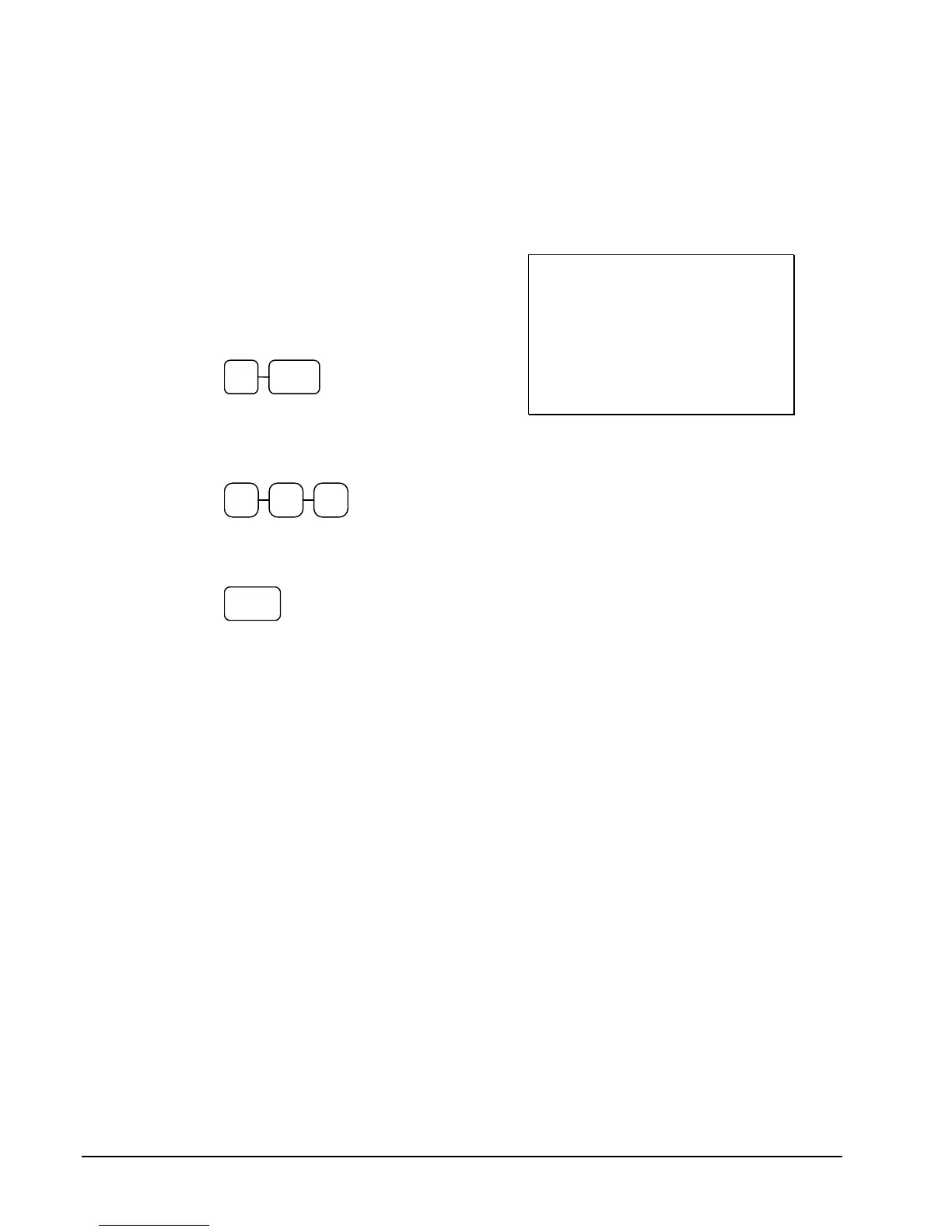
1. Enter the quantity of items being
purchased, and then press the X/TIME
key. For example, enter 4 on the numeric
key pad and press the X/TIME key:
4 X/TIME
2. Enter an amount on the key pad. Do not
use the decimal key. For example, for
$1.99, enter:
1 9 9
3. Press a PLU key. For example, press
PLU 1:
1
DATE 03/09/2007 FRI TIME 01:32
4X @1.99
PLU1 T1 $7.96
TAX1 $0.48
TOTAL $8.44
CASH $8.44
CLERK 1 NO.000011 00001


 To Next Page