SAM4s ER-285M Operator's and Program Manual v1.4 Program Mode Reference Guide • 197
Program Backup and Restore
You can use an SD flash memory card to backup and restore the full program. The program
data is saved in a separate folder named with the store name be programmed in system option
#30.
The SD card can also be used to save reports, which can then be viewed on a PC using the
ER-280 PC Utility. The report data is saved in a separate folder named with current date and
time
Note: If you are Using an SD Card for the First Time . . .
Caution: Formatting the SD card will clear all data on the SD card and prepare it for use.
1. Start Windows Explorer.
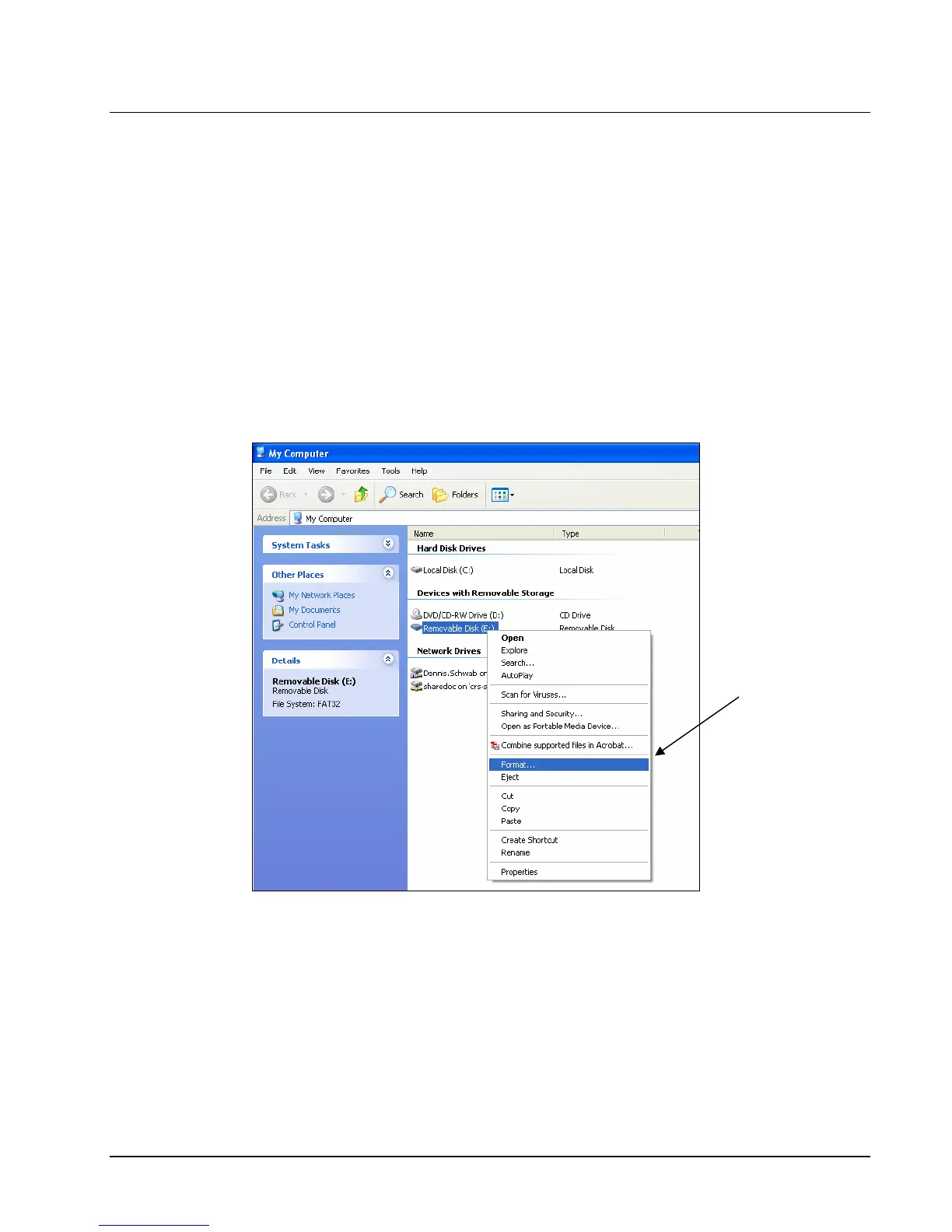
2. Select the SD card drive, right click and select Format. (Win XP screen shown; slightly
different procedures are used with different operating systems.)
Select
“Format…”



 To Next Page