SAM4s ER-285M Operator's and Program Manual v1.4 Operator Reference Guide • 59
Receipt On and Off
Press the RECEIPT ON/OFF key to toggle the receipt status from ON to OFF. If the
RECEIPT ON/OFF is not present on your keyboard, use this procedure to set receipt status.
1. Turn the control lock to the X position.
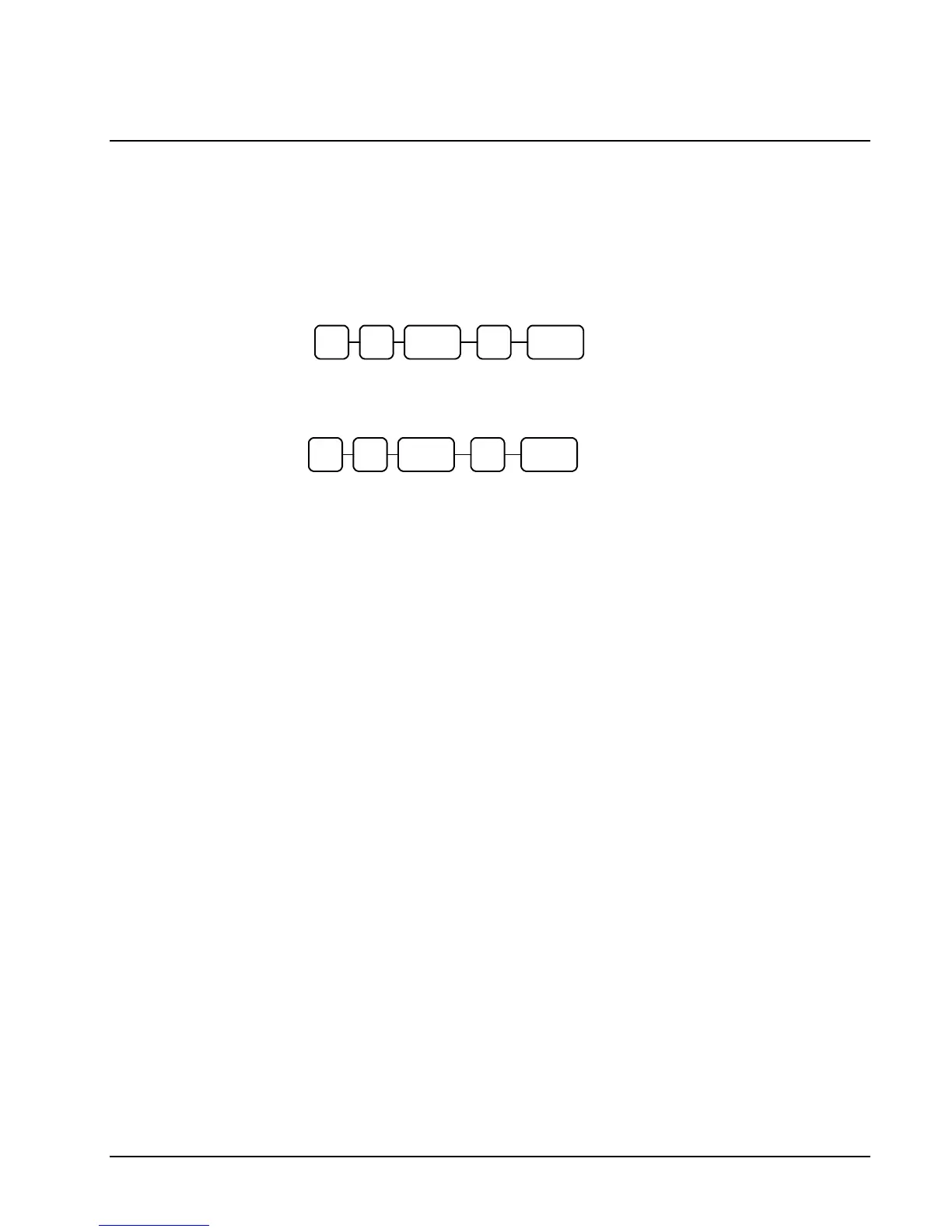
2. To turn the receipt off, enter 9 9, press the SUBTOTAL key. Enter 1, press
CASH.
1
SUB
TOTAL
9 9 CASH
3. To turn the receipt on, enter 9 9, press the SUBTOTAL key. Enter 0, press
CASH.
0
SUB
TOTAL
9 9 CASH



 To Next Page