180 • Program Mode Reference Guide SAM4s ER-285M Operator's and Program Manual v1.4
Program 610 - Mix & Match Description Programming
By default, descriptors are programmed by entering three-digit alpha codes. If you
wish to program descriptors by typing descriptors on the alpha keyboard overlay you
must select ‘Yes’ in system option #32 (See “System Option Programming” on page 138).
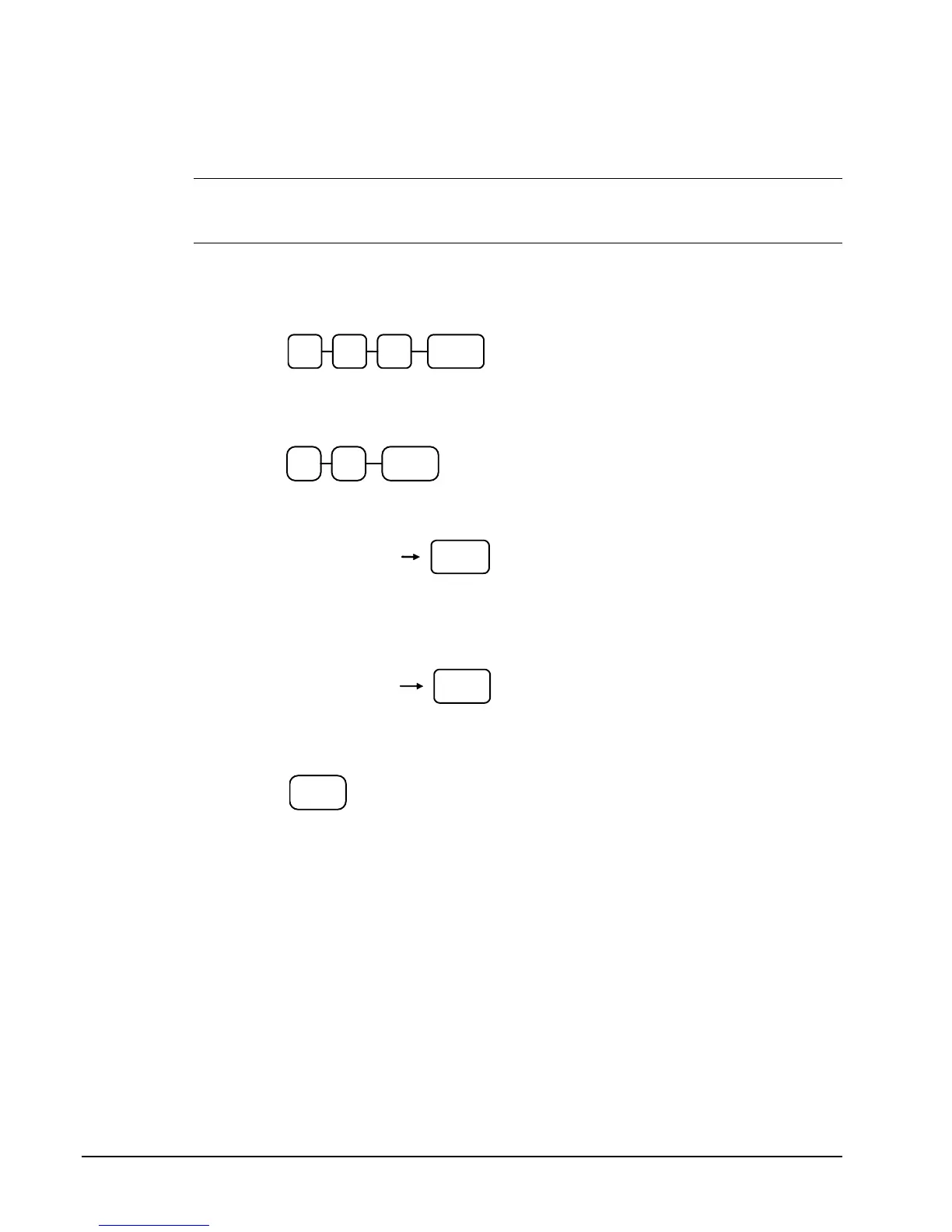
1. Turn the control lock to the PGM position.
2. To begin the program, enter 6 1 0, press the SUBTOTAL key.
0
SUB
TOTAL
1 6
3. Enter the number of the M&M table you wish to program; press the X/TIME
key.
X/TIME
If you are programming using alpha overlay;
SBTL
Type up to 18
descriptor keys
or,
Enter up to 18
three-character
codes
SBTL
4. Press the CASH key to finalize the program.
CASH



 To Next Page