178 • Program Mode Reference Guide SAM4s ER-285M Operator's and Program Manual v1.4
Mix & Match Programming
Retailers often offer discounts when multiples of different items are purchased. For example,
the offer: “save $5 on any three bottles of wine” can be handled by a mix and match discount.
The default ER-285M can accommodate up to 10 different mix and match discounts, the total
can be increased through memory allocation.
Mix & Match Tables have the following programming options that are set through separate
programs:
• Program 600 - Trip Level Programming sets the number of items that must be
purchased to receive the discount.
• Program 601 - Price Programming sets the amount of the discount
• Program 610 - Mix & Match Description Programming allows you to set a
unique, up to 18character, descriptor for Mix & Match Table.
• The mix & match discount can be set to be taxable (tax the net amount) or non-
taxable (tax the gross amount). See system option #31 in “System Option
Programming” on page 138.
You also must link eligible items to the appropriate table. See “Program 450 - PLU Mix &
Match Programming” on page 137 to identify the mix and match table for the eligible PLU.
Program 600 - Trip Level Programming
1. Turn the control lock to the PGM position.
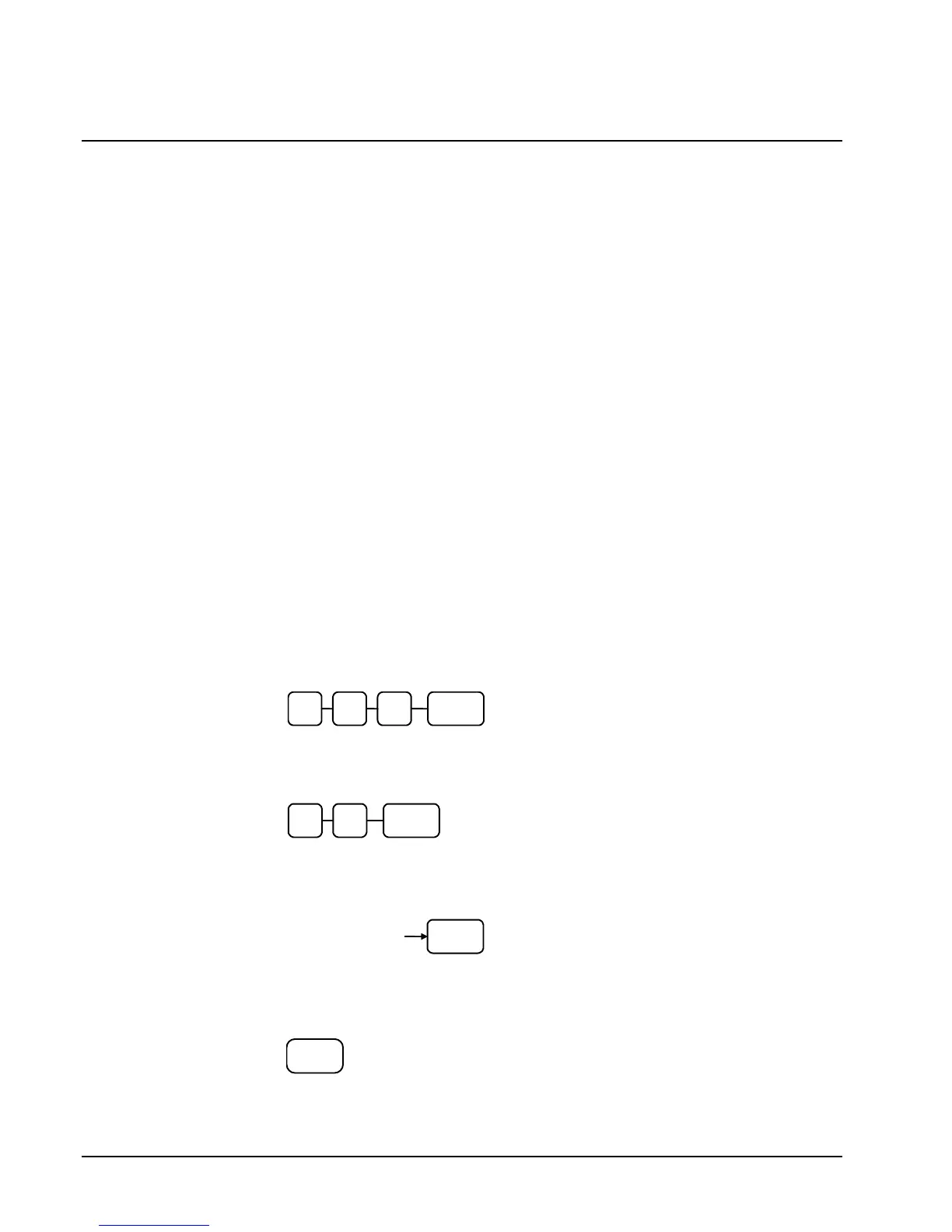
2. To begin the program, enter 6 0 0, press the SUBTOTAL key.
0
SUB
TOTAL
0 6
3. Enter the number of the M&M table you wish to program; press the X/TIME
key.
X/TIME
4. Enter a level of up to 5 digits (The Maximum Level you can enter is 30000)
press the SUBTOTAL key.
SBTL
Enter the level up
to 5 digits
5. Repeat from step 3 for each table you wish to program. Press the CASH key to
finalize the program.
CASH



 To Next Page