SAM4s ER-285M Operator's and Program Manual v1.4 Quick Start Guide • 19
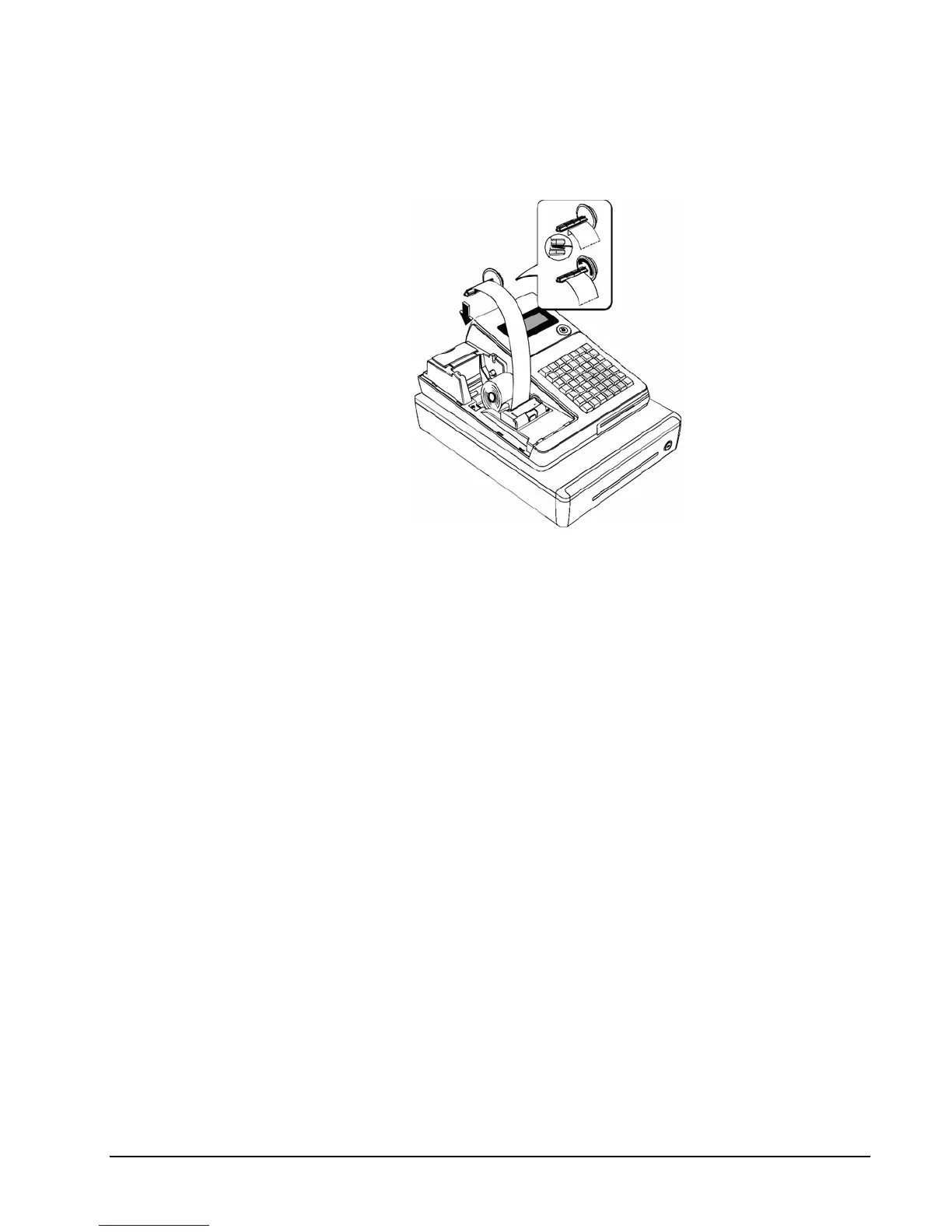
5. If you wish to use the printer to print a sales journal, insert the paper into the paper
take-up spool. Wind the paper two or three turns around the spool shaft and install the
spool in the mount. (Print option #31 must be set to allow journal printing. See
“Print Option Programming” on page 143.)
.



 To Next Page