98 • Operator Reference Guide SAM4s ER-285M Operator's and Program Manual v1.4
Adding to a Hard Check
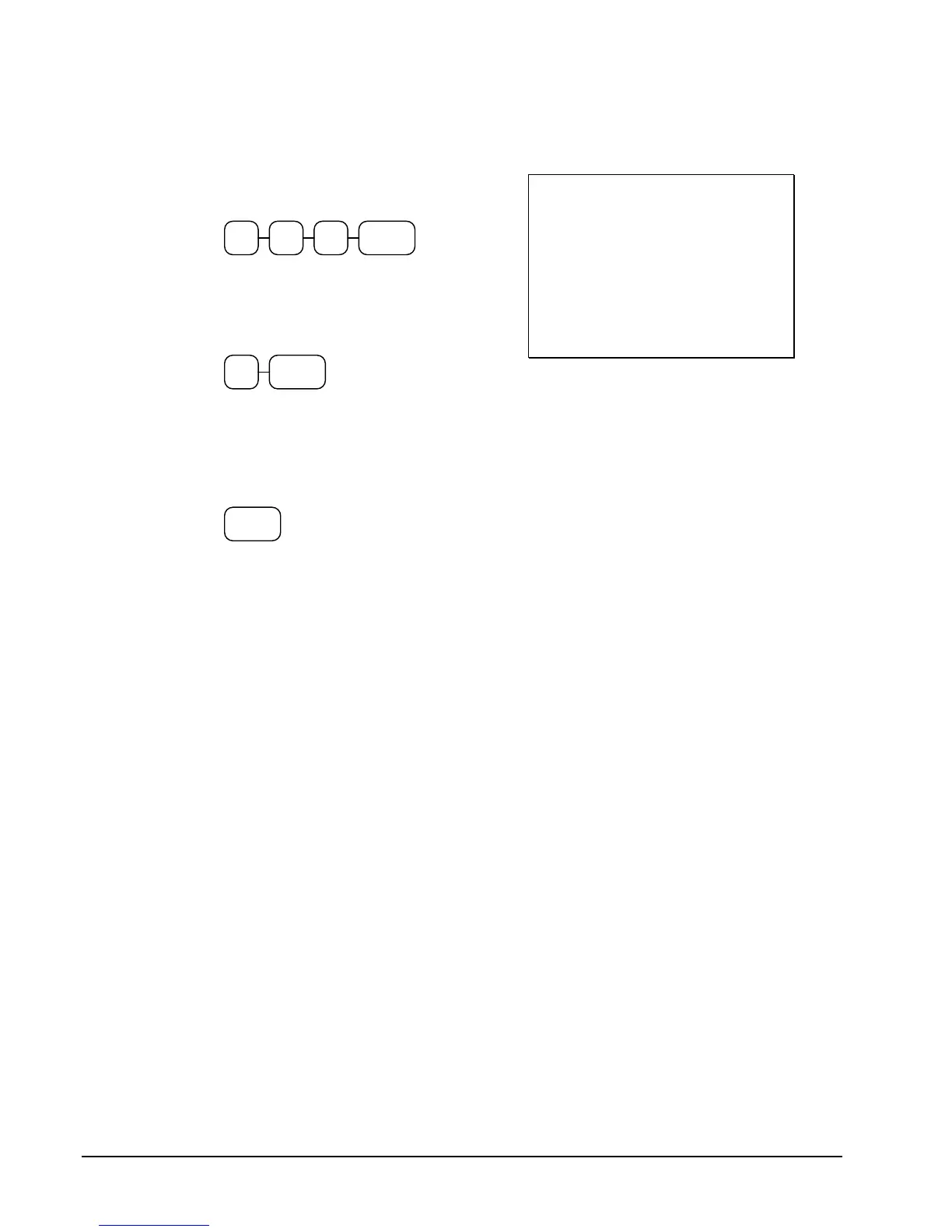
1. Enter the number of the guest check,
press the CHECK # key:
CHECK#31 2
or, if you entered a table number, enter
the table number and press the TABLE
key:
TABLE3
2. Register the next items you wish to sell.
3. Place a slip in an optional slip printer, the
check will print automatically when you
press SERVICE:
SERVICE
Receipt Example:
DATE 01/10/2007 WED TIME 08:33
CHECK # #123
PBAL $17.00
TABLE #3
GARLIC BREAD $2.00
SERVICE $2.00
BFWD $19.00
CLERK 1 NO.000012 00001



 To Next Page